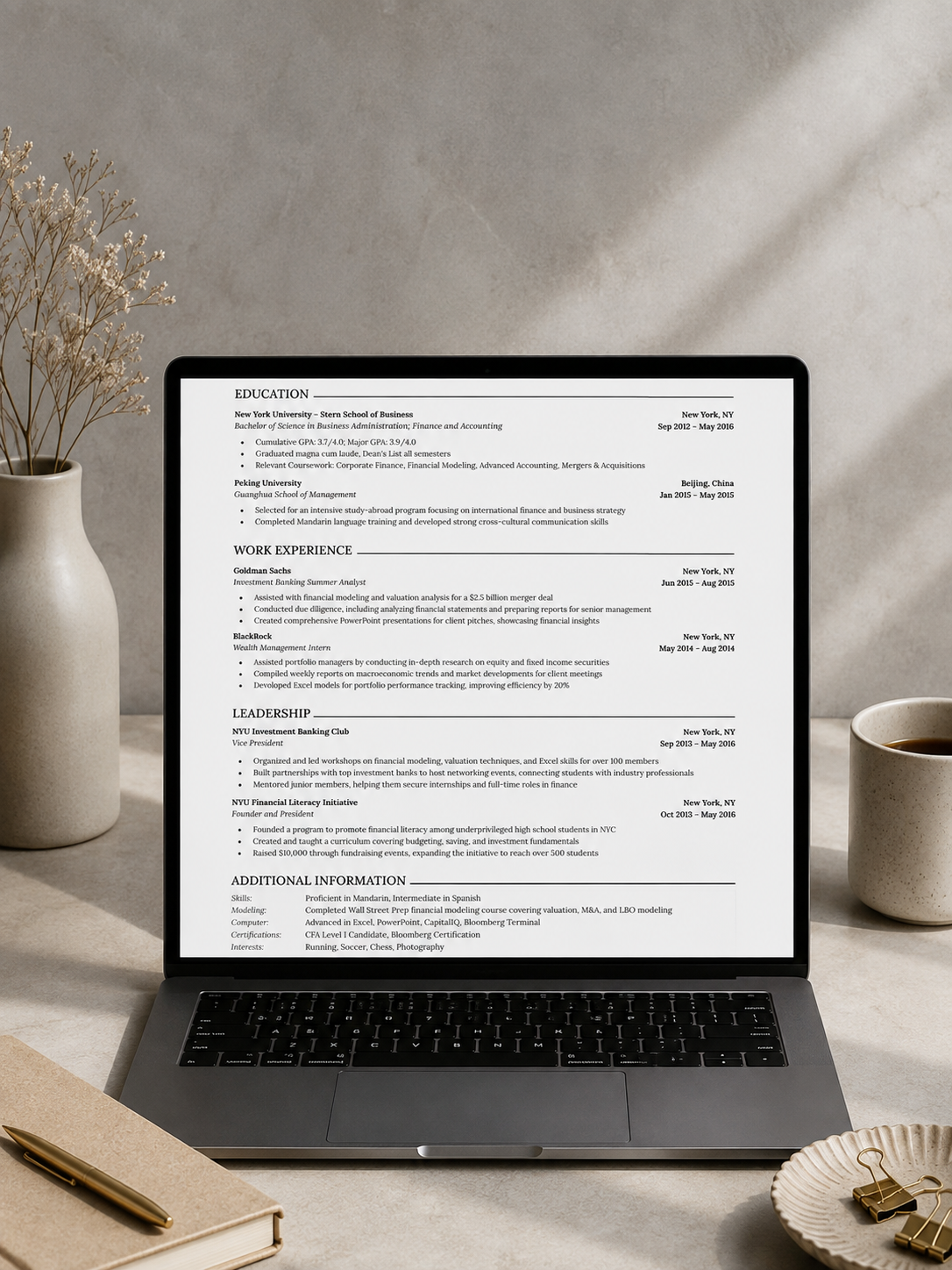
ATS-Friendly CV Template
Struggling to make your CV look organized and professional? This template does the structuring for you.
WHAT YOU GET
✓ A clean, editable CV template in Word, built for ATS software and human recruiters
✓ Primary and Secondary sections clearly labeled, so you know exactly what to keep and what to remove
WHO THIS IS FOR
Students, fresh graduates, and young professionals who want a CV that looks structured, reads clearly, and gets past both software screening and a recruiter's first glance.
HOW IT WORKS
1. Download the Word file
(How to edit your CV template
After downloading, some phones and Google accounts open the file as "Read Only" or "View Only" the first time. This is a safety default, not an error.
If you see this:
1. On phone: Tap the menu (three dots) or the prompt that says "Save a copy to edit," then open the saved copy. It will be fully editable.
2. On Google Docs: Click File, then "Make a copy." Edit the new copy.
3. On Microsoft Word: If you see "Protected View," click "Enable Editing" at the top of the screen.
Once you do this once, the file will open normally every time after.)
2. Delete the sample content and instructions
3. Export or save as PDF before sending to employers
Fully editable. Instant download. Use it for every application going forward.
NOTE:
Due to file limitations, a filled-out sample CV, showing you exactly how a strong CV reads with real numbers and results cannot be uploaded so you will get redirected to it immediately after purchase.