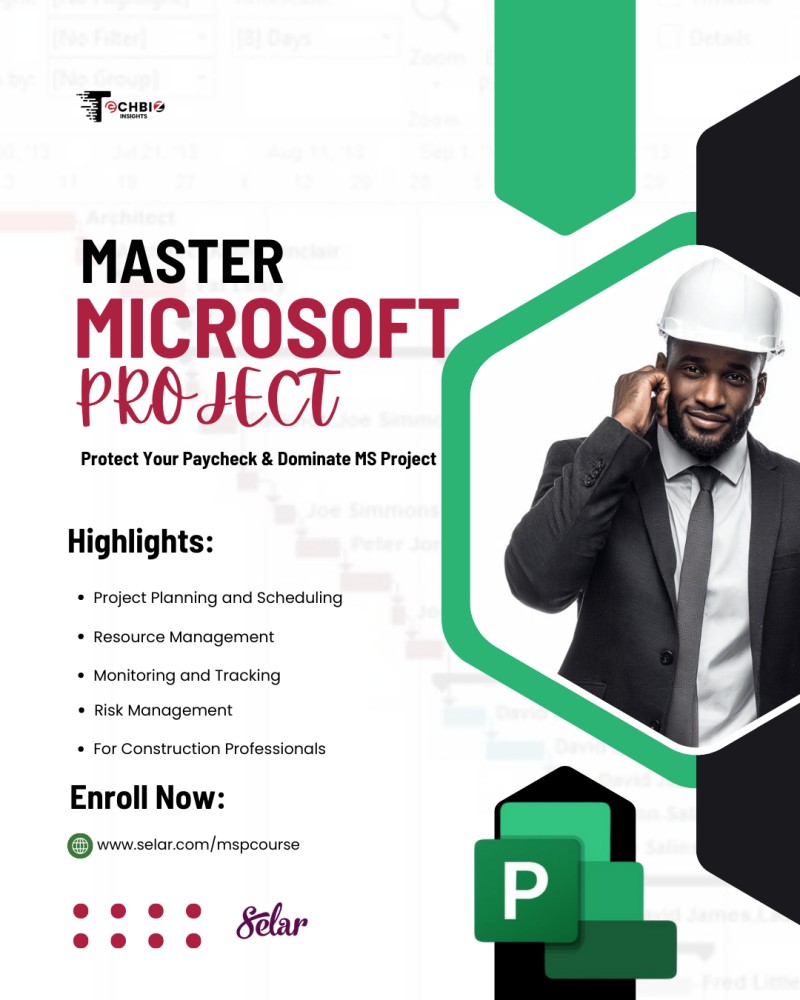
Microsoft Project Online Course

Microsoft Project Online Course
Learn How to Plan, Schedule, Track & Control Projects Like a Professional
Are you struggling with project delays, poor scheduling, or unclear progress tracking?
This Microsoft Project Online Course is designed to help you confidently plan, manage, and execute projects using Microsoft Project, one of the most powerful project management tools used globally across construction, engineering, IT, and business projects.
Whether you’re a beginner or already familiar with project management concepts, this course gives you practical, step-by-step guidance you can apply immediately.
Who This Course Is For
✔️ Project managers
✔️ Construction professionals
✔️ Engineers & planners
✔️ Students & fresh graduates
✔️ Anyone who wants to master Microsoft Project for real-world use
No prior Microsoft Project experience is required.
What You Will Learn
By the end of this course, you will be able to:
✔️ Create realistic project schedules from scratch
✔️ Allocate and manage resources efficiently
✔️ Track progress and update schedules correctly
✔️ Analyze critical paths and delays
✔️ Communicate project timelines clearly to stakeholders
✔️ Manage cost data and generate reports.
Course Curriculum
Module 1: Introduction to Microsoft Project
Gain a solid foundation in Microsoft Project. This module covers the basics, interface, and key features.
Module 2: How to Schedule
Learn the essential skills for project scheduling, including task creation, duration, dependencies, and critical path analysis.
Module 3: How to Allocate Resources
Explore resource allocation in Microsoft Project. Understand resource assignment, leveling, and optimizing resource usage.
Module 4: Tracking and Updating Project Schedule
Discover how to effectively track project progress, update schedules, and manage changes in real-time.
Module 5: How to Use the Timeline View
Learn how to create visually engaging project timelines for better communication and reporting.
Module 6: How to Use the Calendar
Dive into project calendars and working time settings. Understand non-default workweeks and exceptions.
Module 7: Live Example
Experience a practical demonstration of Microsoft Project with a live project example.
Module 8: Cost Data and Reporting
Explore cost management, budget tracking, and generate meaningful project reports.
Module 9: Advanced Project Management Scenarios (Case Studies)
This module takes you beyond basics and shows how Microsoft Project behaves in real-life project problems professionals face on site and in offices.
Module 9.1: Overallocated Resources
Identify over-allocation issues and understand how they affect schedule and cost.
Module 9.2: Resource Reallocation
Learn how to reassign resources properly without breaking the project logic.
Module 9.3: Overtime Management
Apply overtime correctly and see its impact on timelines and project costs.
Module 9.4: Cost Calculation
Understand how Microsoft Project calculates costs based on resources, duration, and rates.
Module 9.5: Mandatory Non-Working Time
Handle enforced breaks, holidays, and downtime without distorting your schedule.
Module 9.6: Resource Leveling
Use automatic and manual leveling to resolve conflicts and stabilize the schedule.
Module 9.7: Hourly Wage Adjustment
Adjust hourly rates and instantly see how wage changes affect total project cost.
Why This Course Works
✔️ Practical & real-world focused
✔️ Designed for actual project environments
✔️ Easy-to-follow video lessons
✔️ Learn once — use forever
This is not just software training.
It’s project control mastery.
What You Get
🎯 Full access to all video modules
🎯 Learn at your own pace
🎯 Skills you can apply immediately on real projects
🎯 Project software
Ready to Stop Guessing and Start Planning Like a Pro?
👉 𝗘𝗻𝗿𝗼𝗹𝗹 𝗡𝗼𝘄 𝗮𝗻𝗱 𝗠𝗮𝘀𝘁𝗲𝗿 𝗠𝗶𝗰𝗿𝗼𝘀𝗼𝗳𝘁 𝗣𝗿𝗼𝗷𝗲𝗰𝘁
.