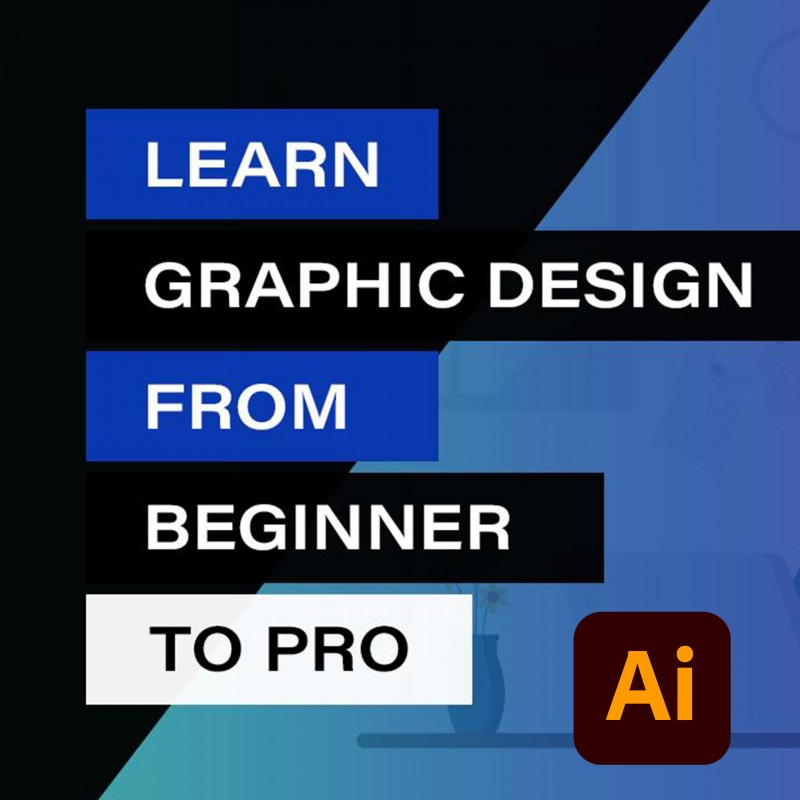
Ultimate Adobe Illustrator Training: From Beginner to Pro
Hy there, my name is Opoku A. Solomon a graphic designer and in this course, we are going to learn everything that you need to know to get started using Adobe Illustrator especially if you are a beginner, this is the course for you. We will start right from exploring the interface of Illustrator to making awesome designs and many others. In this course, we will make sure that you get up and running with Illustrator and more.
I suggest this course is suitable for anybody using Adobe Illustrator CS6 up to the latest version. In my case, I will be using Illustrator 2022.
During this course, we will go through practical real-world examples and projects together. Learning tips, tricks, and techniques to make each project happen.
We will start with exploring the interface of Adobe Illustrator, and we will learn basic tools to complete the project that we are going to undertake.
We will also learn how to complete a Promotional Flyer and Corporate Flyer.
We will walk through how to design your own Business Card and letterhead.
We will learn how to design a Certificate in Illustrator
I will show you how to design Identity Card, a Trifold Brochure, and a Pull Up Stand Design using Adobe Illustrator.
I will easily show you how to design; Wedding Invitation, Birthday Flyer, Poster Design, Logo Design etc.
We will spend some time with text by creating a 3D text effect.
I will share with you, how to go about Product Design as well as creating an exciting Mock-Up Design from Scratch.
I will show you how to design a Desk Calendar and place it in a Mock-Up to showcase how the final printout will look using Adobe Photoshop.
At the end of the course, you will know how to present your final design to your client.
How to export and print your artwork like professional
Also throughout the course, there are going to be exercises that you can practice all the tips, tricks, and techniques you are learning as you move through the course.
So if you’ve never opened up Illustrator or you’ve opened it and struggled a little bit with it follow me and I will show you how to make beautiful artwork in Adobe Illustrator.
PROJECT
Your project is to redesign each of the examples we’ve created in the course. So let's say the first example was teaching us on how to design a promotional flyer using Illustrator. Here your exercise is to practice the same steps used in creating the flyer to help you understand the tips, tricks, and techniques you’ve learned through the course.
When you finished those practice lessons not homework, I will love to see them. Share it at the Student Projects Session, share it with the world and we will comment on it for you.
Thank you.
DOWNLOAD THE SOURCE FILES HERE
Source files are just files used throughout the course. Please you need to download them so you play alongside me. Use the link below to download the source files
https://drive.google.com/file/d/17rY0XhrUkkmVJy279VEUwZ2ZUYsm2oiJ/view
| | T I M E S T A M P S
Part 1. Introduction - 00:00
Part 2. Illustrator Essentials - 02:28
Part 3. How to Design a Promotional Flyer - 22:28
Part 4. Promotional Flyer Design Two - 46:05
Part 5. Corporate Flyer Design - 59:48
Part 6. Business Card Design - 01:07:50
Part 7. Letterhead Design - 01:25:39
Part 8. Certificate Design - 01:33:23
Part 9. Identity Card Design - 01:47:07
Part 10. Trifold Brochure Design - 01:55:52
Part 11. Pull-Up Stand Design - 02:12:33
Part 12. Wedding Invitation Design - 02:27:42
Part 13. Envelop Design - 02:41:47
Part 14. Design a Birthday Flyer - 02:47:59
Part 15. Poster Design - 02:56:22
Part 16. Logo Design - 03:11:43
Part 17. Create 3D Text Effect - 03:31:16
Part 18. Product Packaging Design - 03:35:48
Part 19. Place Product Design on Mockup - 03:55:12
Part 20. Mockup Design - 04:00:24
Part 21. Desk Calendar Design - 04:05:38
Part 22. Presentation of your Project - 04:1716
Part 23. Final Words - 04:32:05