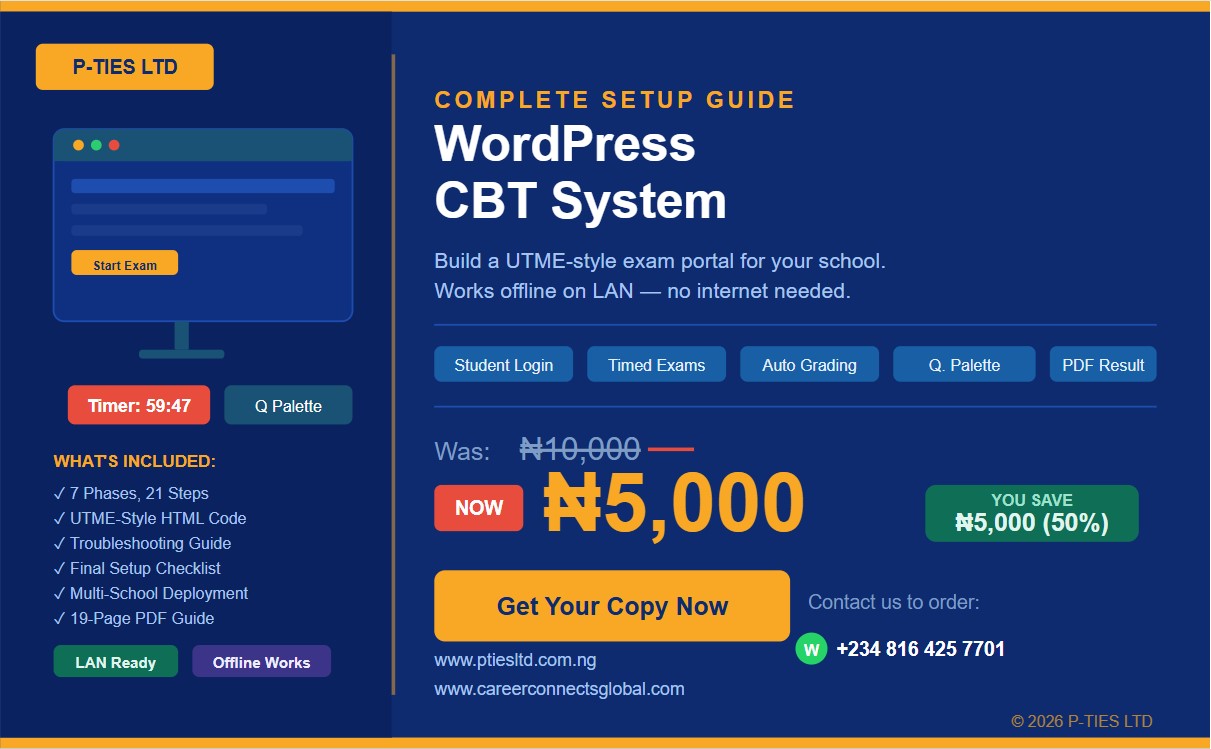
WordPress CBT System — Complete Setup & Implementation Guide
Build a fully working school CBT exam system from scratch — no coding experience needed.
Are you a school owner, ICT teacher, or education entrepreneur who wants to run professional Computer-Based Tests (CBT) for your students — without paying expensive developers or buying costly software?
This step-by-step PDF guide shows you exactly how to build a complete CBT examination portal using free tools, running offline on your school's local network.
What you will be able to do after reading this guide:
✅ Set up a fully working CBT portal on any Windows laptop ✅ Create timed exams that auto-grade and show results instantly ✅ Register hundreds of students in seconds using a simple CSV file ✅ Upload your entire question bank from Word or Excel ✅ Give students a professional UTME-style exam experience with a question palette, countdown timer, and answer tracking ✅ Print or download student result slips as PDF ✅ Run everything offline on your school LAN — no internet required ✅ Copy and deploy the same system to multiple schools
Who is this for?
This guide is for secondary school teachers, ICT coordinators, school proprietors, education consultants, and anyone setting up a CBT centre who wants a practical, working system without the technical headaches.
What is inside the guide?
📘 19 pages of clear, practical steps ⚙️ 7 Phases covering everything from server setup to exam management 🛠️ 21 numbered steps with exact instructions and screenshots 🔧 Troubleshooting section covering 11 common problems ✅ Final checklist before going live 💾 Complete UTME-style HTML interface code — ready to paste and use 🏫 Guide to copying the system to other schools
Tools used — all 100% free: XAMPP · WordPress · Quiz And Survey Master · Elementor · WP User Manager
Price: ₦5,000 (Regular price: ₦10,000 — limited time offer)