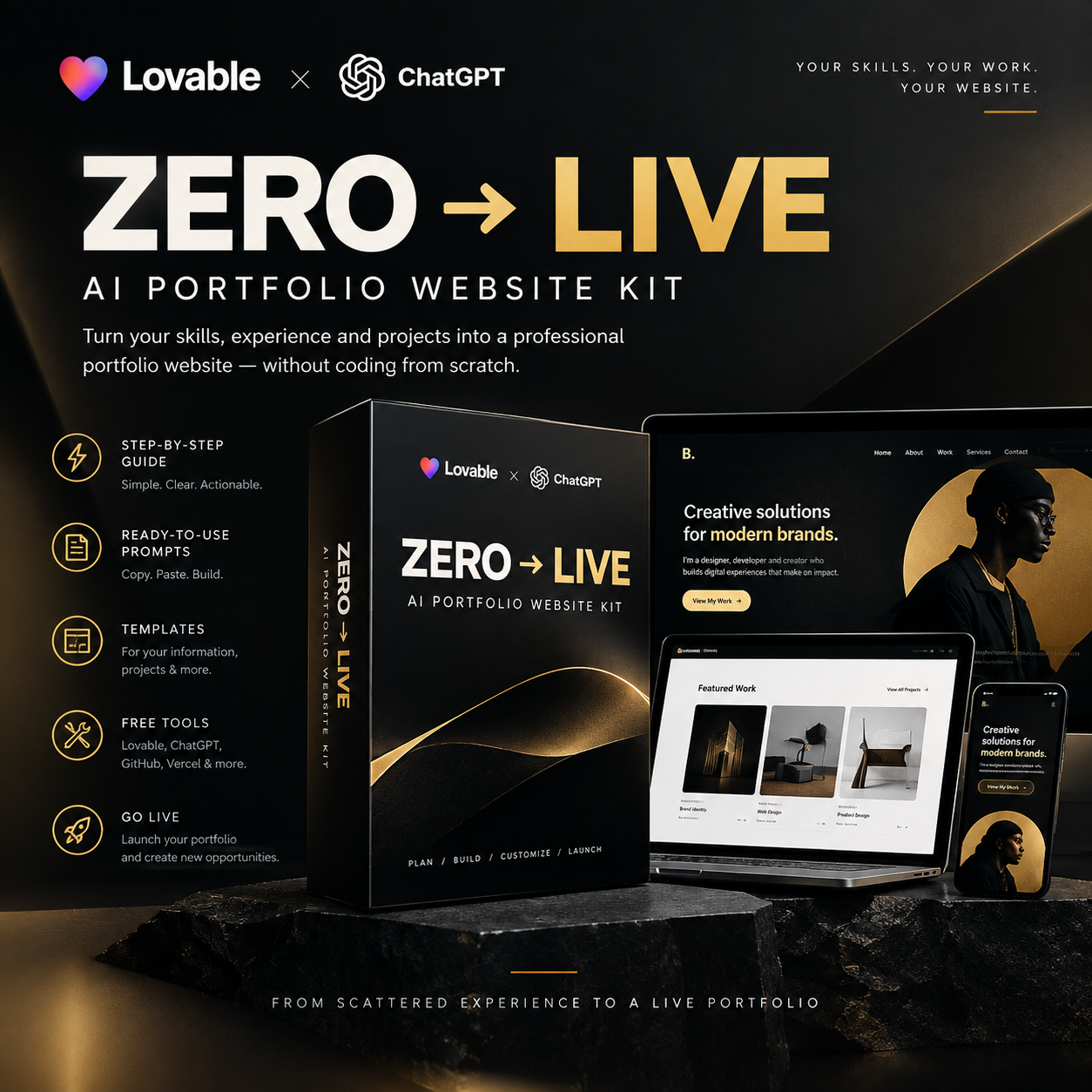
ZERO → LIVE AI PORTFOLIO WEBSITE KIT

Turn your skills, experience and projects into a professional portfolio website — without coding from scratch.
You don't need to be a developer.
You don't need to spend hundreds of thousands building a portfolio.
You don't even need to know exactly what your website should look like.
You just need your story, your work and the right system.
ZERO → LIVE gives you the exact prompts, templates and step-by-step process to plan, build, customize and launch your own portfolio website using AI and beginner-friendly tools.
WHAT IF YOUR WORK COULD SPEAK BEFORE YOU DO?
Your experience is probably scattered everywhere.
Old projects.
Google Drive folders.
Instagram posts.
Canva designs.
Client work.
School projects.
Random screenshots.
Ideas you never documented.
Things you've built for yourself.
The problem isn't always that you don't have experience.
Sometimes, you just don't have a place that shows it properly.
That's what ZERO → LIVE helps you fix.
WHAT YOU'LL BUILD
By the end of this kit, you'll have a clear process for creating a portfolio website that communicates:
WHO YOU ARE
WHAT YOU DO
WHAT YOU'VE BUILT
WHO YOU CAN HELP
HOW PEOPLE CAN WORK WITH YOU
And you'll be able to put it online.
THIS IS NOT JUST A COLLECTION OF AI PROMPTS.
It's a complete portfolio-building system.
You'll go from:
IDEAS → INFORMATION → POSITIONING → DESIGN → WEBSITE → LIVE
without needing to figure everything out yourself.
INSIDE THE ZERO → LIVE KIT
01 — THE PORTFOLIO PREP SYSTEM
Before you touch an AI website builder, you'll learn exactly what information you need to collect.
You'll get templates for organizing:
- Your bio
- Skills
- Experience
- Services
- Projects
- Achievements
- Links
- Contact information
- Visual assets
So you stop staring at a blank screen wondering:
"What am I even supposed to put on my website?"
02 — THE PROJECT EVIDENCE TEMPLATE
Learn how to turn your existing work into actual portfolio projects.
For every project, you'll document:
The problem → Your role → Your process → What you created → The result
This helps you show your capabilities instead of simply listing them.
03 — THE AI PORTFOLIO STRATEGY PROMPT
Give AI your raw information and use the prompt to help organize your:
- Positioning
- Audience
- Value proposition
- Skills
- Experience
- Website structure
- Calls to action
No more asking AI:
"Make me a nice website."
You'll know exactly what you're trying to build first.
04 — CHOOSE YOUR WEBSITE DIRECTION
Not every portfolio should look the same.
You'll learn how to choose between:
Creative Portfolio
Professional Portfolio
Personal Brand
Case Study Portfolio
Hybrid Portfolio
Based on what you do, who you want to reach and what you want your website to accomplish.
05 — FIND YOUR VISUAL IDENTITY
Don't know what colors to use?
Don't know what fonts work together?
Don't know whether your website should be minimal, bold, editorial or corporate?
You'll get prompts that help you define:
- Colors
- Typography
- Layout
- Image style
- Buttons
- Cards
- Navigation
- Animation
- Overall visual direction
So your website has an identity instead of looking like a random AI template.
06 — THE WEBSITE BUILD MASTER PROMPT
This is where everything comes together.
Take your:
Information + Positioning + Content + Visual Direction
and give it to your AI website builder.
You'll get the exact prompt structure for generating your portfolio website.
07 — CASE STUDY PROMPTS
Learn how to turn individual projects into compelling case studies.
Instead of:
"I designed this logo."
You can communicate:
What was happening → What needed to change → What you did → What you created → What happened next.
Your work becomes evidence.
08 — THE REFINEMENT SYSTEM
The first AI-generated website shouldn't be the final website.
You'll get prompts for improving:
- Layout
- Typography
- Spacing
- Navigation
- Project presentation
- Mobile responsiveness
- CTAs
- Visual hierarchy
So you can direct AI instead of blindly accepting whatever it generates.
09 — THE WEBSITE QA CHECKLIST
Before you launch, check:
- Mobile responsiveness
- Links
- Images
- Buttons
- Navigation
- Contact form
- Accessibility
- SEO
- Page titles
- Meta descriptions
- Overall user experience
Because "it works on my laptop" isn't a launch strategy.
10 — THE ZERO → LIVE LAUNCH SYSTEM
Take your finished website from your computer to the internet.
You'll learn the basic workflow:
AI Builder → GitHub → Vercel → LIVE WEBSITE
No complicated developer setup required.
WHO IS THIS FOR?
ZERO → LIVE is for you if you're a:
Creator
Designer
Developer
Photographer
Videographer
Marketer
Strategist
Freelancer
Consultant
Founder
Coach
Student
Creative professional
—or anyone who has work worth showing but doesn't have a proper portfolio yet.
YOU DON'T NEED
❌ Advanced coding skills
❌ A web developer
❌ An expensive agency
❌ A complicated tech stack
❌ A perfect personal brand
❌ Hundreds of projects
❌ Years of experience
YOU DO NEED
✓ Your experience
✓ Your projects
✓ Your ideas
✓ Your images/assets
✓ An internet connection
✓ A willingness to actually build
THE TOOLS
ZERO → LIVE is designed around beginner-friendly AI and web tools.
You'll work with tools such as:
ChatGPT / Claude
For strategy, writing and planning.
AI Website Builder
For generating the website.
GitHub
For storing your website code.
Vercel
For putting your website online.
Canva
For creating and preparing visual assets.
The goal is simple:
Use AI to remove the technical friction so you can focus on your work.
WHAT YOU GET
THE ZERO → LIVE DIGITAL KIT
Inside you'll receive:
✓ Portfolio Information Template
✓ Project Documentation Template
✓ Portfolio Strategy Prompt
✓ Website Type Prompt
✓ Color Selection Prompt
✓ Visual Direction Prompt
✓ Website Build Master Prompt
✓ Case Study Prompt
✓ Website Refinement Prompt
✓ QA / Testing Prompt
✓ SEO Prompt
✓ Final Launch Checklist
✓ Step-by-step build workflow
✓ Beginner-friendly instructions
THE BIG IDEA
Your portfolio isn't just a website.
It's your proof of work.
It's where a potential client, employer, collaborator, investor or partner can go from:
"Who is this person?"
to:
"I understand what they do."
to:
"I've seen what they can build."
to:
"Let's talk."
STOP WAITING FOR THE PERFECT PORTFOLIO.
You don't need to have everything figured out.
You don't need the perfect logo.
You don't need 50 projects.
You don't need to become a developer first.
Start with what you have.
Organize it.
Give it direction.
Build it.
Put it online.
Then keep improving it.
ZERO → LIVE
From scattered experience to a live portfolio.
Build your portfolio.
Publish your proof.
Create your next opportunity.
GET THE ZERO → LIVE AI PORTFOLIO WEBSITE KIT
Start building →
This positioning makes the product feel like a system, not a cheap prompt bundle—which is what will let you price it as a real digital product rather than just selling a PDF.