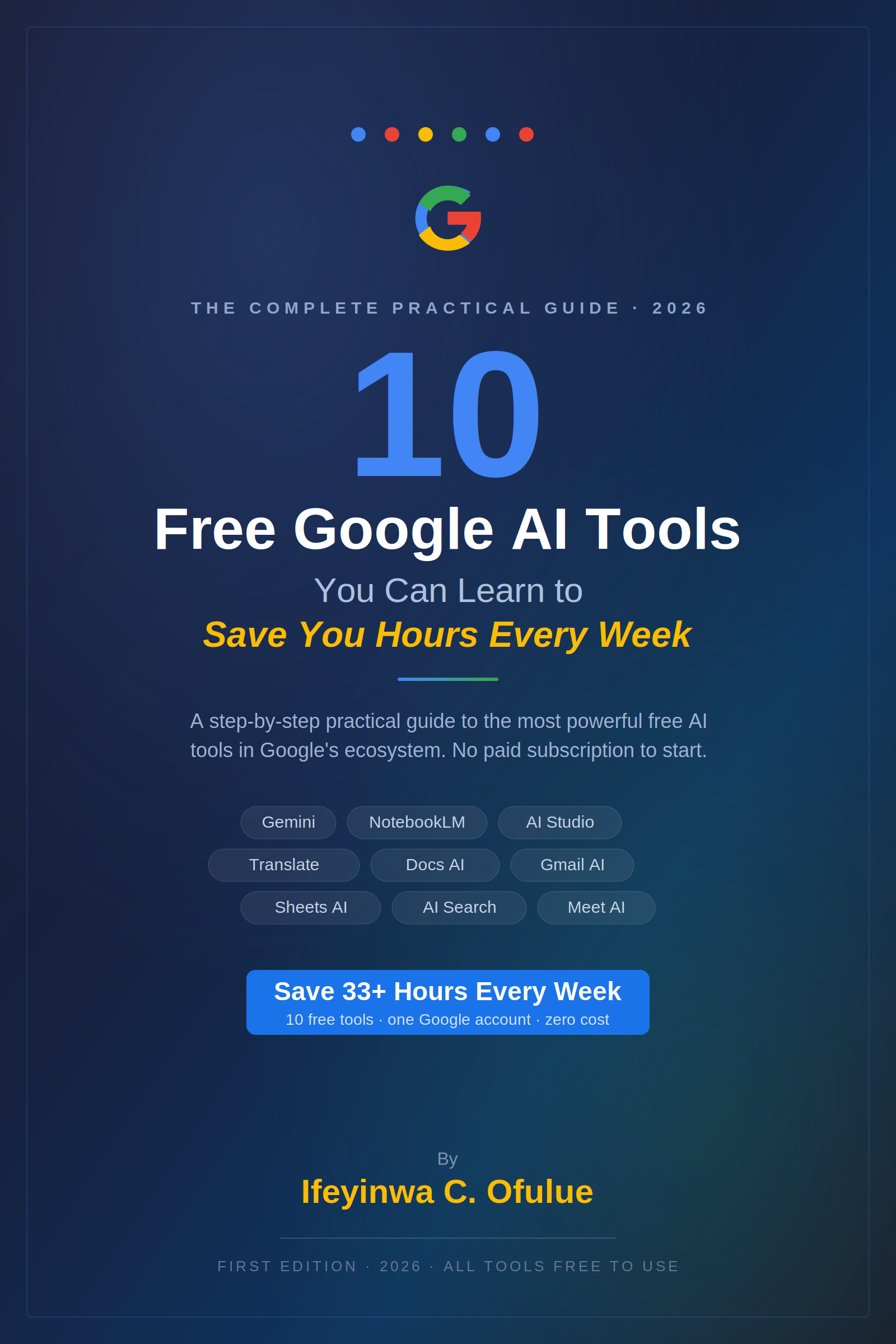
10 FREE GOOGLE AI TOOLS YOU CAN LEARN TO SAVE YOU HOURS (2026) - A Step-by-Step Practical Guide

PRODUCT DESCRIPTION
You already have access to one of the most powerful AI ecosystems in the world. It is built into the apps you use every day - your email, your documents, your spreadsheets, your video calls, your search bar. Most people are using zero percent of it.
This guide changes that.
Google has quietly embedded AI into almost every product it offers, and the vast majority of these features are completely free with a standard Google account. The tools in this guide do not require a paid subscription, a technical background, or hours of setup. They require only the willingness to learn a few new habits - and the reward is getting back significant hours of your week, every week, permanently.
WHAT IS INSIDE
The guide covers ten free Google AI tools in full depth, each with its own illustrated chapter featuring the tool's logo, a plain-English explanation of what it does, a step-by-step setup walkthrough, real-world use cases for different types of users, pro tips for getting the most out of each tool, and an honest estimate of how much time it saves per week.
Tool 1 - Google Gemini is Google's flagship AI assistant, available free at gemini.google.com. The guide teaches you how to use it for writing, research, data analysis, and complex reasoning - and explains how to craft prompts that produce results you can actually use. It covers the Deep Research feature for multi-source web research, the Gems feature for building personalised AI assistants for recurring tasks, and how to upload files for Gemini to analyse. Estimated time saving: 3 to 5 hours per week.
Tool 2 - Google NotebookLM is the most underused tool in this guide and arguably the most powerful. The guide explains how to upload any combination of PDFs, YouTube videos, Google Docs, audio files, and websites into a notebook, and how NotebookLM creates a personal AI assistant trained exclusively on your content - with no hallucinated information from outside your sources. It covers the Audio Overview feature that converts your research into a listenable podcast-style discussion, and shows how students, researchers, business professionals, and content creators each use it differently. Estimated time saving: 5 or more hours per week.
Tool 3 - Google AI Studio takes you from chatting with AI to building with AI. The guide walks through creating custom AI systems with system prompts, testing different models, building repeatable workflows for tasks you do repeatedly, and exporting working code that you can deploy. It explains why the permanently free interface and the 1-million-token context window make this the most powerful free AI prototyping environment available in 2026. Estimated time saving: 4 or more hours per week.
Tool 4 - Google Translate goes far beyond the basic text translation most people know. The guide covers document translation that preserves formatting, camera-based augmented reality translation that overlays text in real time, Conversation Mode for two-way multilingual discussions, website translation by pasting a URL, and offline translation packs for travel. All of it is completely free, with no character limits for standard use. Estimated time saving: 2 or more hours per week.
Tool 5 - Gemini in Google Docs shows how to use AI inside the word processor you already use. The guide covers first-draft generation from a brief description, inline text rewriting by selecting any passage and asking Gemini to improve it, tone adjustment for different audiences, document summarisation, and the hidden @Gemini command that inserts AI content directly at your cursor. Estimated time saving: 4 or more hours per week.
Tool 6 - Gemini in Gmail covers the AI features built into your inbox. The guide teaches how to use the Help me write prompt to generate complete emails from a one-sentence description, how to summarise long email threads before responding, how to use natural language inbox search to find specific information buried in old emails, and how the AI morning briefing surfaces your most important messages automatically. Estimated time saving: 3 or more hours per week.
Tool 7 - Gemini in Google Sheets is the chapter for anyone who uses spreadsheets but does not consider themselves a spreadsheet expert. The guide shows how to generate any formula by describing it in plain English, how to clean and standardise messy data with natural language instructions, how to analyse patterns across datasets by asking questions, and how to have Gemini build entire structured tables from scratch. Estimated time saving: 3 or more hours per week.
Tool 8 - Google Search with AI Mode explains the difference between standard AI Overviews that appear in regular search results and the dedicated AI Mode available through Google Labs, which supports multi-part conversational queries, follow-up questions, and comprehensive Deep Research reports that synthesise information from dozens of sources. Estimated time saving: 2 or more hours per week.
Tool 9 - Gemini in Google Meet covers the AI features that transform video calls: automatic live captions for any speaker, translated captions that display in a different language from the one being spoken, AI noise cancellation that removes background sounds, and automatic meeting notes that capture decisions and action items and email them to all participants after the call ends. Estimated time saving: 2 or more hours per week.
Tool 10 - Gemini Code Assist (Free) is for anyone who writes any code at all - from professional developers to beginners writing simple automation scripts. The guide covers installation in VS Code and JetBrains IDEs, how to use inline autocomplete and natural language code generation, how to generate unit tests automatically, how to ask Gemini to explain or debug existing code, and how non-developers can use it to write Google Apps Script macros and simple Python automations. The free individual plan includes up to 180,000 code completions per month. Estimated time saving: 5 or more hours per week for developers.
The guide closes with a combined time-saving summary showing how adopting all ten tools across a typical working week could save 33 or more hours - more than a full working day - every week, at zero cost.
WHO THIS GUIDE IS FOR
This guide is for anyone who uses Google products in their daily work or personal life and wants to get significantly more done in significantly less time. No technical background is required for any of the tools covered. The step-by-step instructions are written to work from zero - if you can open a browser and sign into a Google account, you can follow every chapter in this guide.
It is particularly well-suited to students who want to research, study, and write more efficiently; professionals who spend significant time in email, documents, and meetings; business owners who want enterprise-level AI capabilities without enterprise-level costs; content creators, writers, and researchers who work with large volumes of information; and developers who want a free, high-quality AI coding assistant built into their IDE.
WHAT THE READER NEEDS TO KNOW
Every tool in this guide requires only a Google account - the same account you use for Gmail, YouTube, and Google Drive. All ten tools have meaningful free tiers that do not require a credit card or a paid Google One subscription. Some features discussed, such as automatic meeting notes in Google Meet, are more fully available to Google Workspace accounts and may require an admin to enable them. The guide notes where free tier limitations apply.
Google's AI tools are developing rapidly. The features described are accurate as of mid-2026, but Google updates these products frequently. When in doubt, the official help documentation for each product at support.google.com provides the most current feature information.
No prior experience with AI tools is assumed. The goal of this guide is not to make the reader an AI expert - it is to make them someone who saves hours every week because they know which buttons to press.
AT A GLANCE
- 10 complete tool guides with step-by-step instructions
- Every tool is 100% free with a standard Google account
- Estimated combined time saving: 33+ hours per week
- Illustrated with each tool's logo for easy identification
- Real-world use cases for students, professionals, creators, and developers
- 2026 edition - features current as of this year's Google updates