Downloadable
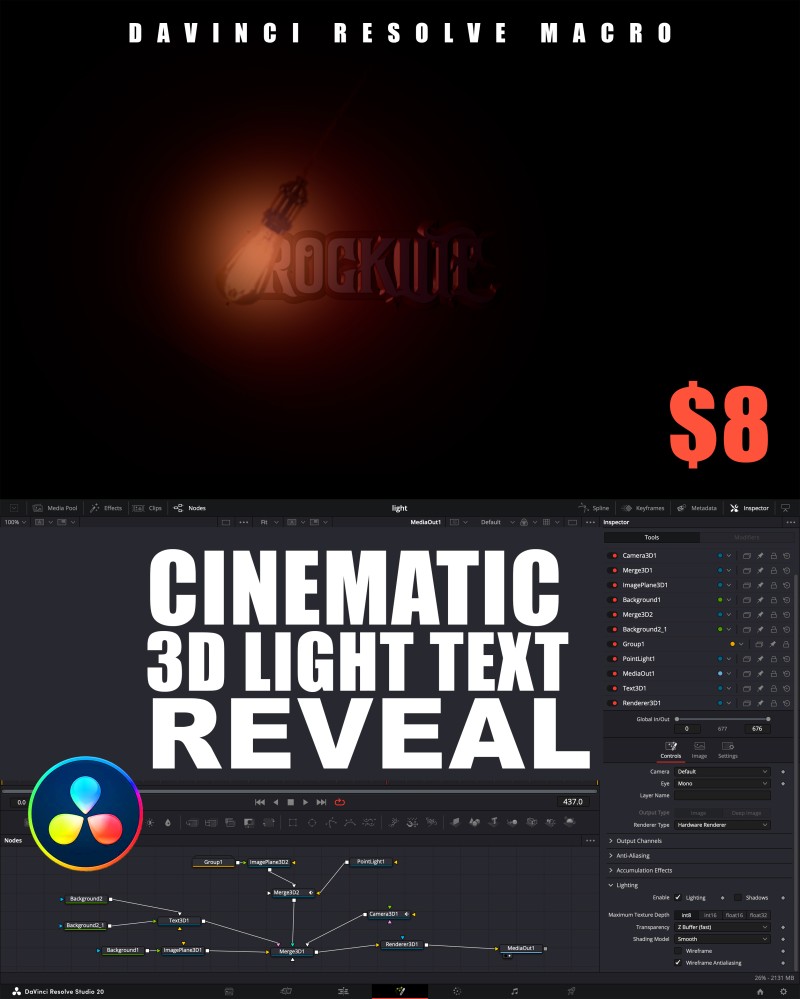
CINEMATIC 3D LIGHT TEXT REVEAL

(0 Ratings)
1
$8.26$8.85
CINEMATIC 3D LIGHT TEXT REVEAL
A stunning Fusion macro that brings your text to life with cinematic 3D lighting and smooth animation. Perfect for creating professional intros, titles, and logo reveals — all directly inside DaVinci Resolve’s Fusion page.
✨ Features
- Fusion Page Only → Designed exclusively for the Fusion workspace for full control.
- Fully Customizable → Change text, lighting color, camera angle, glow intensity, and animation speed.
- Cinematic Lighting → Realistic 3D shadows and highlights for a polished film-style look.
- Easy to Use → Just drag, drop, and customize in seconds.
⚡ How to Use
- Open DaVinci Resolve → go to the Fusion Page.
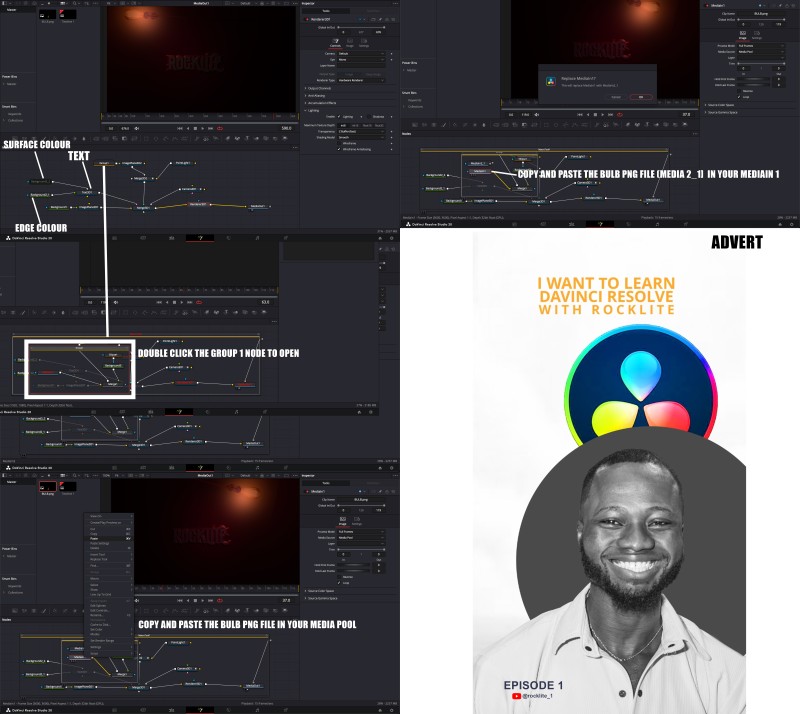
- Drag and drop the Cinematic 3D Light Text Reveal macro.
- Replace the default text with your own.
- Customize lighting, depth, and animation to match your project’s style.
- Render and enjoy your professional cinematic text animation!
📂 Installation
- Copy the macro file.
- Paste it into your Fusion Macros folder:
- Windows:
C:\ProgramData\Blackmagic Design\DaVinci Resolve\Fusion\Templates\Edit\Titles - macOS:
/Library/Application Support/Blackmagic Design/DaVinci Resolve/Fusion/Templates/Edit/Titles
- Restart DaVinci Resolve.
You’ll find your CINEMATIC 3D LIGHT TEXT REVEAL ready to use in Fusion templates.
CLICK TO WATCH ANIMATION VIDEO: https://www.instagram.com/reel/DPXvgigiEPs/?utm_source=ig_web_button_share_sheet&igsh=MzRlODBiNWFlZA==