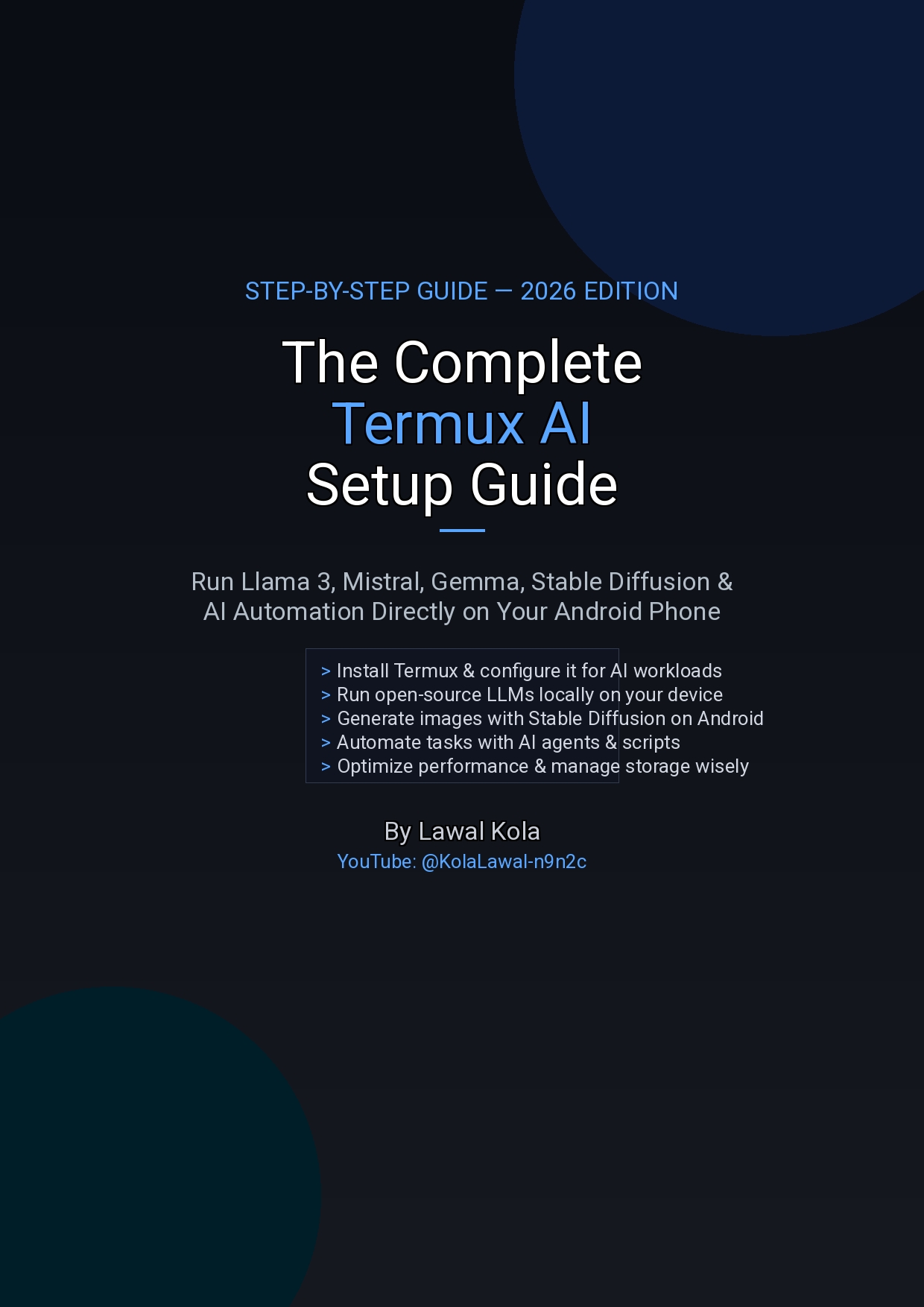
The Complete Termux AI Setup Guide — Run LLMs, Stable Diffusion & Automation on Android

Turn your Android phone into an AI powerhouse. This step-by-step guide shows you how to run Llama 3, Mistral, Gemma, Stable Diffusion, and AI automation scripts directly on your Android device using Termux — no PC or cloud required.
What's Inside:
- Install Termux the right way (F-Droid, not Google Play) and configure it for AI workloads
- Set up Python, build tools, and OpenBLAS math libraries for maximum performance
- Build llama.cpp from source and run Llama 3 8B on your phone +- Install Mistral 7B — faster responses, excellent instruction following +- Run Gemma 2B/9B — Google's lightweight model for phones with 4GB RAM
- Optimize memory, context size, quantization levels, and temperature settings
- Build a chat interface using Ollama, Open WebUI, or a DIY Python wrapper
- Generate images with Stable Diffusion on your phone
- Automate tasks with AI scripts — summarizer, news scraper, assistant
- Troubleshoot common issues — memory errors, crashes, slow generation
- Command cheat sheet with all essential commands and flags
Requirements: Android 10+, 4GB RAM minimum (6GB+ recommended), 4GB+ free storage. No root, no PC, no cloud subscription needed.
About the Author: Lawal Kola is a graphic designer and AI enthusiast based in Nigeria. He runs the AI2DayGist blog and a YouTube channel (@KolaLawal-n9n2c) teaching Android users how to leverage AI tools without expensive hardware. Every step in this guide is tested on real Android devices before publishing.