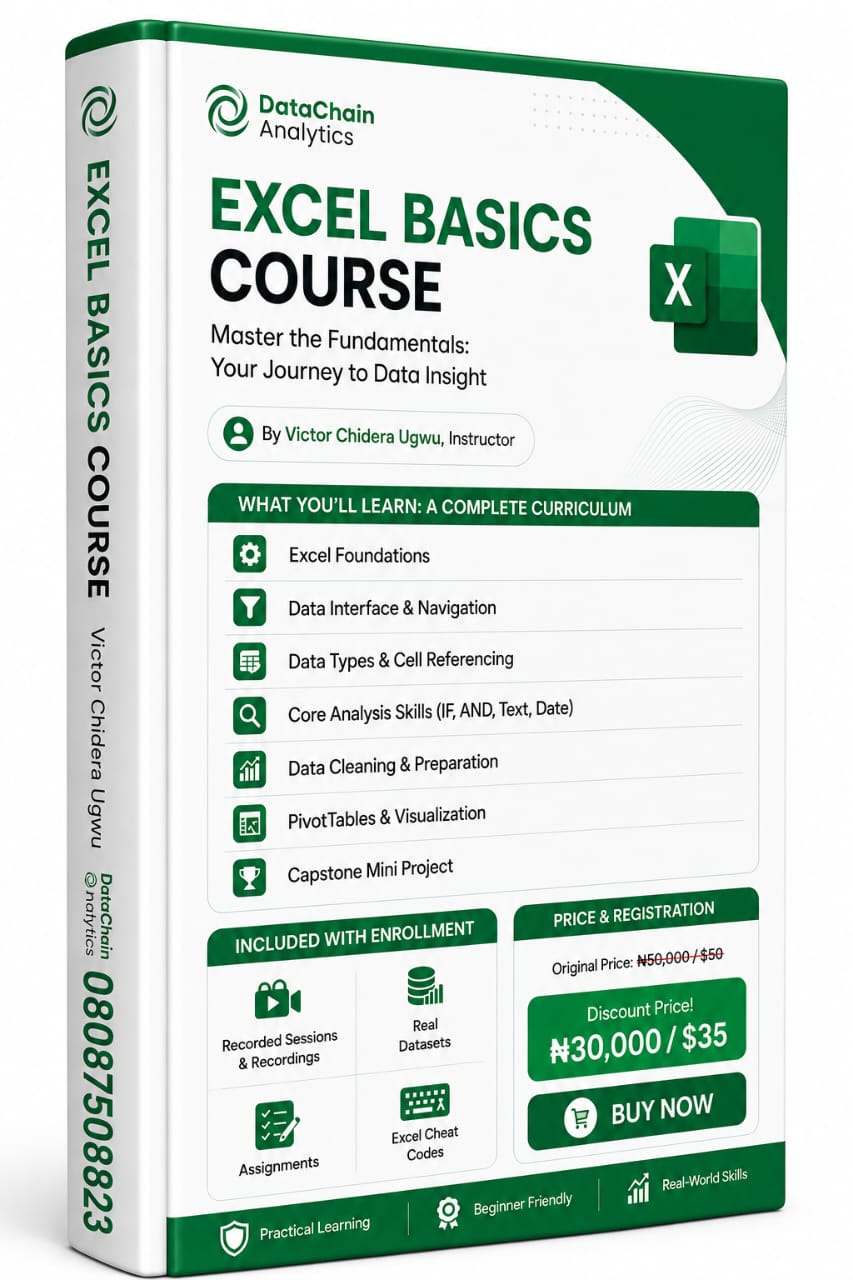
Excel Basics Course – From Zero to Dashboard in 5 Modules
Learn Excel the right way: clean data, write logic, build PivotTables, and create a working dashboard – even if you're a complete beginner.
Stop piecing together YouTube tutorials. Start mastering Excel step‑by‑step.
This course is not a list of random functions. It’s a structured, practical workflow – exactly how Excel is used in real jobs.
What you’ll build:
A complete, interactive dashboard from a messy real‑world dataset.
What’s inside (5 modules):
✅ Module 1 – Foundations
Ribbon, shortcuts, relative/absolute references, conditional formatting. No fluff.
✅ Module 2 – Logic & Functions
IF, AND, OR, text functions, date/time, and formula debugging. Make Excel decide for you.
✅ Module 3 – Data Cleaning
Remove duplicates, text-to-columns, dropdowns, handle missing values. Stop fighting dirty data.
✅ Module 4 – PivotTables & Charts
Sum, count, average, group by dates/categories, and turn numbers into visuals.
✅ Module 5 – Capstone Project
Clean a real dataset → build a dashboard → present insights like a pro.
Plus bonuses:
· Excel shortcuts cheat sheet (“cheat codes”)
· Project datasets (ready to download)
· Full course recordings
Who this is for:
· Beginners who feel lost in Excel
· Professionals tired of manual work
· Anyone who wants to finish a course with a real project
Format:
Self‑paced | Video + practice files | Lifetime access