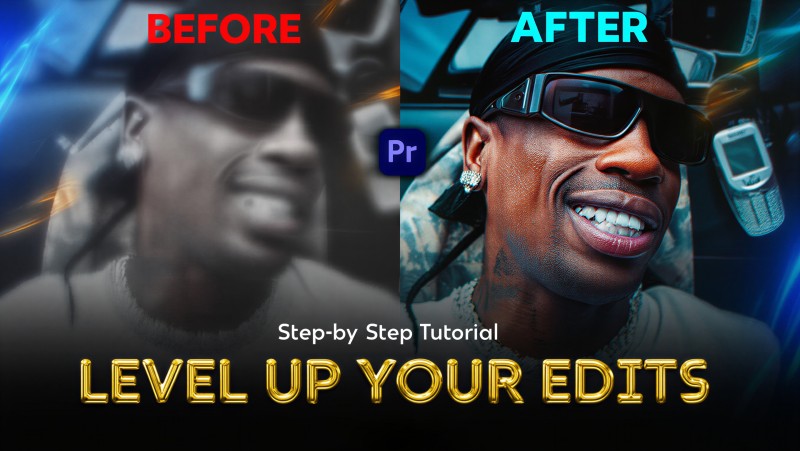
The Plamarke Video Quality Upgrade System "My Exact Step-by-Step Editing Process"

Take your footage from flat to cinematic-sharp with my exact process.
Stop guessing which settings actually make your footage look clean and
professional. In this step-by-step tutorial I show you my full workflow
for upgrading video quality in Premiere Pro or After Effects and
finishing it in Topaz Video AI.
Inside you’ll learn:
- How to build a pro-grade color base with Magic Bullet Looks
- My exact adjustment-layer sharpening setup to make details pop
before AI enhancement
- Export settings that keep quality high and file sizes efficient
- The Topaz Video AI model I use and my parameter settings for noise
removal, artifact cleanup and detail recovery
- Upscaling tips for social media vs. 4K delivery
You’ll see the before and after at each stage, so you can match my
settings and instantly improve your own footage.
What you get:
- The full HD video tutorial (instant access via the link contained in the txt file zipped)
- All settings clearly shown on screen
This is the exact process I use on my own client work and social posts
to make footage stand out. Follow along once and you’ll have a
repeatable system you can drop on any edit.