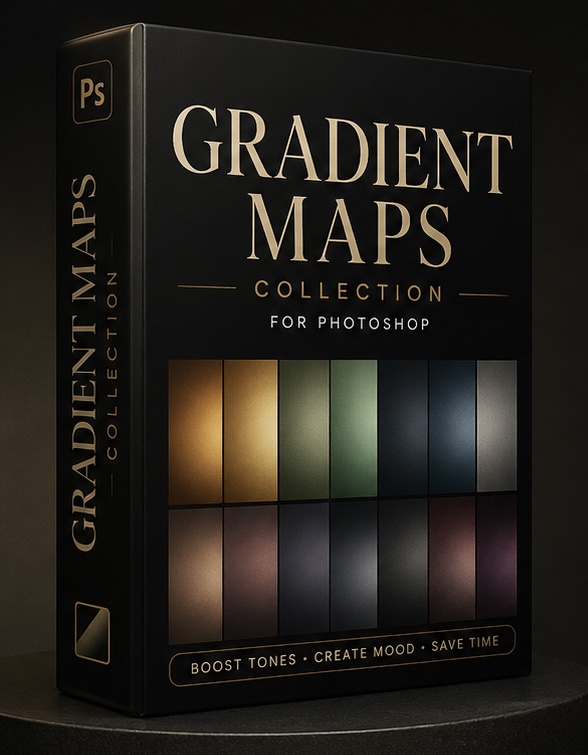
Downloadable
Gradient Maps
(2 Ratings)
1
$3.00$11.06
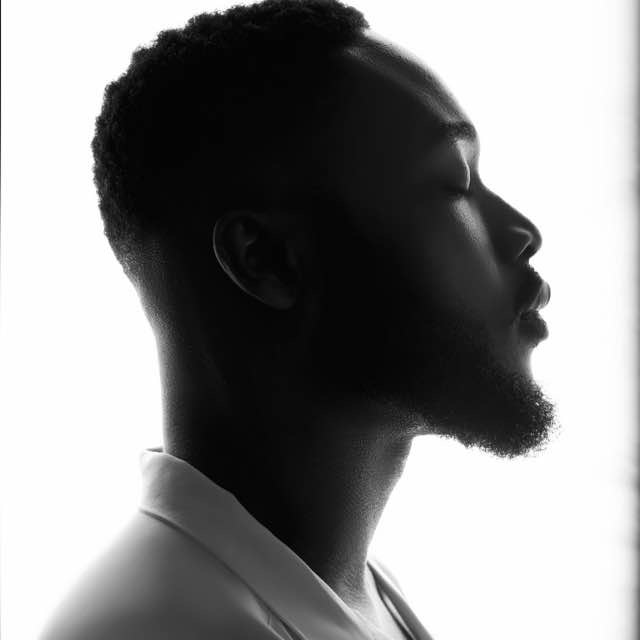
Transform your portraits with professionally crafted gradient maps designed for both light and dark skin tones. These gradient maps are created to give your images rich cinematic tones, cleaner skin, and premium color grading in just a few clicks.
Whether you shoot portraits, fashion, birthdays, or studio sessions, these gradient maps help speed up your workflow while giving your edits a polished, professional finish.
What’s Included:
- Premium gradient maps
- Works beautifully on light & dark skin tones
- Cinematic and clean color tones
- Easy to use in Photoshop
- Instant download after purchase
How To Use In Photoshop:
- Open your image in Photoshop
- Go to Layer > New Adjustment Layer > Gradient Map
- Click on the gradient color bar
- Click the settings icon and select Import Gradients
- Choose the gradient map file from the pack
- Select any gradient map and adjust the opacity or blend mode to your taste
Perfect for photographers, retouchers, and creatives who want fast, high-end results without complicated editing.