Turn Your Creativity into a Practical Digital Skill!
Do you want to learn how to create professional designs using Canva, even if you are a complete beginner?
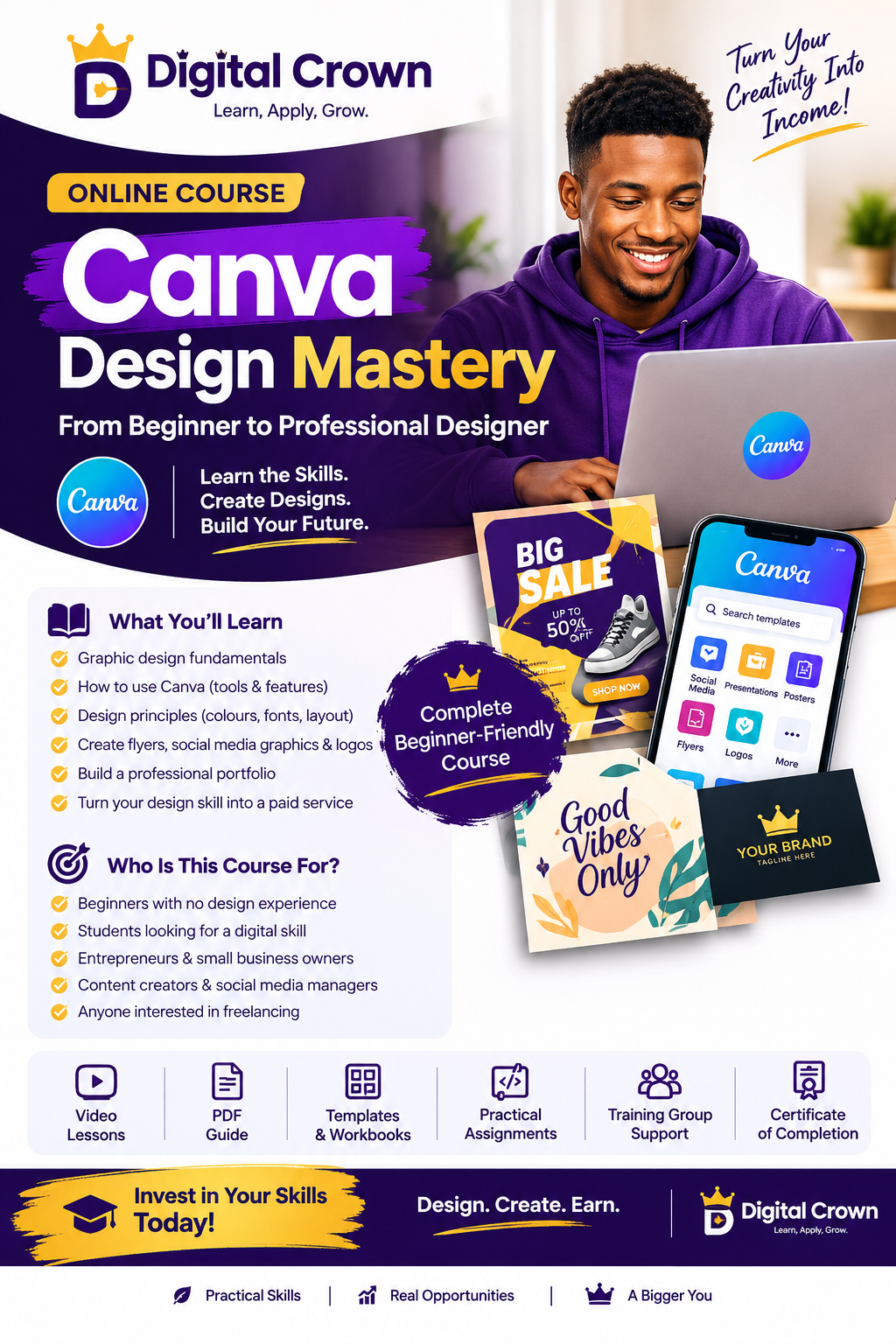
The Digital Crown Canva Design Mastery Course is designed to help you learn Canva design step by step, develop practical design skills, and understand how to present your work professionally.
Whether you want to create designs for personal use, promote a business, build a portfolio, or prepare to offer design services to clients, this course provides structured learning materials to help you get started.
📚 WHAT YOU WILL RECEIVE
📘 1. CANVA BEGINNERS GUIDE
A beginner-friendly guide designed to introduce you to Canva and help you understand the basics of graphic design.
You will learn how to get started with Canva, understand its essential features, navigate the design workspace, and begin creating your own designs with confidence.
This guide is suitable for individuals with little or no previous design experience.
📕 2. CANVA DESIGN MASTERY — MAIN COURSE GUIDE
Your main learning material for developing your Canva design skills.
This guide provides structured learning content to help you understand important design concepts, improve your creativity, and develop the skills needed to create more attractive and professional designs.
It serves as your main reference as you learn, practise, and improve your design abilities.
🎯 WHO IS THIS COURSE FOR?
This course is suitable for:
- Complete beginners who want to learn Canva design.
- Students interested in acquiring a practical digital skill.
- Entrepreneurs who want to create better promotional designs.
- Content creators who want to improve their visual content.
- Individuals interested in building a design portfolio.
- Aspiring freelance designers who want to prepare for client projects.
No advanced design experience is required to get started. A smartphone or computer, internet access when needed, and a willingness to practise will help you begin.
💡 WHY CHOOSE DIGITAL CROWN?
Digital Crown , my goal is to help learners acquire practical digital skills through structured learning and consistent application.
This course emphasizes more than just reading learning materials. You are encouraged to practise what you learn, explore your creativity, and improve your designs as you progress.
Remember, becoming a good designer takes practice. Your progress will depend on your consistency, willingness to learn, and effort.
🚀 WHAT CAN YOU DO AFTER LEARNING?
With continued practice and skill development, you can work toward:
- Creating flyers and promotional graphics.
- Designing social media posts.
- Building a professional portfolio.
- Offering suitable design services to businesses and individuals.
- Developing your skills toward freelance design opportunities.
- Using Canva to support your own business or personal brand.
Please note that purchasing this course does not guarantee clients, employment, or income. Results depend on your skills, practice, marketing efforts, and ability to meet clients' needs.
👑 START YOUR DESIGN JOURNEY TODAY!
You do not need to know everything before you begin. Start with the fundamentals, practise what you learn, and improve one design at a time.
Give yourself the opportunity to learn a practical digital skill and build your confidence in design.
Enroll in the Digital Crown Canva Design Mastery Course today and take your first step toward becoming a more confident Canva designer.
Graphic Design with Canva
1. Course Title
Canva Design Mastery: From Beginner to Professional Designer
Tagline: Learn the Skills. Create Designs. Build Your Future.
Course Category: Digital Skills / Graphic Design
Target Audience:
Beginners with no graphic design experience.
Students who want to acquire a digital skill.
Entrepreneurs who want to design for their businesses.
Content creators and social media managers.
People interested in offering graphic design services.
2. Course Description
This course is designed to teach beginners how to use Canva to create attractive, professional-looking graphic designs using a smartphone or computer.
Students will learn the fundamentals of graphic design, how to use Canva's tools, how to combine colours and fonts, and how to create designs for businesses, social media, and promotional purposes.
By the end of the course, students should have practical design experience and a portfolio of sample projects they can use to demonstrate their skills.
Complete Course Curriculum
MODULE 1: Introduction to Graphic Design
What is graphic design?
Why graphic design is important in business.
Types of graphic design.
Understanding the role of a graphic designer.
Introduction to Canva.
Requirements for learning graphic design.
Practical task: Identify different types of graphic designs and their purposes.
MODULE 2: Getting Started with Canva
Creating a Canva account.
Understanding the Canva dashboard.
Exploring Canva's tools and features.
Choosing design dimensions.
Understanding templates and blank designs.
Uploading and managing images.
Saving and organising projects.
Practical task: Create your first simple design.
MODULE 3: Understanding Design Principles
Colour theory and colour combinations.
Typography and font selection.
Layout and alignment.
Spacing and visual balance.
Contrast and readability.
Using images and graphics effectively.
Common design mistakes to avoid.
Practical task: Create a design using appropriate colours, fonts, and layout.
MODULE 4: Designing Business Flyers
Understanding the structure of a professional flyer.
Creating promotional flyers.
Choosing suitable fonts and colours.
Arranging text and images.
Creating promotional offers.
Designing clean, readable flyers.
Practical task: Design a professional business flyer.
MODULE 5: Social Media Graphics
Designing Instagram posts.
Creating Facebook promotional graphics.
Designing WhatsApp Status graphics.
Creating social media banners.
Maintaining consistent branding.
Resizing designs for different platforms.
Practical task: Create three social media graphics for a business.
MODULE 6: Logo and Brand Identity Design
Introduction to brand identity.
Understanding simple logo design.
Choosing brand colours.
Selecting appropriate fonts.
Creating a basic brand kit.
Designing business cards.
Maintaining brand consistency.
Practical task: Develop a simple brand identity for a fictional business.
Note: Canva is suitable for many simple logo and branding projects, but some professional logo requirements may call for additional tools.
MODULE 7: Advanced Canva Techniques
Working with layers and transparency.
Using frames, shapes, and grids.
Removing backgrounds where the available Canva features permit.
Using effects appropriately.
Creating mockups.
Exploring Canva's AI-assisted features.
Improving design quality through revisions.
Practical task: Redesign an existing sample graphic to improve its visual appeal.
MODULE 8: Exporting and Delivering Designs
Understanding PNG, JPG, and PDF formats.
Choosing the correct export settings.
Downloading and sharing designs.
Preparing files for printing.
Organising client projects.
Delivering finished designs professionally.
Practical task: Export and organise a complete set of design files.
MODULE 9: Building a Graphic Design Portfolio
Understanding the importance of a portfolio.
Selecting your best designs.
Creating sample projects for different industries.
Presenting your work professionally.
Building a portfolio using Canva.
Improving your portfolio through feedback.
Practical task: Create a portfolio containing at least five sample designs.
MODULE 10: Turning Your Design Skill into a Service
Identifying potential customers.
Understanding the needs of small businesses.
Offering flyer and social media design services.
Creating a basic pricing structure.
Finding potential clients.
Communicating with customers.
Handling revisions and delivering work.
Building trust and developing repeat business.
Practical task: Prepare a sample service offer for a potential client.
Important: The course teaches skills that can be used to pursue paid work, but earnings depend on the learner's ability, effort, demand, and ability to find clients.
 CANVA DESIGN MASTERY COURSE 👑