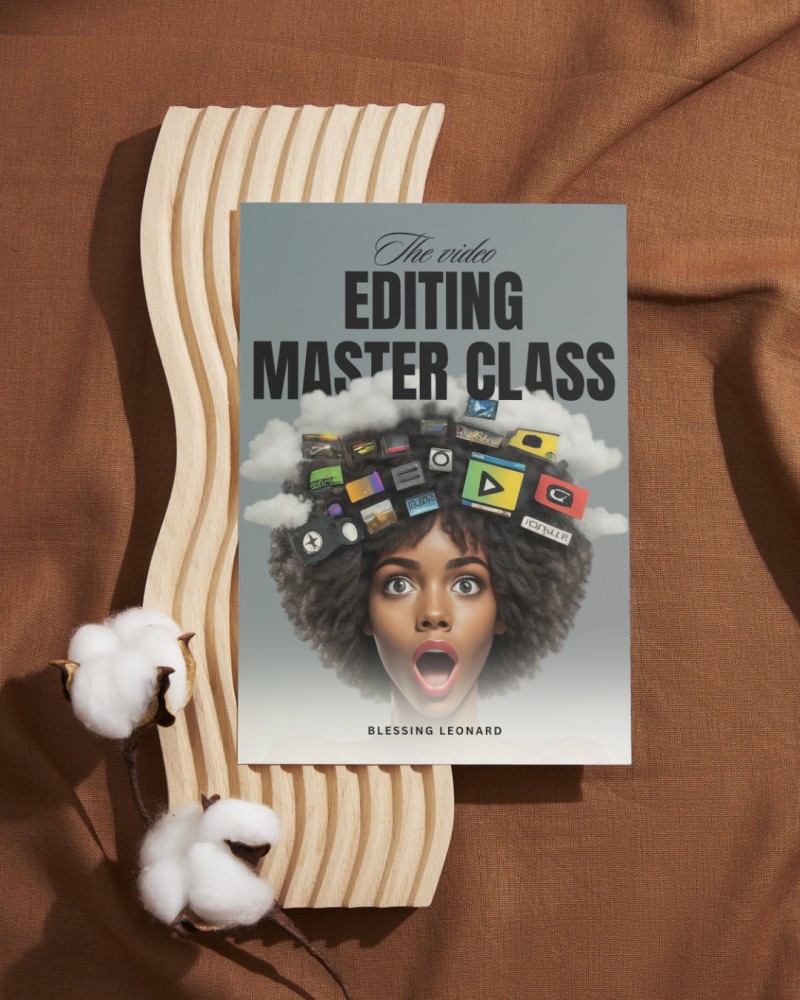
VIDEO EDITING MASTER CLASS 1:1

Whether you're a beginner or a videography enthusiast, this course promises to teach you everything you need to know about videography. It's a comprehensive four-week virtual course, packed with bi-weekly virtual learning sessions and a one-day physical learning experience for Abuja learners.
Throughout the course, you'll dive into the fundamentals of videography, including:
- Understanding your camera and equipment
- Mastering lighting and sound techniques
- Developing your storytelling skills
- Editing and post-production essentials
With loads of practice and assignment, you'll have ample opportunity to hone your skills and receive feedback from our experienced instructors.
And here's the best part: upon completing the course, you'll be part of a creative mentorship community with gives you access to ongoing support, resources, and networking opportunities.
COURSE OUTLINE
Module 1: Setting Up
- Choosing the right phone and apps for video editing
- Understanding phone camera capabilities and limitations
- Setting up your phone for optimal video editing
Module 2: Footage Capture
- Best practices for capturing high-quality footage on your phone
- Understanding lighting, sound, and composition
- Tips for stabilizing and smoothing footage
Module 3: Editing Apps
- Overview of the video editing apps (CapCut)
- Understanding app interfaces and features
- Choosing the right app for your needs
Module 4: Basic Editing Techniques
- Importing and organizing footage
- Trimming, cutting, and arranging clips
- Adding transitions and effects
Module 5: Advanced Editing Techniques
- Multi-track editing and layering
- Color correction and grading
- Adding text, graphics, and animations
Module 6: Sound Design
- Recording and editing audio on your phone
- Adding music and sound effects
- Syncing audio with video
Module 7: Color Grading and Visual Style
- Understanding color theory and aesthetics
- Creating a consistent visual style
- Using LUTs and presets
Module 8: Finalizing and Exporting
- Exporting options and settings
- Understanding resolution, frame rate, and codec
- Sharing and uploading your final video
Module 9: Advanced Tips and Tricks
- Using phone-specific features (e.g. slow-motion, time-lapse)
- Creating complex effects and transitions
- Troubleshooting common issues
This masterclass will cover the essential skills and techniques needed to edit professional-looking videos on your phone.