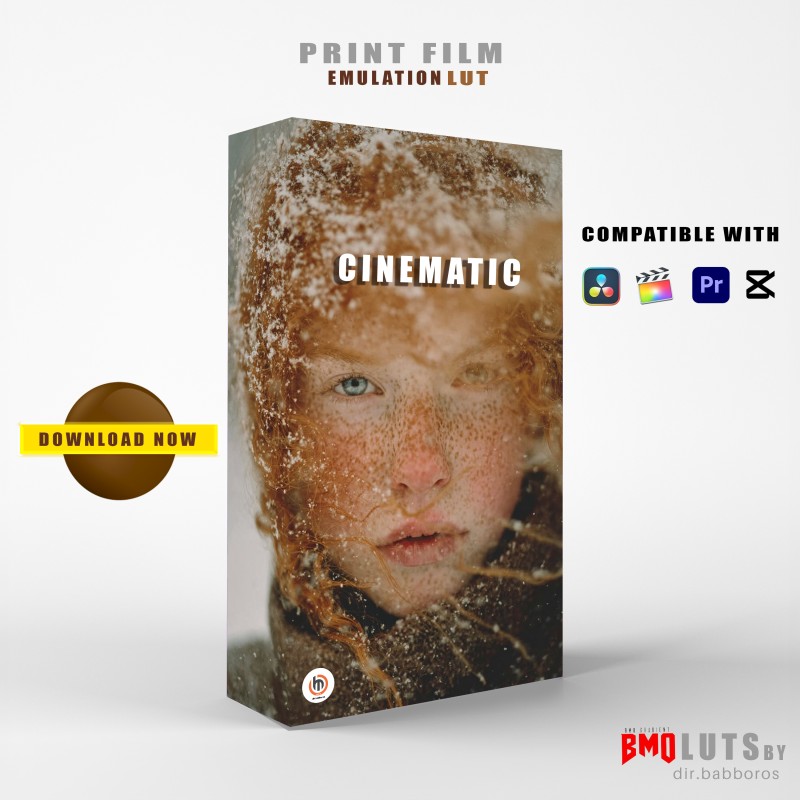
Downloadable
Bmo_ Print + Film + Emulation Lut

(0 Ratings)
1
$3.00$4.77
Applying A LUT
Davinci resolve
The easiest way of applying a PFE LUT is via a node. Create a new node, second mouse button click on the node and navigate to the 3D LUTs drop down, then select the LUT from the list.
Premiere pro
To apply a film emulation LUT in Premiere Pro, use the Lumetri Color panel and its Creative tab. For flexibility, apply the LUT to an adjustment layer rather than directly to your footage.
Final cut pro
To apply a film emulation LUT in Final Cut Pro, you use the Custom LUT effect in the effects browser. This method is flexible for creative grading and allows you to adjust the intensity of the look.