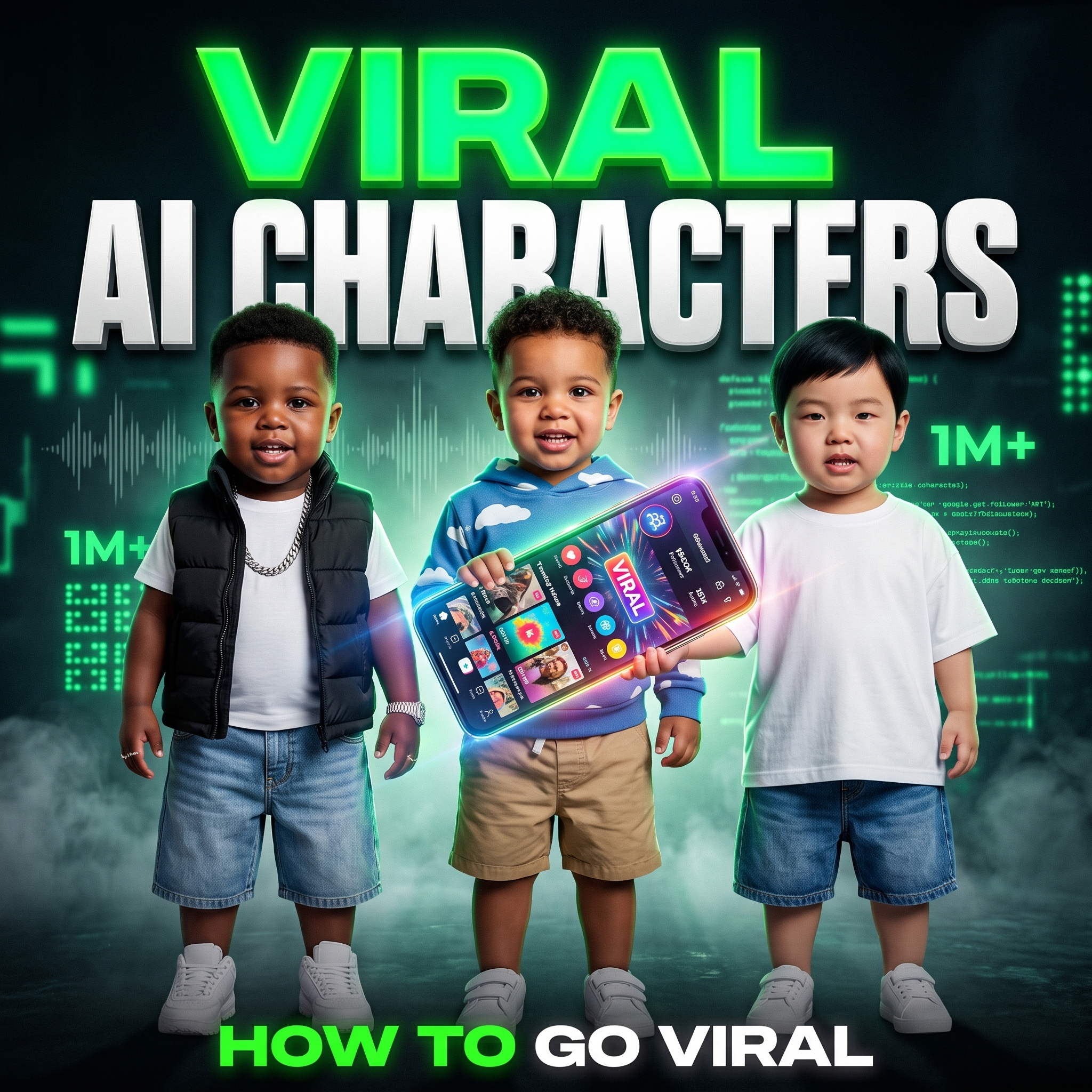
AI Skit Studio: The Copy-and-Paste Prompt System That Builds Your Own AI Video Story, Characters, Pictures and Video Prompts

Tired of AI videos where your character’s face changes every clip, the room keeps rearranging itself, and your credits disappear?
AI Skit Studio fixes that. It is a ready-made master prompt that you paste into your AI chat assistant. The assistant then acts as your personal story director and walks you through every decision, one simple question at a time. At the end you get a complete set of copy-and-paste picture prompts and video prompts, ready for your AI video tool.
No prompt-writing skills needed. You choose, and the assistant creates.
How it works
- Paste the prompt into a new chat. Nothing to edit.
- Answer simple questions. Pick a number, write your own idea, or just type “Surprise me”.
- Approve your characters and story. You read the full script before anything is built.
- Generate your character pictures first. This locks in each face and outfit.
- Receive your clip prompts in batches. Each picture prompt and video prompt is in its own box, so you copy one at a time.
What you get to choose
- Single story or full series with episodes.
- 24 story types, including street vibes, hustle stories, courtroom drama, barbershop talk, detective mystery, superhero, sci-fi, fantasy, family drama, romance, rags-to-riches and more, or describe your own.
- Your cast: toddlers acting like grown-ups, kids, teens, adults, elders, animals or fantasy creatures.
- Your speech style: street and hoodie slang, Southern drawl, Naija flavour, British roadman, posh, playful and more, at mild, medium or heavy strength.
- Your look: photorealistic, 3D animated, claymation or cartoon, in vertical 9:16, widescreen or square.
What makes these prompts better
- Unique every time. Fresh names, characters, places and plots for every customer. Nothing is recycled.
- The full story comes first. You approve the complete script, with a character count, before any prompt is written.
- Characters stay consistent. Each one has a fixed outfit and a detailed voice code, repeated in every prompt, so they look and sound the same clip after clip.
- Environments stay consistent. Every wall, chair, table and object is described in detail. In continuation scenes the description is repeated word for word.
- Every prompt is clearly labelled. Each one opens with NEW ENVIRONMENT or CONTINUATION, so you always know where you are.
- Best camera angle for each moment. Face close-ups for talking, chest-level shots, full-body side views for action, over-the-shoulder shots for conversations, and wide shots for new locations.
- Voice codes in brackets before every line. Character voices only. No narrator, no voice-over, no grown-up voices and no background music.
- Rules attached to every prompt. Each picture and video prompt carries its own rules, so you can paste any one of them on its own.
- Planned around short clips. Every clip is planned at 4, 6, 8 or 10 seconds.
Designed to save your credits
Before building any prompts, the assistant plans your shots. It uses one picture per clip by default and adds more only where an angle change, a new character or a close-up needs it. It combines lines into longer clips where the dialogue allows and keeps speech short enough to fit each clip length. You get a credit estimate before you generate anything, and you can type CREDIT SAVER at any time to re-plan with fewer generations.
Built for series creators
Starting episode two takes one command. Type NEXT EPISODE and the assistant writes a new full story, tells you how many characters appear, creates reference pictures for new characters only, and carries on with your existing cast. SAVE BIBLE gives you one block holding your cast, voice codes, locations and story so far, so you can continue in a fresh chat anytime.
What’s included
- AI Skit Studio PDF guide (14 pages): how the system works, a quick start, a sample of the output, credit-saving and consistency tips, a commands cheat sheet and a troubleshooting FAQ.
- The complete master prompt, printed in the book.
- A plain-text copy of the master prompt for clean one-click copying.
Who it’s for
- Creators starting AI character skit pages for TikTok, Reels and Shorts.
- Anyone who has tried AI video and given up on inconsistent characters.
- Storytellers who want a repeatable system instead of starting from scratch each time.
- Beginners who want to be guided, not overwhelmed.
Good to know
- You need an AI chat assistant that can follow long instructions (a free plan is fine) and an AI image and video generator. These are not included.
- Results depend on the tools you use and can vary between runs.
- Stories are kept safe and non-graphic, with no weapons, drugs, violence, profanity, real people or copyrighted characters.
- This product is for your own use. Please do not share or resell it.
Stop fighting the AI. Start directing it. Get AI Skit Studio and build your first episode tonight.