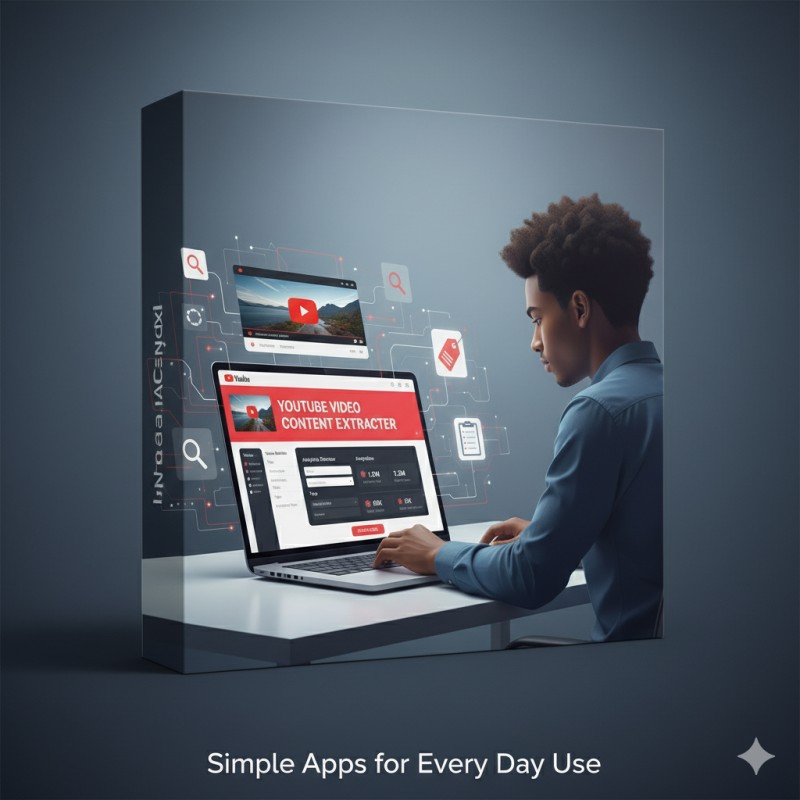
YouTube Video Content Extractor
Ever wanted to extract detailed information from any YouTube video in seconds? The YouTube Video Content Extractor is a simple yet powerful web app designed to make that process effortless. Whether you’re a content creator, marketer, researcher, or just a curious YouTube user, this tool helps you uncover the full details behind any video with a single click.
🎯 What the App Does
The YouTube Video Content Extractor allows users to extract key information from any YouTube video link. Simply paste a video link into the input box — whether it’s a standard link, a shortened link, a YouTube Shorts link, or even a live stream URL — and the app instantly retrieves and displays all available data in a neatly formatted layout.
🔍 Information You Can Extract
- 📺 Video Title – Instantly see the exact title of the YouTube video.
- 👤 Channel Name – Find out which channel published the video.
- 🔗 Channel URL – Get a clickable link to the YouTube channel.
- 📊 View Count – View the total number of times the video has been watched.
- 👍 Likes Count – Displays how many likes the video has received (if available).
- 💬 Comments Count – Shows the number of public comments on the video.
- 📝 Description – Extracts and displays the full video description text.
- 🏷️ Tags – Lists all the tags used by the video creator for SEO and discovery.
- 📅 Publish Date – Displays when the video was originally uploaded.
⚙️ Supported YouTube Link Formats
The app supports all common YouTube video link formats including:
- ▶️ Standard video links –
https://www.youtube.com/watch?v=MK3J04bHc1k - 🔗 Shortened video links –
https://youtu.be/MK3J04bHc1k - 🎬 Shorts video links –
https://youtube.com/shorts/XPJRjf2kftg - 🔴 Live video links –
https://www.youtube.com/live/EqJAmG-jOUA
✨ How It Works
The app uses modern JavaScript and a responsive CSS layout to extract metadata and display it beautifully on any device — mobile, tablet, or desktop. Once you paste your YouTube link, the app automatically detects the type of URL, fetches the video’s details, and formats the output for easy viewing and copying.
Watch Demo Below
⚙️ Ways to Install / Use the App
* You can use it offline in your smartphone or computer for easy access.
Note: video preview will not be displayed when used offline.
* Add it as a Widget or page in your website for your visitors.
* Use as a standalone live webpage that can be accessed via a URL.
🧩 Why You’ll Love It
- ✅ No installation or sign-up required.
- ✅ Works instantly in your browser.
- ✅ Clean and modern design for easy readability.
- ✅ Perfect for SEO researchers, YouTube analysts, and digital marketers.
📋 Use Cases
- 📈 Analyse your competitors’ YouTube content strategy.
- 🧠 Research trending topics by checking video titles, tags, and descriptions.
- 📑 Collect metadata for blog posts, reports, or social media analysis.
- 💡 Save time when preparing video summaries or embedding content.
🚀 Try It Out
Order for only $5
For questions or support email [email protected]