Downloadable
Build Your First SaaS with AI: (Full-Pack Edition)
(0 Ratings)
1
$188.15$376.3
Build Your First SaaS with AI: Full Pack.
You’ve seen the headlines. Build an app in minutes with AI.
It sounds easy. And the AI really can build it. But here is what the headlines leave out:
- A vague prompt gets you a vague result.
- A page that looks finished can be hiding an app that doesn’t save, doesn’t protect anyone’s data and breaks the moment you put it online.
- Once something goes wrong, most people don’t know what to ask next.
That’s the gap these guides fill.
You don’t need to be a developer. You need the right prompt at the right moment and a clear path to follow, with every step checked before you move on.
Inside, you’ll find:
- Copy-and-paste prompts that tell the AI exactly what to build, one stage at a time
- A drawn example screen for every step, so you know what you should be seeing
- A “what you should see” check and a progress tracker, so you always know where you are
- Fix-it tables for when something goes wrong, because it will
AI is a powerful builder. These guides are the plan it needs.
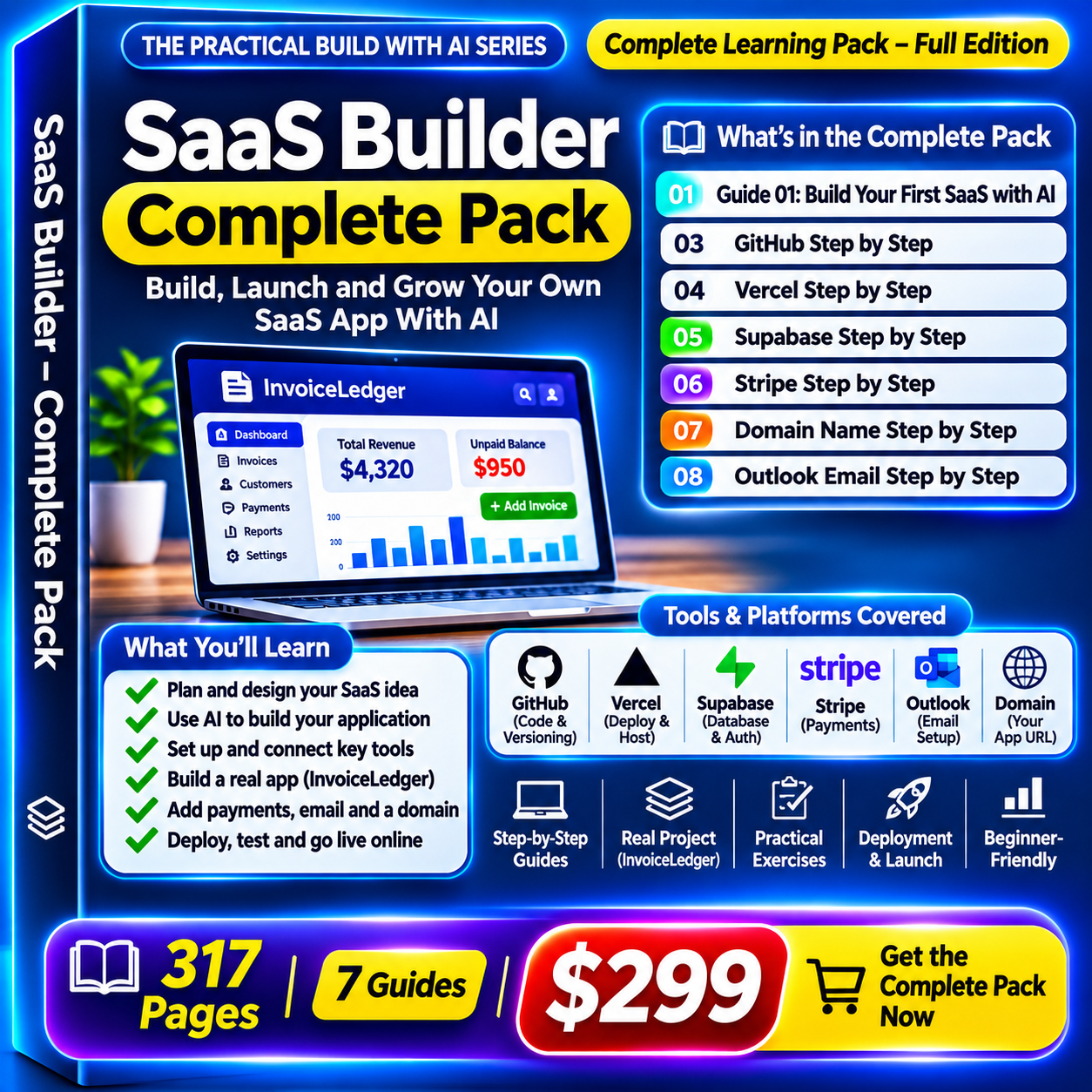
What you get (7 PDF guides, about 317 pages)
- Guide 01, Build Your First SaaS with AI (89 pages): the full build, with 17 exact AI prompts.
- Guide 03, GitHub Step by Step (32 pages): keep your app’s files safe in a private place and recover when something breaks.
- Guide 04, Vercel Step by Step (37 pages): put your app online at a real address and learn to read an error calmly.
- Guide 05, Supabase Step by Step (45 pages): give your app a database, and prove each person sees only their own records.
- Guide 06, Stripe Step by Step (42 pages): add a practice subscription and test payments in Stripe’s sandbox before real money is involved.
- Guide 07, Domain Name Step by Step (36 pages): choose a name, buy it safely, connect it and tell your other tools about it.
- Guide 08, Outlook Email Step by Step (36 pages): business email on your own domain.
How every step works
- A drawn example screen with numbered markers, so you know what to expect.
- A What you should see check and an Expected result box.
- A progress tracker so you always know what is left.
- Copy and paste prompts to give your AI.
- Side by side examples (an invoice tracker, a content studio and a column for your own SaaS).
- A Check before moving on box before the next step.
Also included in each guide
- A fix it table, listing common problems and what to check first.
- A fill in project record.
- A glossary in plain words.
- A rule list on keeping passwords, secret keys and customer data out of AI chats.
Who it is for
- Beginners with an idea and no coding background.
- Freelancers and small business owners who want their own tool.
- Anyone who wants one clear path instead of ten browser tabs.
Good to know
- These are PDFs for download. There is no video and no source code package.
- The pictures are illustrations to show what to expect, not live screenshots. Menus on your own screen may look different.
- You will need free accounts with the AI builder, GitHub, Vercel and Supabase. A domain, an email plan and Stripe are optional.
- Outside tools change their plans, prices and menus, so check their own help pages for current wording.
- This is practical guidance, not legal, tax or financial advice.