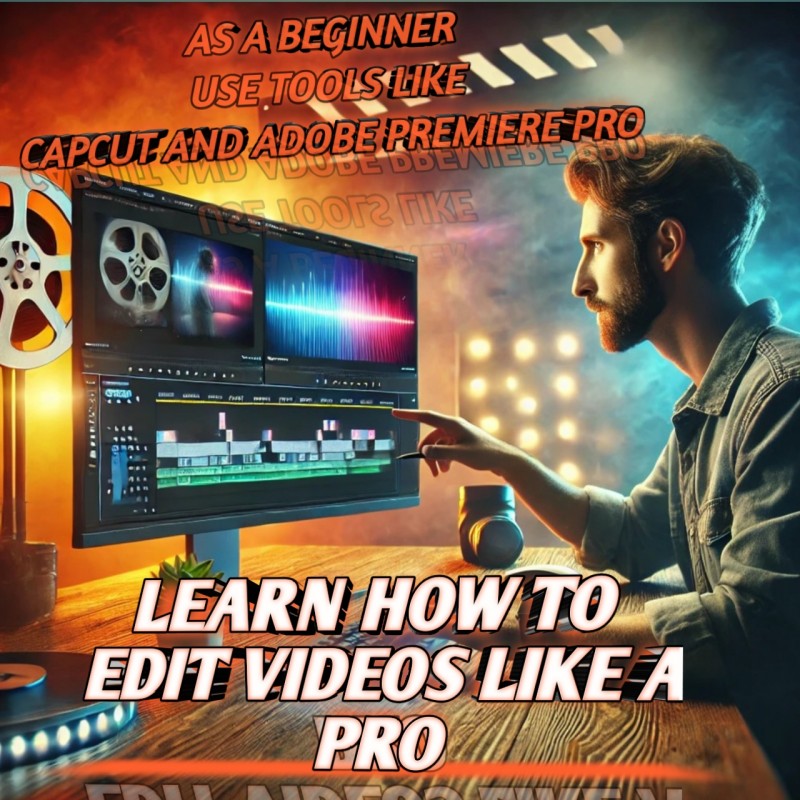
LEARN VIDEO EDITING (USING CAPCUT AND ADOBE PREMIERE PRO)

Want to unlock your creative potential and produce high-quality videos that captivate your audience? Whether you’re a beginner or an aspiring video editor looking to master professional-grade tools, this course on Video Editing Using CapCut and Adobe Premiere Pro is exactly what you need.
Learn how to create stunning, polished videos for YouTube, social media, personal projects, and even professional work. This course covers two of the most popular and powerful video editing platforms: CapCut (for quick, mobile editing) and Adobe Premiere Pro (for advanced, professional editing). By the end of this course, you'll have the skills to create videos that stand out and make an impact.
What You’ll Gain:
1. Master CapCut for Easy, On-the-Go Editing
CapCut is a fantastic mobile video editing app that’s easy to use but packed with powerful features. You’ll learn how to quickly edit, trim, and enhance your videos right from your phone. Perfect for those who need to create high-quality content on the go, CapCut will help you add cool effects, music, transitions, and much more—all with a simple, user-friendly interface.
2. Go Deeper with Adobe Premiere Pro Once you’re comfortable with CapCut, we’ll dive into Adobe Premiere Pro, the industry-standard video editing software. From professional transitions, color grading, and audio enhancements, to multi-layer editing and visual effects, you'll gain the skills that will allow you to create videos just like the pros.
3. From Beginner to Pro
Start with the basics and gradually build your skills. Whether you’re editing a simple vlog, social media clip, or a high-end commercial, you’ll learn step-by-step techniques that allow you to edit at any level. We’ll show you everything from importing your footage, basic cuts, and trimming, to adding advanced visual effects, sound, and transitions.
4. Techniques for Stunning Visuals
Learn how to enhance the quality of your footage with proper color correction and grading in Adobe Premiere Pro. We’ll cover how to make your visuals pop, improve lighting, and add cinematic depth—giving your videos a professional edge.
5. Sound Editing and Music Integration Sound is just as important as visuals. You’ll learn how to balance audio, remove background noise, sync sound effects with visuals, and properly add music to create a full experience for your viewers. We'll also teach you how to add voiceovers, clean up audio tracks, and perfect your sound design.
6. Mobile and Desktop Flexibility
Whether you're editing from your phone with CapCut or working from your desktop with Adobe Premiere Pro, you'll have the skills to adapt to any editing environment. Both platforms complement each other, and you’ll learn how to make the most of each to suit your editing style.
7. Create Engaging Content for Social Media and Beyond
Not only will you learn editing techniques, but you’ll also discover how to optimize your videos for different platforms like Instagram, YouTube, and TikTok. Understand the best video resolutions, aspect ratios, and file formats that work for each platform so your content is always ready for sharing.
Why Choose This Course?
- Learn at Your Own Pace:
This course is designed for all levels. You can start from scratch and build your way up to editing like a pro. With clear, easy-to-follow lessons, you'll be editing videos confidently in no time.
- Comprehensive & Hands-On Learning:The course includes hands-on lessons where you'll follow along with tutorials and work on your own projects. Whether you want to create content for fun, or professionally, you’ll be guided through every step of the process.
- Expert-Led Instruction:
Learn from seasoned video editors with years of experience in the industry. They’ll teach you all the tips, tricks, and shortcuts that professionals use, ensuring you’re always one step ahead in the editing game.
- Unlock Your Creative Potential:
Video editing is a powerful way to express creativity. Whether you're looking to share your story, promote a brand, or simply make entertaining content, this course will give you the tools and confidence to turn your ideas into reality.
- Master Two Platforms:
Learn both CapCut for easy, mobile edits and Adobe Premiere Pro for more complex, detailed projects. These two programs complement each other, and you’ll be able to use both for a wide range of projects.
- Practical Real-World Projects:
By the end of this course, you’ll have the knowledge and practical skills to edit real-world projects. You’ll be prepared to edit content for social media, YouTube channels, personal video blogs, and even professional presentations or commercials.
Who Should Take This Course?- Beginners looking to start learning video editing on a professional level.
- Aspiring Content Creators who want to make high-quality videos for YouTube, TikTok, Instagram, or other platforms.
- Social Media Influencers who want to up their editing game and create polished, engaging content.
- Freelancers or Entrepreneurs who need to create videos for their businesses, websites, or promotional content.
- Anyone Passionate About Video Editing, who wants to learn how to use powerful tools like CapCut and Adobe Premiere Pro.
Why Wait? Start Creating Stunning Videos Today!
If you’ve always wanted to learn how to create professional-quality videos that stand out, Video Editing Using CapCut and Adobe Premiere Pro is the perfect course for you. Whether you're editing on your phone or your desktop, this course will take you from beginner to expert, teaching you the skills to turn your creative vision into reality.
Sign Up Now and Start Editing Like a Pro!
Unleash your creative potential and start producing high-quality videos that get noticed. With our step-by-step lessons and expert guidance, you’ll be on your way to becoming a video editing pro in no time!