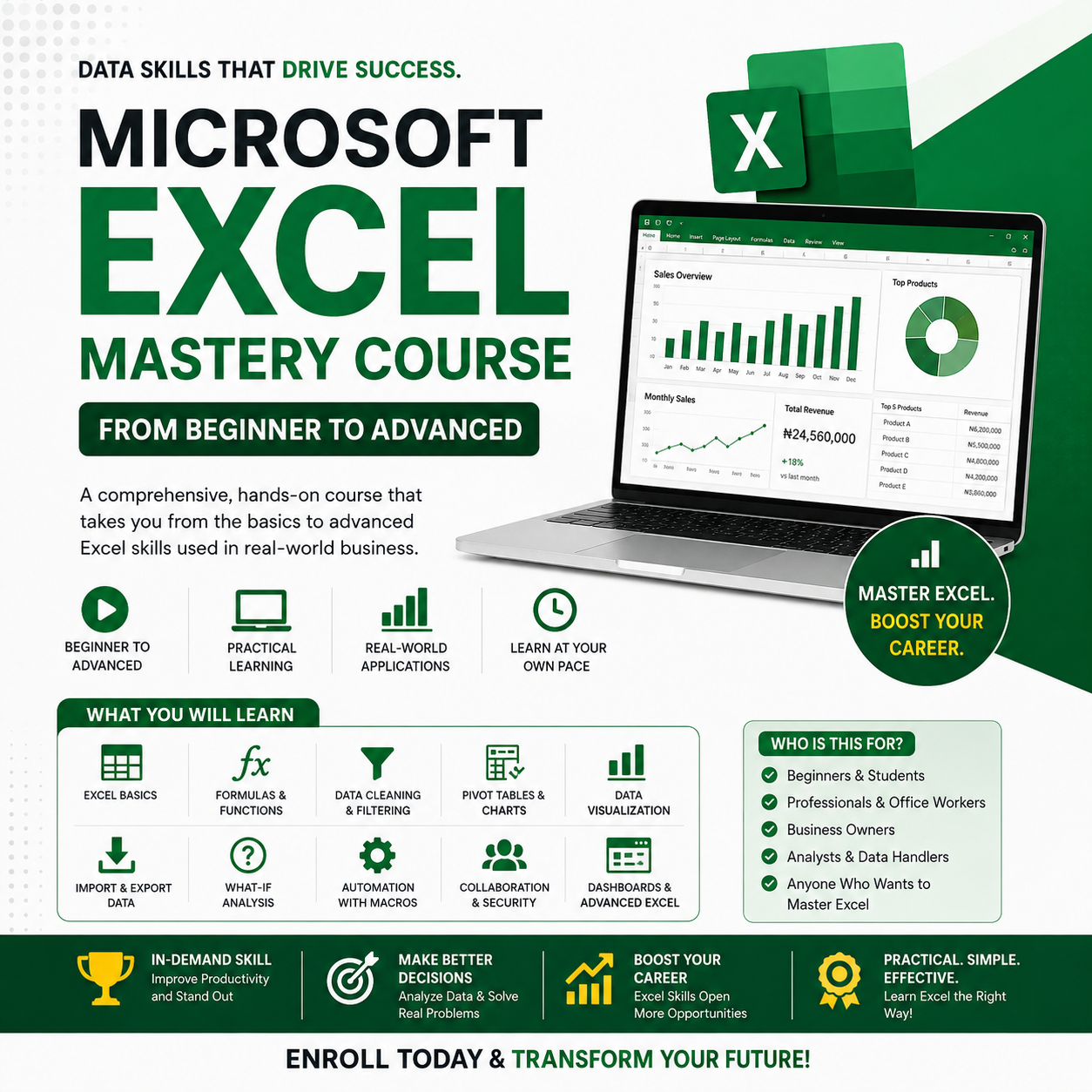
THE COMPLETE ONLINE EXCEL MASTERCLASS
Microsoft Excel Mastery Course – From Beginner to Advanced
The Microsoft Excel Mastery Course is a comprehensive, hands-on training program designed to transform you from a complete beginner into a confident, advanced Excel user. In today’s data-driven world, Excel is one of the most in-demand skills across industries — and this course is built to help you master it practically, efficiently, and professionally.
Whether you are learning Excel for the first time or looking to upgrade your existing skills, this course provides a clear, step-by-step learning path that covers everything from basic spreadsheet operations to advanced data analysis, automation, and dashboard creation.
What This Course Covers:
1. Excel Foundations (Beginner Level)
Start from the basics with a clear introduction to Microsoft Excel. You’ll learn how to navigate the Excel interface, understand rows, columns, cells, ribbons, and worksheets, and confidently create and manage workbooks. This section ensures that even users with no prior Excel experience can follow along with ease.
2. Data Organization & Management
Learn how to properly structure, organize, and manage data for efficiency and accuracy. You’ll work with multiple worksheets, format data professionally, and apply best practices for data entry that make future analysis faster and easier.
3. Formulas & Functions Mastery
This section dives deep into Excel’s most powerful features — formulas and functions. You’ll master:
- Mathematical and statistical functions
- Logical functions such as IF, AND, OR
- Lookup and reference functions
- Text and date functions
- Proper formula syntax and error handling
By the end, you’ll be able to create dynamic spreadsheets that calculate and update automatically.
4. Data Cleaning, Sorting & Filtering
Learn how to clean messy datasets, remove errors, and prepare data for analysis. You’ll use sorting and filtering tools, including advanced filtering options and Power Query, to handle large datasets efficiently and accurately.
5. Data Visualization & Reporting
Turn raw data into meaningful insights using:
- PivotTables for data summarization
- PivotCharts for visual reporting
- Conditional formatting to highlight key trends
You’ll learn how to present data in a clear, professional format suitable for management reports, presentations, and business decision-making.
6. Importing & Exporting Data
Discover how to bring data into Excel from multiple sources and export your work when needed. You’ll learn data transformation techniques that ensure accuracy and consistency when working with external files and systems.
7. What-If Analysis & Decision Tools
Excel isn’t just for storing data — it’s for making decisions. In this section, you’ll master:
- Data Tables
- Goal Seek
- Solver
- Scenario Manager
These tools help you model outcomes, test assumptions, and make informed, data-driven decisions.
8. Automation with Macros
Save time and increase productivity by automating repetitive tasks. You’ll learn how to record, edit, run, and debug macros, while also understanding Excel macro security and best practices.
9. Collaboration, Sharing & Security
Learn how to share workbooks, collaborate with others using Excel in the cloud, track changes, and protect sensitive information using Excel’s built-in security features.
10. Advanced Excel & Professional Use
At the advanced level, you’ll learn how to:
- Design interactive dashboards
- Customize Excel using the Developer tab
- Integrate Excel with Power BI for advanced analytics
- Apply Excel in real-world business and professional scenarios
Who This Course Is For
- Beginners with no Excel knowledge
- Students and graduates preparing for employment
- Professionals looking to increase productivity
- Business owners managing data and reports
- Analysts and office workers working with large datasets
Why Choose the Microsoft Excel Mastery Course?
✔ Step-by-step, beginner-friendly training
✔ Covers beginner, intermediate, and advanced levels
✔ Focus on real-world, practical applications
✔ Learn at your own pace from anywhere
✔ Skills applicable across multiple industries
📈 Master Excel, improve efficiency, and gain a competitive edge in your career.
Enroll today and start your journey from Excel beginner to advanced professional.