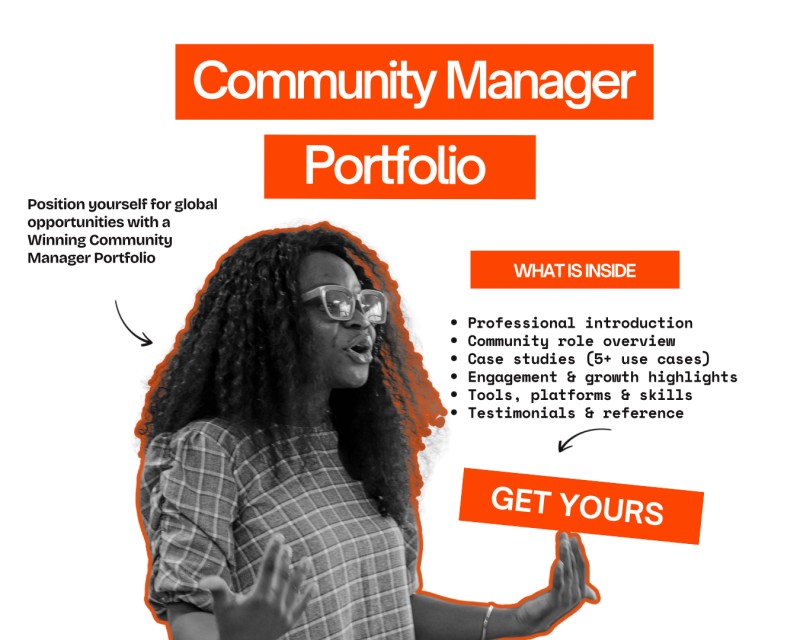
Community Manager DIY Portfolio

This is a ready-to-use, guided portfolio template built specifically for Community Managers like:
• Aspiring Community Managers
• Working CMs building credibility
• Freelancers & consultants
• Professionals applying for global roles
Use it to:
• Apply for CM roles
• Pitch freelance clients
• Prepare for interviews
• Showcase real community results
…in a way recruiters, founders, and hiring managers can understand in minutes.
Available Formats
You can choose one format or get the bundle:
1. Notion Portfolio Template
Best for Community Managers who want:
• A clean, professional, text-forward portfolio
• Easy to update
• A sharable link for applications, recruiters, and referrals
Perfect for global roles, remote jobs, and recruiters who value clarity.
2. Canva Portfolio Template
Best for Community Managers who want:
• A visually polished portfolio
• Something presentation-ready
• Easy customization without design stress
Ideal for LinkedIn sharing, pitching, and showcasing personality alongside professionalism.
What’s Inside the Portfolio (Structure)
This portfolio follows how global hiring managers actually evaluate candidates, not how CMs usually present themselves.
1. Cover / Introduction
• Who you are as a Community Manager
• Your niche or focus
• The kind of communities you build
• The problems you solve
2. Your Community Philosophy
This section answers:
• How you think about community
• Your values as a CM
• Your approach to growth, engagement, and retention
This is where you stand out beyond tools and tasks.
3. Core Skills & Competencies
A structured breakdown of:
• Community strategy
• Engagement & retention
• Events & programming
• Content & communication
• Analytics & reporting
• Stakeholder management
Written in outcome-focused language, not just tasks.
4. Community Experience / Case Studies
For each role or community:
• Context (what the community was about)
• Your responsibility
• What you implemented
• Results & impact (qualitative and quantitative)
This helps hiring managers see your work and its impact!
5. Tools & Platforms
Clearly organised list of tools you have experience with as a CM:
• Community platforms
• Project tools
• Analytics tools
• Event & communication tools
Positioned as enablers, not your entire identity.
6. Wins, Metrics & Highlights
This section helps you:
• Quantify your impact
• Show growth, engagement, retention, or culture wins
• Prove ROI where possible
Even if you’ve never tracked “perfect metrics,” the guide helps you frame what you do have.
7. Testimonials / Feedback (Optional)
Prompts for:
• Founder feedback
• Member testimonials
• Manager or stakeholder comments
You’re guided on what kind of feedback to include and how to format it.
8. Contact & Call-to-Action
A clean close that makes it easy to:
• Hire you
• Book a conversation
• Refer you
Because this is a template, you’ll find :
• Section-by-section instructions
• Prompts telling you what to write and why
• Examples of strong vs weak responses
• Notes on where to edit and customize
• Guidance on what to remove if you’re early-career
This guided portfolio template helps you document your experience, show impact, and position yourself for better roles, better pay, and global opportunities.