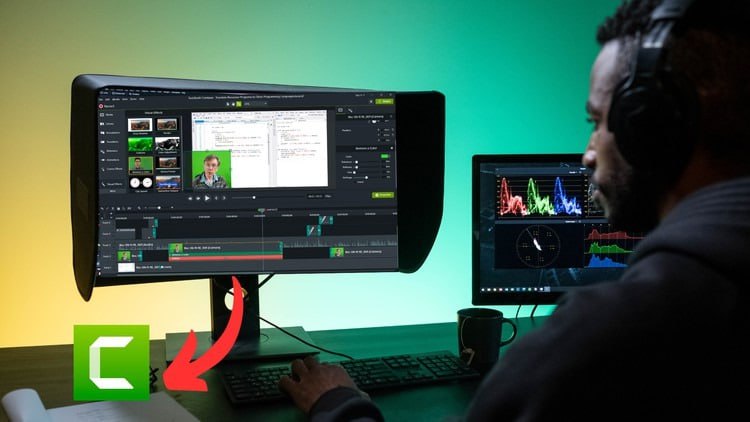
Camtasia Mastery: Beginner to Pro in Video Editing

What you’ll learn
- Downloading and Installing Camptasia
- Opening and Creating a Project
- Overview of the camptasia workspace
- Importing and Managing Media
- Recording with Camtasia
- Basic Editing
- Using the Camtasia Library
- How to use Annotations
- Adding Visual Effects
- Adding Transitions
- Adding Animations
- Behaviour and Cursor Effects
- Adding B-Rolls
- Adding and Managing Audio
- Narration and Voiceovers (Recording)
- How to Add Subtitles
- How to Remove Background
- Adding Quizzes
- Keyboard shortcuts
- Exporting Videos
- Course Conclusion + Project
Embark on your journey to professional video editing with Camtasia Studio from Techsmith!
If you seek a versatile Screen-Recording and Video Editing application that provides the flexibility to edit videos to your liking, Camtasia Studio stands out as the ideal solution. Widely used by video editors globally for business, marketing, and documentaries, this course is your key to diving into video editing.
What You Will Learn:
Practice editing while learning with included video files and assets.
Suitable for users with the latest, previous, or future versions of Camtasia Studio
Expert instruction from a best-selling instructor with top-rated courses.
Why Learn From Me?
I am a best-selling instructor with top-rated courses that receive excellent reviews, offering an incredible learning experience. Students commend the clarity and effectiveness of my teaching
My Promise to You:
I am committed to guiding you every step of the way. If you have questions about the course content or anything related to the topic, feel free to post in the course or send me a direct message.
Course Highlights:
This comprehensive guide covers all Camtasia Studio video editing tools, including:
Starting a new Camtasia project.
Navigating the Camtasia interface and workflow.
Recording high-quality screen and audio.
Importing various media types into Camtasia.
Editing videos, adding text, music, and animations.
Incorporating transitions, backgrounds, titles, and motion graphics.
Improving audio quality, removing noise, and finding free music.
Applying Speed Effects and using Zoom, Pan, and Annotations.
Utilizing Cursor Effects for viewer engagement.
Editing Green Screen (Chroma Key) footage.
Leveraging the Camtasia Library for quick project creation.
Efficiency tips, best practices, and editing hacks.
Exporting videos for small file size and HD playback on any device
By the course’s end, your confidence as a Camtasia Studio video editor will soar, equipped with a comprehensive understanding of the tool for your video projects.