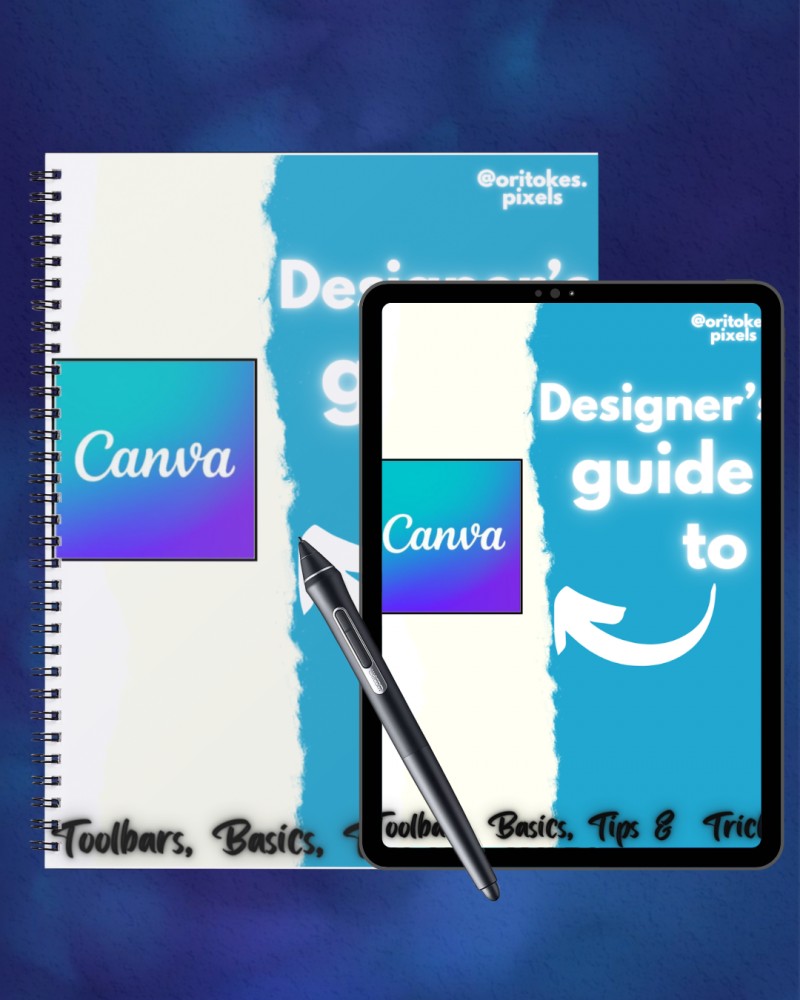
Designer's Guide to Canva

Toolbars,Basics,Tips & Tricks
Learn Canva Like a Pro
📘 What This Guide Is:
Whether you're new to Canva or you’ve been clicking around with no clear direction, the Designer’s Guide to Canva is your ultimate roadmap to mastering Canva as a real graphic designer — not just a template dragger.
This guide walks you through Canva’s tools, interface, hidden features, pro-level tips, and design theory — all in one place.
It’s packed with design knowledge, Canva hacks, and step-by-step breakdowns to help you create standout visuals confidently.
🧠 What You’ll Learn Inside:
✅ How to set up your Canva account the right way
✅ Understanding the Canva dashboard and interface
✅ Free vs Pro features — what’s really worth it
✅ Tips to make your designs look professional
✅ How to use Canva for branding, marketing, and client work
✅ Short history of Canva and why it matters
✅ Bonus: Canva shortcuts, brand kit setup, and portfolio advice
💼 Perfect For:
- Beginner & intermediate Canva users
- Aspiring graphic designers
- Content creators
- Freelancers and side hustlers
- Small business owners and brand builders
✨ Why You Need This Guide:
You don’t just need pretty templates — you need the knowledge behind great design.
This guide was created to turn Canva into your creative playground — where you design with purpose, style, and confidence.
No fluff. No overwhelming jargon. Just a clear, design-smart guide made for YOU.
👩🏾🎨 Created by Oritoke – Your Canva Bestie
Hey! I’m Oritoke, a professional designer with 6+ years of helping creatives and brands bring their visuals to life. This guide is a blend of everything I wish I knew starting out — now shared with YOU to save time and grow faster.
📲 Stay Connected:
- TikTok: @oritokes.pixels
- Twitter: @oritokes_pixels
- LinkedIn: Oritoke Olamide
- 📩 Email: [email protected]
🛒 Grab the Designer’s Guide to Canva now and start creating with skill, clarity, and confidence.