Invoice and Quotation Maker (Excel Template)

Create clean, professional invoices, quotations and receipts in minutes, and keep track of who has paid.
This Excel workbook is built for Ghanaian small businesses, freelancers, tailors, caterers, contractors and traders. Set up your business details once, then choose INVOICE, QUOTATION or RECEIPT, pick the customer, list the items and print it or save it as a PDF.
What you get:
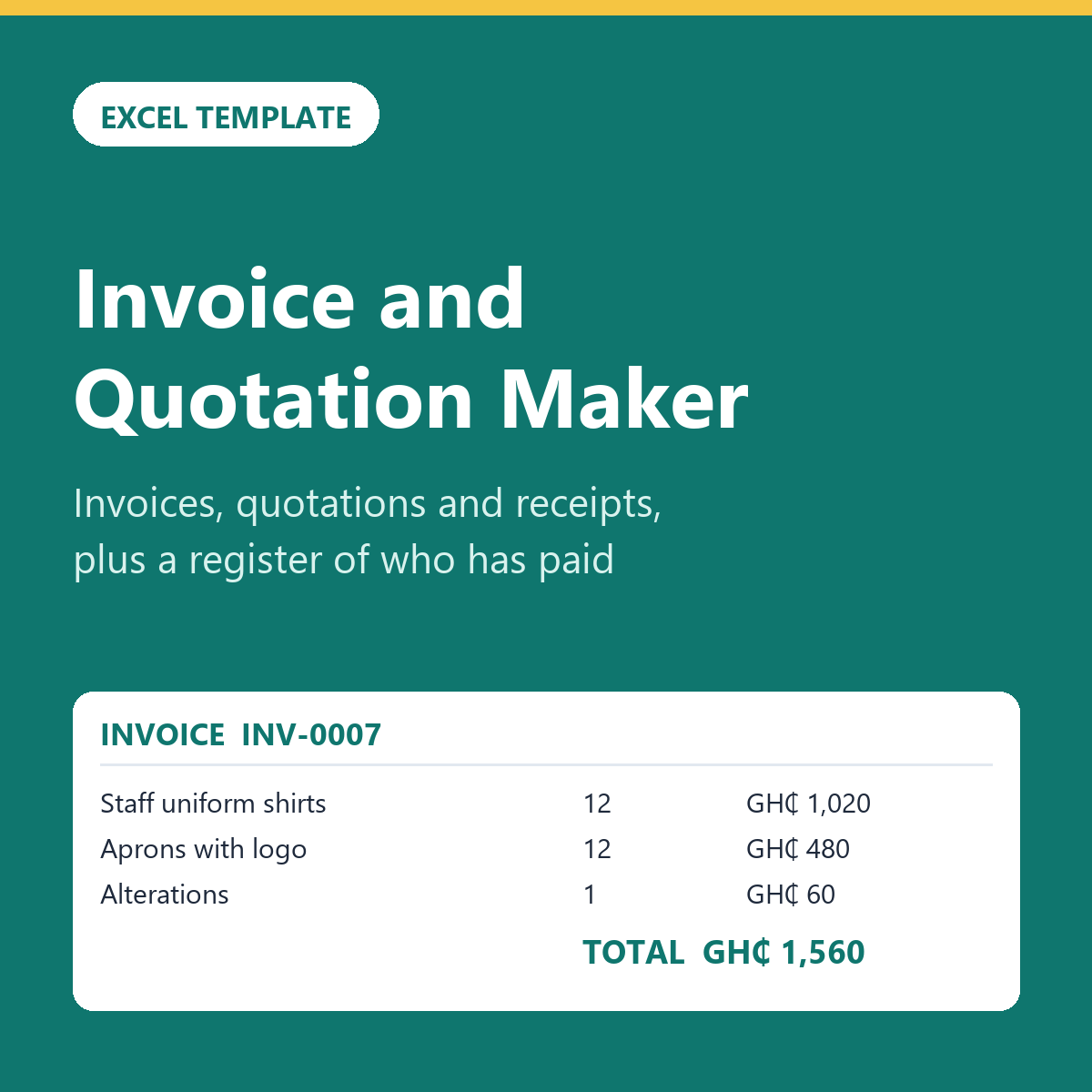
Document sheet: one A4 page with your business name and contact details, bill-to details that fill in from your customer list, up to 15 line items, discount, total, amount paid and balance due.
Settings sheet: your business details, MoMo and bank payment details, and payment terms in days.
VAT option: switch on VAT, NHIL and GETFund for VAT-registered businesses. The rates are editable cells, so you can update them when the rules change.
Customers sheet: a drop-down customer list for up to 200 customers.
Register sheet: log each invoice and see the balance, due date and a status of Paid, Due or OVERDUE, with totals for money invoiced, received and still owed.
A filled-in example copy, so you can see how it works before adding your own details.
A Start Here sheet with step-by-step instructions.
Works in Microsoft Excel 2010 or later, LibreOffice and Google Sheets. Amounts show in Ghana cedis (GHS). Instant download after payment.