Data Analysis with Excel, SPSS & AI

Learn how to collect, clean, transform, analyze data, and build powerful visualizations for any discipline or industry using Excel, SPSS, and AI.
WHY CHOOSE THIS COURSE?
🎯 Expert Guidance: Learn from a seasoned data analyst who has mastered the art of extracting valuable insights from complex datasets. He will walk you through every step, ensuring you grasp even the most intricate concepts.
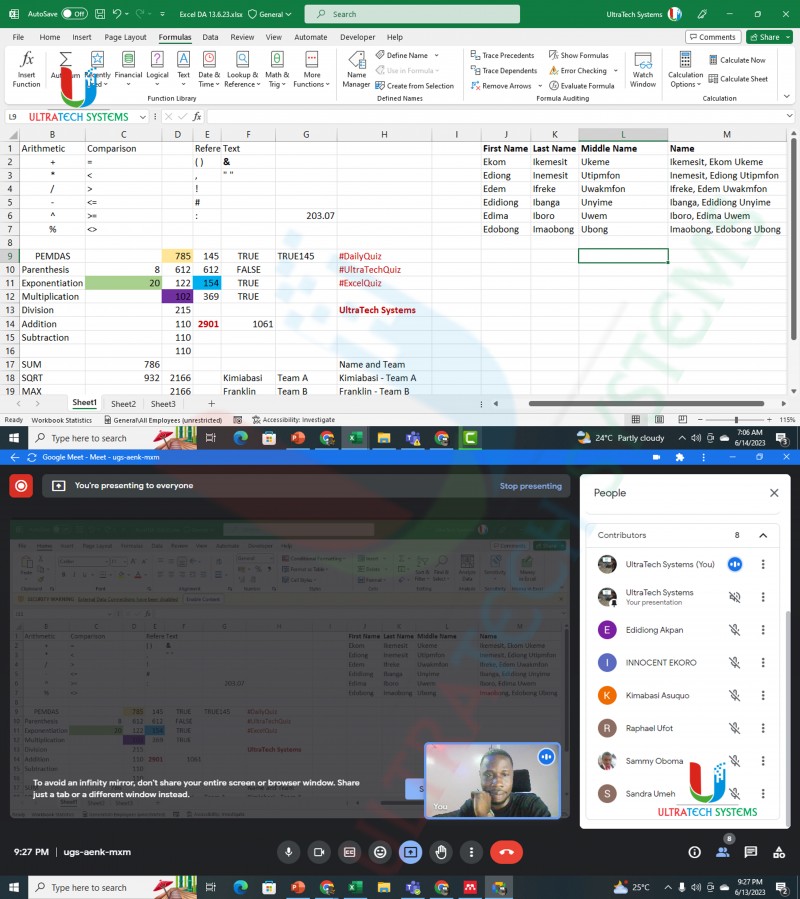
🎯 Comprehensive Curriculum: Our course covers everything you need to know about Excel for data analysis - from basic functions, formulas to advanced functions. You'll become proficient in writing formulas, data manipulation, visualization, and much more.
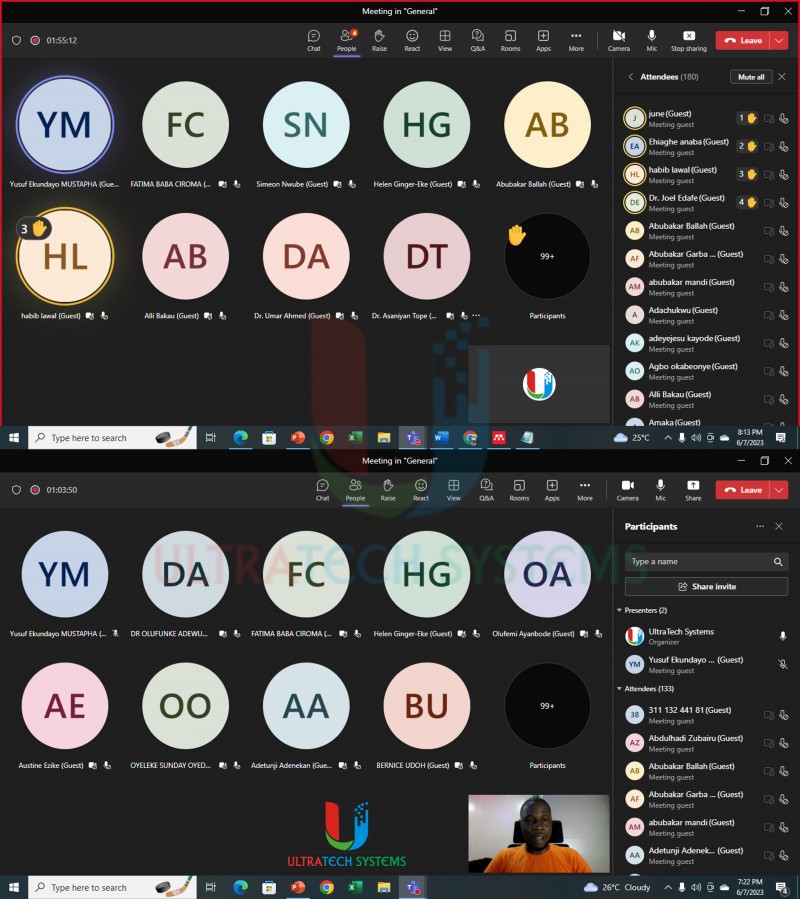
🎯 Virtual Sessions: Join our live virtual classes where you'll interact with the instructor and fellow participants, fostering a collaborative learning environment.
🎯 Recorded Lessons: Busy schedule? No worries! Access pre-recorded lessons and practice files at your convenience and learn at your own pace.
🎯 Scheduled Live Sessions: For a more personalized touch, we offer live sessions where you can ask questions, engage with the material, and get real-time feedback.
🎯 Affordable Class Options: Choose the option that suits you best! Our all-virtual sessions (classes) are available for just N25,000, while the recorded lessons with scheduled live sessions come at an incredibly affordable rate of N30,000.
🎯 Practical Projects: Apply your newfound knowledge to real-world projects, gaining hands-on experience in solving business challenges with data-driven solutions.
🎯 Quiz: Take Excel Quiz to help enhance your learning experience and keep your memory active.
🎯 Certificate of Completion: Get a recognized certificate of completion at the course completion.
COURSE FEATURES:
- Full and Lifetime Access to the Course
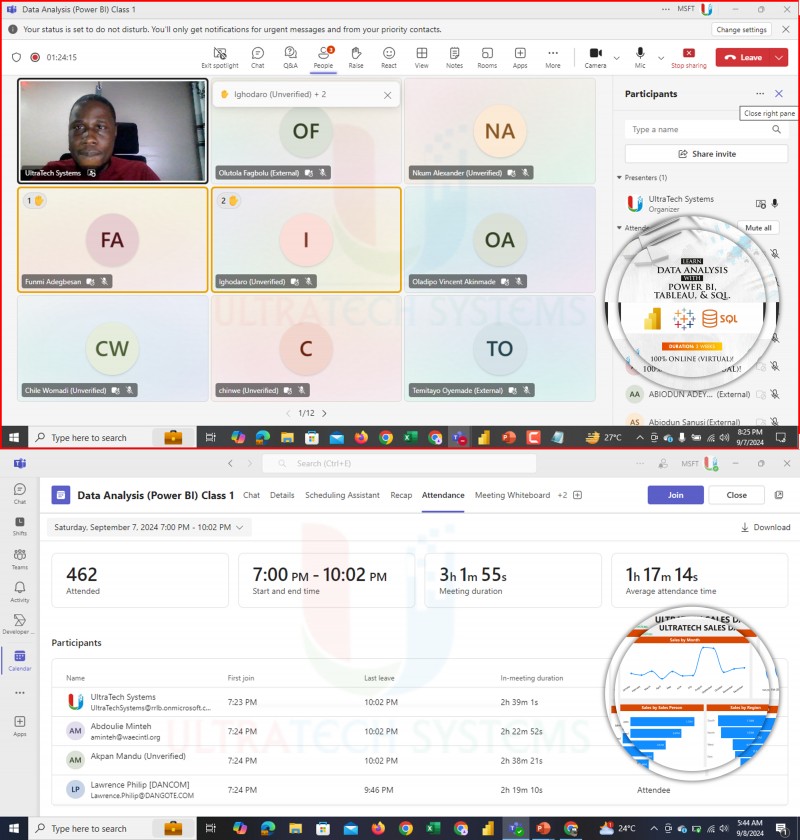
- Live Classes with the Instructor
- High-Quality Recorded (Videos) Lectures
- Certificate of Completion.
- Learn from Mobile/Tablet/PC
- Download for Offline Viewing and Learning
- Skill Level: All Levels
- Self-paced Learning
- Quiz, Assignments, Exercises, Projects, and Practice Files

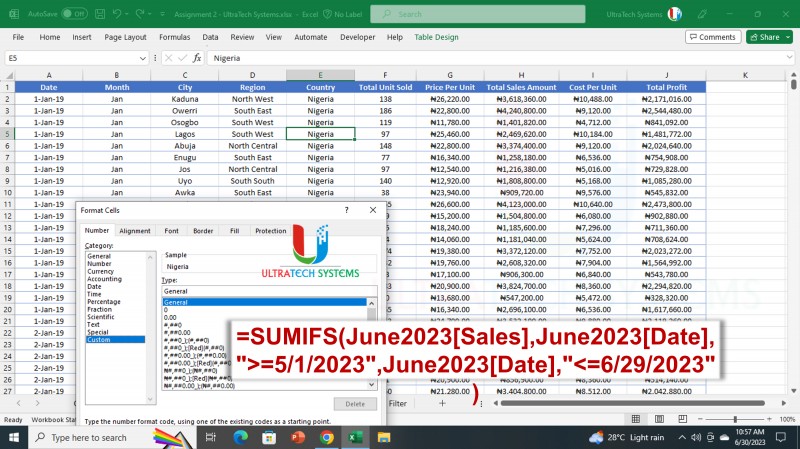
WHAT YOU WILL LEARN IN EXCEL:
🎯 Excel Window Overview
🎯 Getting and Transforming Data
🎯 Data Entry and Cleaning
🎯 Flash Fill
🎯 Formulas and Functions
🎯 Sorting and Filtering
🎯 Conditional Formatting
🎯 Cell Formatting
🎯 Data Validation
🎯 Quick Analysis and Name Management
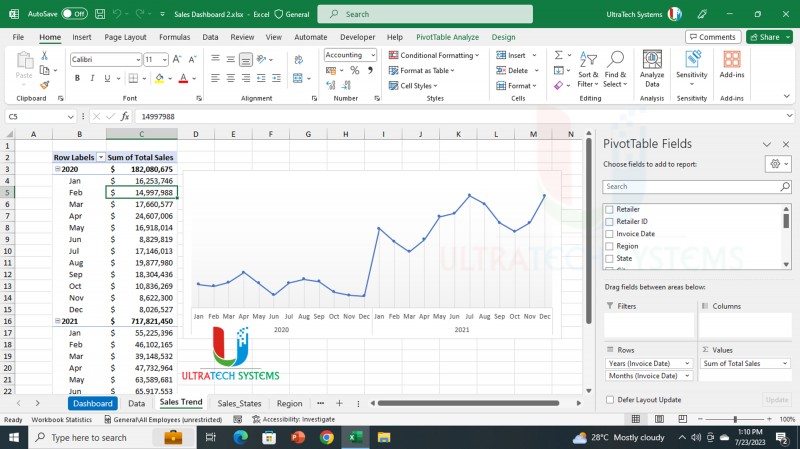
🎯 Pivot Table and Charts
🎯 Sparklines and Slicers
🎯 Charts and Visualization
🎯 Data Consolidation
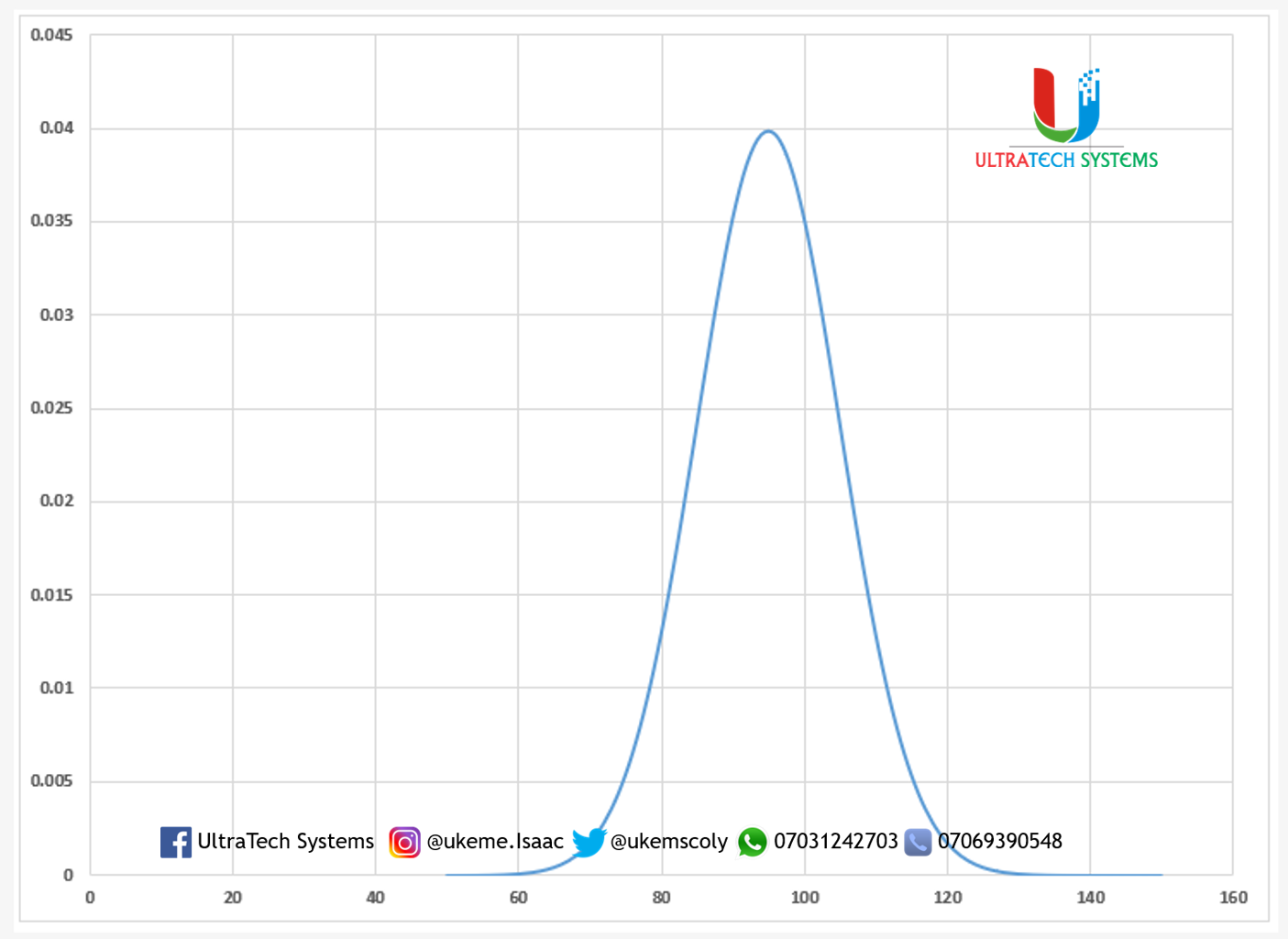
🎯 Statistical Analysis
🎯 The Analysis Toolpak
🎯 Solving real-life problems and answering questions with data
🎯 Drawing and Graphics in Excel
🎯 What-If Analysis
🎯 Cell Errors
🎯 Worksheet Protection and Management, and Printing
WHAT YOU WILL LEARN IN SPSS:
🎯 Installing and Starting SPSS
🎯 Components/Features of SPSS
🎯 Variables (Dependent and Independent)
🎯 Entering Data and Variables.
🎯 Importing and Exporting of Data
🎯 Data Cleaning and Manipulation
🎯 Creating and Working with Unique IDs
🎯 Descriptive Analysis 1: Frequencies and Descriptives
🎯 Understanding Analysis Output in SPSS
🎯 Descriptive Analysis 2: Crosstabs and Charts
🎯 Advanced data analysis using correlation and regression
🎯 Statistical Tests (Means, T-test, One-way ANOVA)
🎯 Output in SPSS: Saving and Printing
USING AI FOR DATA ANALYSIS:
🎯 Introduction to AI for Data Analysis
🎯 Excel Ad-Ins for AI
🎯 Using ChatGPT, Meta AI, Germini, and Copilot for data analysis and visualization.
🎯 Prompt Engineering for Data Analysis
🎯 Top AI tools for data analysis.
Enroll now to begin your journey of becoming a pro in Data Analysis with Excel, SPSS, and AI.
Want to inquire more or talk to us via WhatsApp/Call, tap here https://wa.me/+2347069390548 or call: +2347069390548, or send us a message on Facebook: www.facebook.com/ultratechsystems
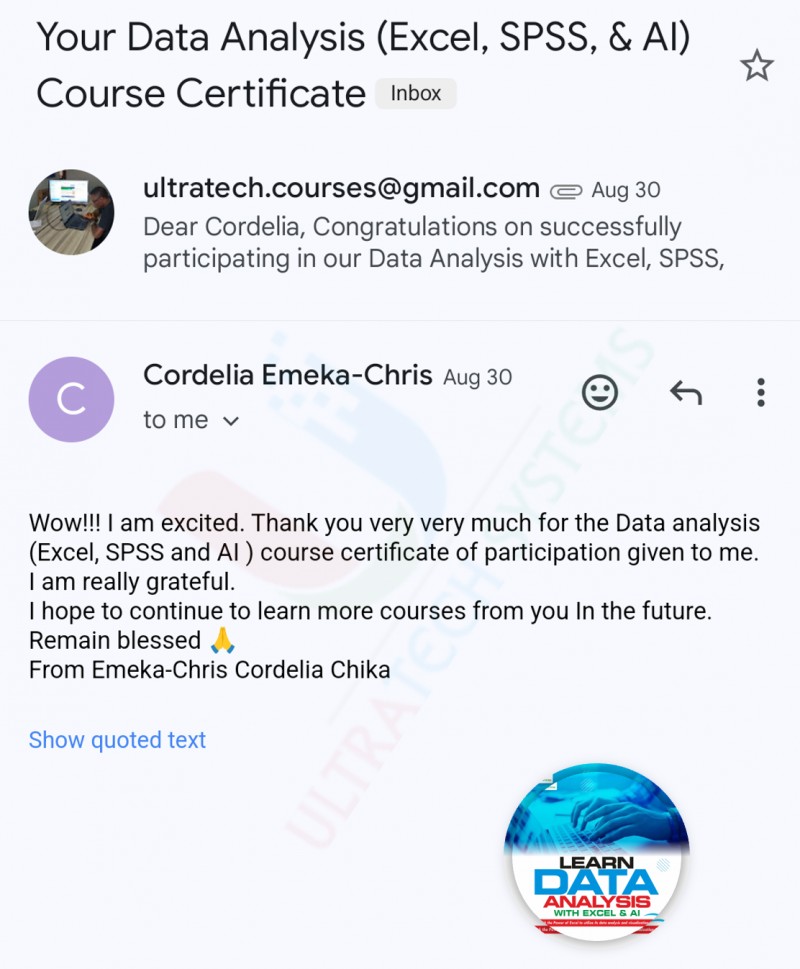
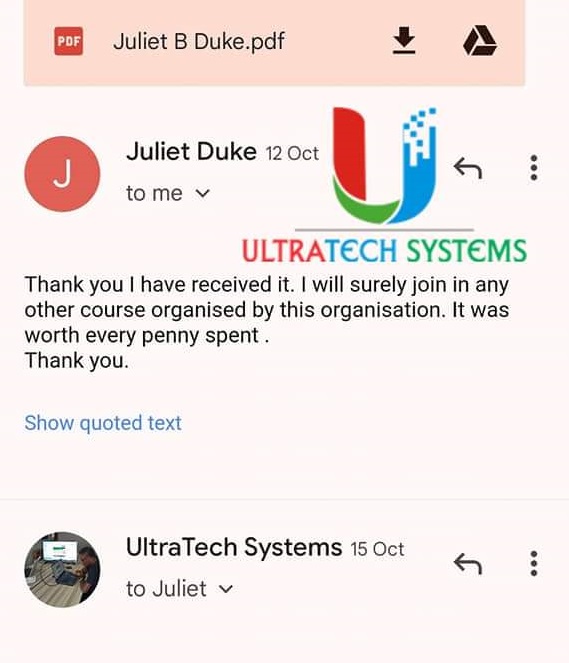
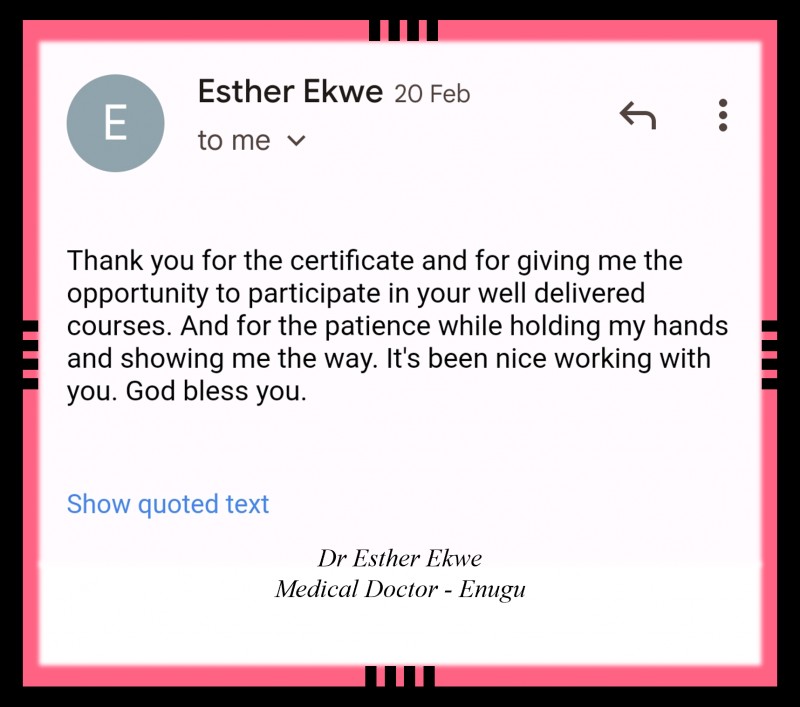
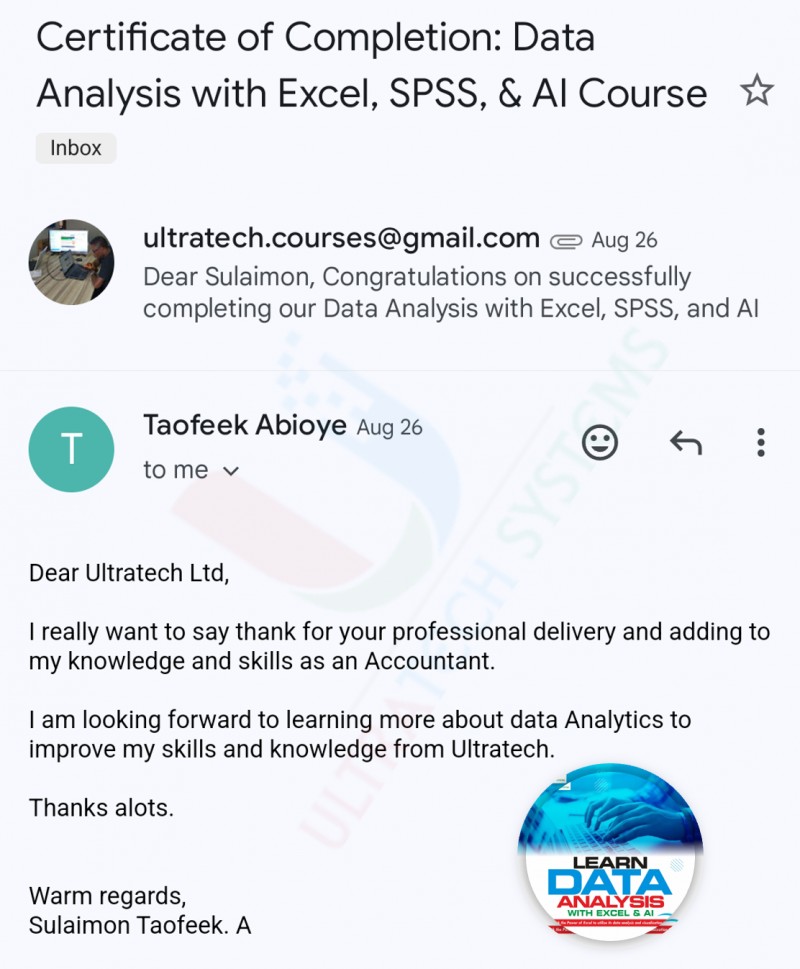
See how past participants have rated the course: