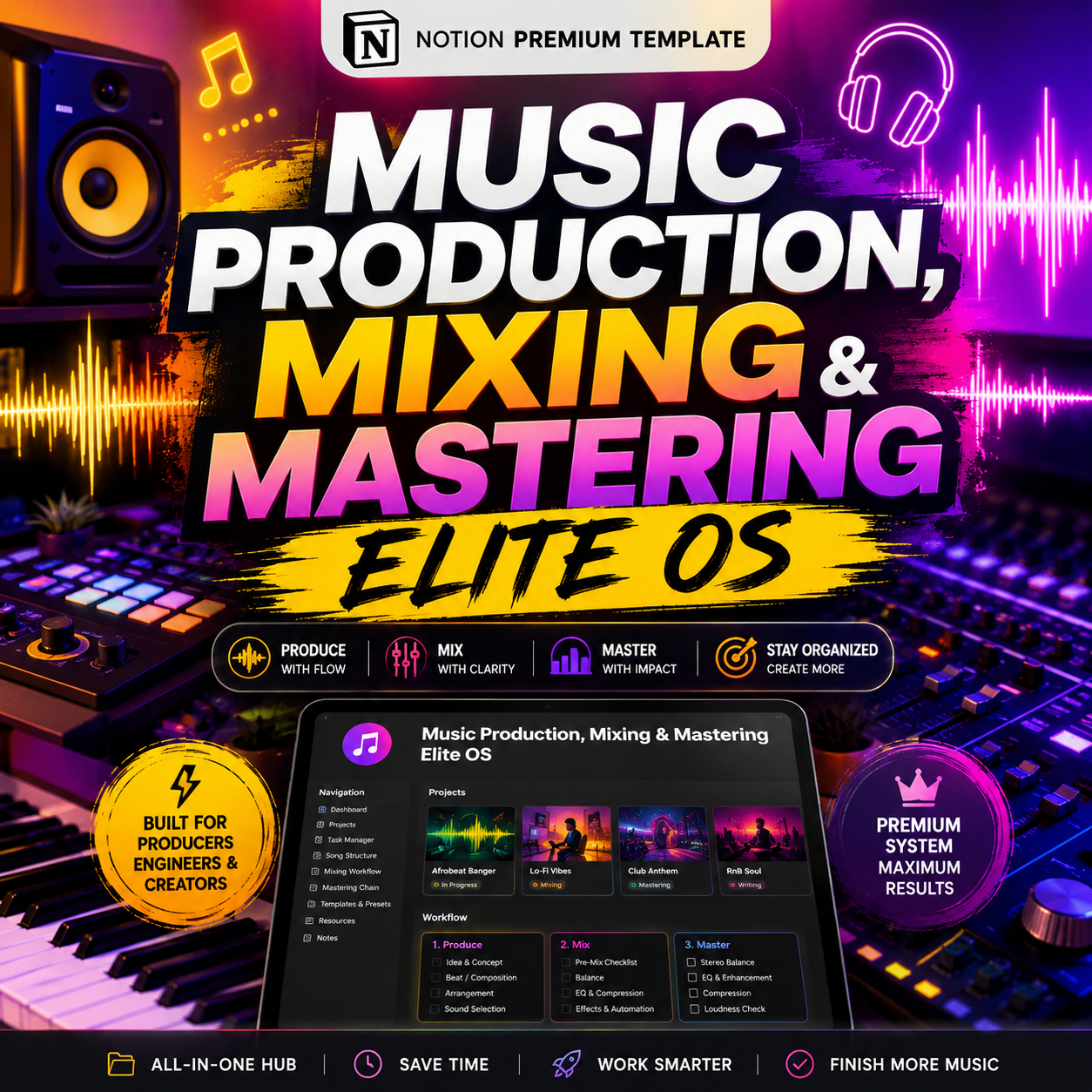
The Ultimate Music Production, Mixing & Mastering Notion OS | All-in-One Studio, CRM, Client Portal & Release Manager for Producers & Engineers

🎛️ Your studio doesn't have a workflow problem. It has a scattered systems problem.
Session files in one folder. Client texts in another app. Mix revisions buried in email threads. Invoices in a spreadsheet you forgot to update. Split sheets that live... somewhere. Release metadata you're rebuilding from scratch every single time.
The Ultimate Music Production, Mixing & Mastering Notion OS replaces all of it with one connected operating system built specifically for the real lifecycle of a song — not a generic project tracker with a music skin slapped on it.
This isn't a song-idea notebook. It's a full production business built inside Notion: Production Pipeline + Recording Studio Manager + Mixing Control Room + Mastering Control Room + Client CRM + Client Portal + File & Version Manager + Finance System + Release Manager + Rights & Royalty Tracker + Marketing Engine + AI Production Assistant — all wired together so nothing falls through the cracks again.
🎵 BUILT FOR THE ENTIRE LIFECYCLE OF A SONG
Every track moves through one traceable pipeline:
IDEA → PRE-PRODUCTION → PRODUCTION → RECORDING → EDITING → ARRANGEMENT → MIX PREP → MIXING → CLIENT REVIEW → REVISION → MIX APPROVED → MASTERING → QC → MASTER APPROVED → DELIVERED → RELEASED → ARCHIVED
No more guessing what stage a project is in. No more "wait, did the client approve this mix or not?" No more hunting for the final stems six months later.
👤 WHO THIS SYSTEM IS FOR
- Music producers & beatmakers running client work
- Mixing engineers managing multiple client revisions at once
- Mastering engineers who need a real QC and delivery pipeline
- Recording engineers and home studios going professional
- Independent artists managing their own catalog and releases
- Production companies, agencies, and multi-engineer studios
- Songwriter/composer teams tracking splits and credits
- Audio post-production freelancers who bill by the project
If you've ever lost a stem, missed a revision deadline, forgotten to invoice a client, or had to rebuild your release metadata from scratch — this system was built to fix exactly that.
🧩 WHAT'S INSIDE — 15 FULLY CONNECTED MODULES
01 · Production OS A visual pipeline board that takes every song from raw idea to finished, archived master — with milestones, tasks, and a Risk Radar that flags missing stems, overdue approvals, and unpaid balances before they become emergencies.
02 · Recording Studio OS Session pages, track sheets, and take management so every recording session — who played, what mic, what take, what notes — is logged and searchable forever.
03 · Mixing Control Room A real mixing pipeline: mix prep checklists, mix version history, a revision tracker, structured client feedback capture, and a formal approval system — so "final_final_v3_ACTUAL.wav" never happens again.
04 · Mastering Control Room Mastering intake, master version control, a dedicated QC database, and a delivery matrix that confirms every format, loudness target, and platform requirement is met before a master goes out the door.
05 · Client CRM One database for every artist, client, label, manager, and A&R contact — with lead source, communication history, project totals, and outstanding balances rolled up automatically.
06 · Music Catalog Your entire back catalog — songs, compositions, recordings, versions, stems, and masters — organized so nothing is ever "lost in a hard drive" again.
07 · File & Asset System Version-controlled tracking for sessions, stems, exports, and artwork, with a client delivery database and delivery QC so what you send is always the right file, every time.
08 · Release OS Metadata, credits, ISRC tracking, and a release pipeline that keeps distribution details, artwork, and launch timelines in one place.
09 · Rights & Royalty OS Split sheets, rights registration tracking, and a royalty tracker so ownership and payments are documented and provable — not remembered.
10 · Finance OS Quotes, invoices, payments, expenses, and project + service-level profitability — so you know exactly which type of work is actually making you money.
11 · Studio Operations Room and equipment databases, booking calendars, and maintenance logs for studios running physical space and gear.
12 · Marketing OS Content and campaign planning, playlist pitching tracker, and a portfolio/case-study database to turn finished projects into new client leads.
13 · Client Portal A clean, professional client-facing workspace showing project status, what's needed from them, approvals, and delivery — so clients stop DMing you "any updates?" every three days.
14 · SOP & Script Vault Mix checklists, mastering checklists, client onboarding scripts, intake questionnaires, and a revision policy template — the exact operating procedures that keep quality consistent as you scale.
15 · AI Music Production Center Ready-to-use AI prompts for turning client feedback into structured revision tasks, auditing project and release metadata, drafting professional client emails, and generating marketing content — built to support your judgment, not replace it.
📊 THE COMMAND CENTER DASHBOARD
Open Notion and instantly see:
- Active projects, songs in production, mixes and masters in queue
- Client approvals waiting on you (or you waiting on them)
- Deliveries due this week and payment deadlines
- Outstanding payments and monthly revenue
- Average project value, revenue per hour, and on-time delivery %
No more piecing your business together from five different tools. One dashboard, one truth.
🛡️ A REAL RISK RADAR — NOT JUST A TASK LIST
System F flags what actually threatens a delivery:
- 🔴 Critical: deadline within 48 hours, missing stems/vocals, overdue mix or master approval, unpaid balance blocking delivery, missing rights info
- 🟡 Attention: pending revisions, incomplete files, missing artwork or credits, unbacked-up sessions
- 🟢 Healthy: files received, mix approved, master approved, delivery complete
💼 WHY THIS IS A PROFESSIONAL SYSTEM, NOT A TEMPLATE
Most "music Notion templates" stop at a song list and a release calendar. System F is built like real studio software:
✅ End-to-end workflow — one system follows a song from idea to archive
✅ Actual technical pipelines — mixing and mastering have real operational stages, not just a status label
✅ Client experience — clients get a structured portal instead of a text thread
✅ Version control — every mix and master stays traceable
✅ Business intelligence — see exactly which services are profitable
✅ Standardized file lifecycle — critical assets never go missing
✅ Release-ready — the workflow keeps going after mastering, into marketing and royalties
✅ Fully reusable — run unlimited client projects through the same system
📦 PACKAGE / PRICING TIERS
TierPrice What's Included CORE $79–$99 Song + Production Planner PRO $129 –$149 Production + Mixing + Mastering + Client CRMELITE (this listing) $199 Full system: Production, Recording, Mixing, Mastering, Client Portal, Finance, Studio Operations, Release Management, Rights, Marketing, AI Center, SOP Vault, Demo Workspace, and Video Training
This listing is for the ELITE edition — the complete operating system.
🎁 INCLUDED WITH YOUR PURCHASE
- Full Notion OS with all 15 connected modules (instant digital download)
- Pre-built Demo Workspace with sample data so you see it fully populated on day one
- Clean Mode toggle to wipe demo data and start fresh with your own projects
- Mobile-optimized pages for logging sessions, mix notes, and client info on the go
- Video walkthrough training
- SOP & Script Vault (client onboarding, mix/mastering checklists, revision policy)
- Lifetime access + free updates
❓ FAQ
Do I need a Notion paid plan? No — System F works on Notion's free plan for individuals. (Some collaboration/guest features may benefit from a paid plan if you're running a multi-engineer team.)
Is this for beginners or professionals? Built for producers and engineers doing real client work — solo freelancers through full studios. If you're just starting out, the CORE/PRO tiers exist too; this ELITE edition is for anyone billing clients and managing a release pipeline.
Can I use this for my own artist project, not client work? Yes — the Production Pipeline, Music Catalog, Release OS, and Rights/Royalty tracker work fully for personal catalog and release management, with or without the CRM/client modules.
Does it work on mobile? Yes — key pages (current project, mix notes, contacts, session info, deliveries) are optimized for quick mobile entry.
What if I outgrow the Elite tier? Upgrade paths to the STUDIO/AGENCY tier (team management, multi-engineer workflow, capacity planning) are available.
🚀 BUILD ORDER — GET RUNNING FAST
You don't have to set everything up at once. System F is structured to go live in phases: Foundation (clients, songs, projects) → Audio Production (mixing/mastering pipeline) → Files → Business (finance) → Release → Studio Ops → Growth (marketing) → Premium (client portal, AI, SOP vault). Most users are running real client work inside the Foundation + Audio Production layers within the first hour.
The test this system is built to pass:
Can a professional producer, mixing engineer, mastering engineer, or studio operate a real client project from first inquiry through final delivery, release, and archive — without needing five disconnected apps?
System F says yes.
4. FEATURES
- 🎛️ Full production pipeline: Idea → Recording → Mixing → Mastering → Release → Archive
- 🎚️ Dedicated Mixing Control Room with version history, revisions & client approvals
- 🔊 Dedicated Mastering Control Room with QC checklist & delivery matrix
- 👤 Built-in Client CRM (artists, labels, managers, A&R)
- 🌐 Client-facing Portal with live project status
- 🎵 Full Music Catalog (songs, stems, versions, masters)
- 📁 Version-controlled File & Asset management
- 💰 Finance OS: quotes, invoices, payments, expenses, profitability
- ©️ Rights, split sheets & royalty tracking
- 🚀 Release manager with metadata, credits & distribution tracking
- 📣 Marketing & playlist pitching tracker
- 🎧 Studio Operations: rooms, equipment, bookings, maintenance
- 📚 SOP & Script Vault (onboarding, checklists, revision policy)
- 🤖 AI Music Production Center with ready-to-use prompts
- 📱 Mobile-optimized for on-the-go session logging
- 🧪 Pre-loaded Demo Workspace + one-click Clean Mode
- 🎬 Video training walkthrough included