Habit Tracker Pro
Habit Tracker Pro — The 4-Systems Spreadsheet for Google Sheets + Excel
The habit tracker for people who've quit every habit app. 7 designer themes. Google Sheets + Excel. One payment. No subscription. Yours forever.
――――――――――――――――――――――――――――――
FULL PRODUCT DESCRIPTION
You don't have a goal problem. You have a systems problem.
If you've set goals before — written them down, gotten excited, told people — and watched them quietly die between February and April, you already know how this story goes.
Most people blame themselves. They tell themselves they lacked discipline. They weren't motivated enough. They'll do better next year.
That's a lie.
Goals don't fail because you lack discipline. They fail because they're missing one specific structure that makes consistency mathematically inevitable. Most habit apps and templates only solve two of the four systems your goals actually need:
1. Reminder — you see your goals every day
2. Accountability — failure costs you something real
3. Tracking — you measure what's getting done
4. Time-blocking — the work has reserved hours
Habit Tracker Pro is the only spreadsheet I've found that wires all four together natively — and it works equally well in Google Sheets and Excel.
What you're getting
A single, beautifully-designed spreadsheet — packaged in a zip with 14 files:
✓ Google Sheets-native version (works in any browser — real checkboxes, native charts, zero scripts, zero security warnings)
✓ Excel-native version (works offline — 1/0 dropdown grid, native Excel charts, no macros)
All 7 designer themes (so you'll actually want to open it every morning):
🤍 Off-White — clean, minimal, productivity-classic
💎 Electric Cyan — bright, crisp, modern dark-mode
🍂 Burnt Terracotta — warm earth tones, focus-friendly
🌫️ Matte Gray — pure monochrome, distraction-free
🌲 Deep Forest Green — rich gold-on-green, premium feel
🌊 Deep Sky Blue — cool navy and electric blue, focus-mode
💜 Electric Purple Lavender — vibrant, expressive, motivational
✓ 52 weeks pre-wired — entire year ready out of the box. Add a new week by duplicating one tab — the dashboard auto-updates.
✓ Hidden Master Database — aggregates 52 weeks of data automatically. You never touch it.
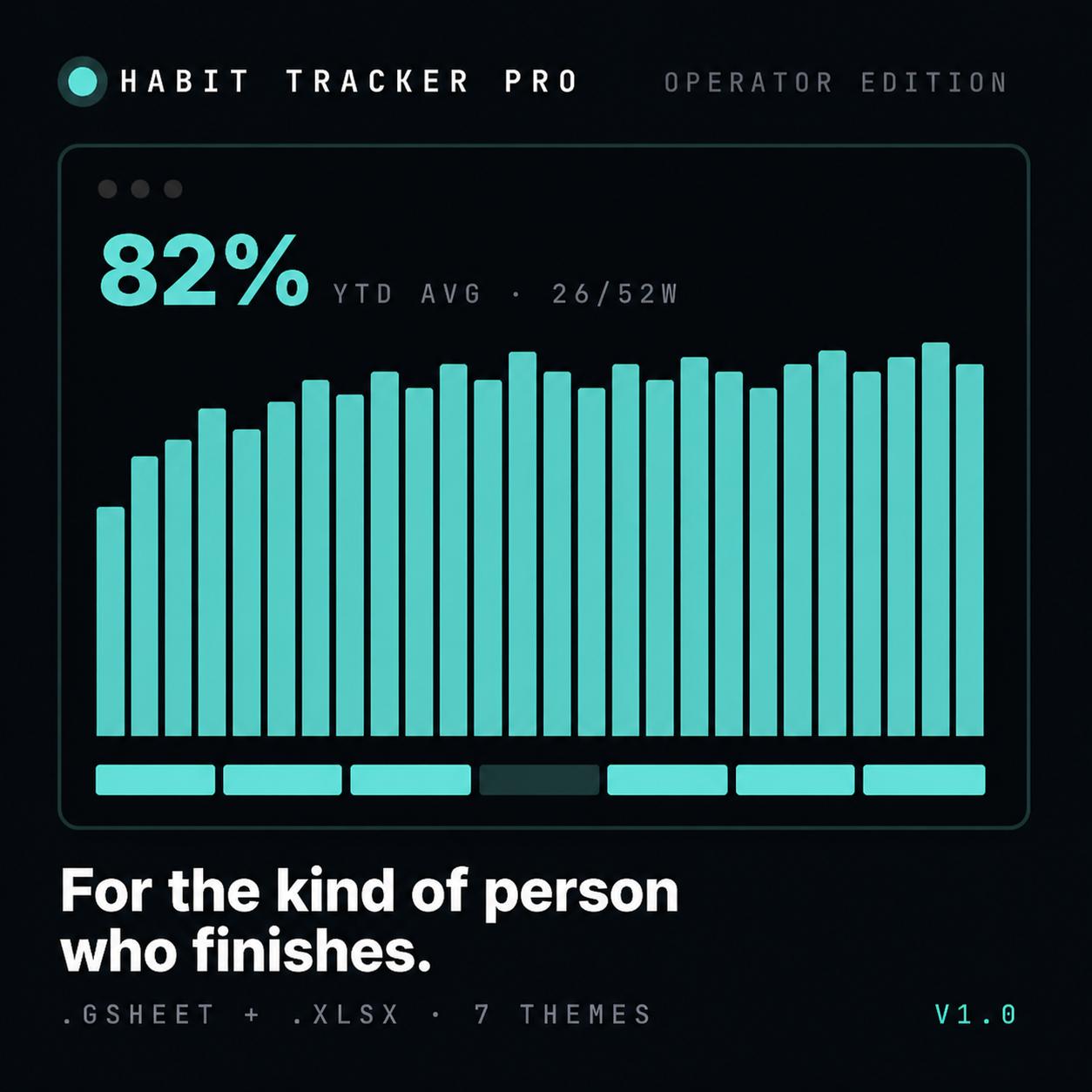
✓ Native dashboard with 5 charts — 52-week trajectory + Q1/Q2/Q3/Q4 mini-charts.
✓ Per-week daily-completion bar chart — see your week at a glance.
✓ KPI tiles — Overall Average, Best Week, Total Habits Done, Weeks Logged out of 52. Year-end report card, updating live.
✓ Locked formula cells — entry-level-safe. You can't accidentally break it.
✓ Lifetime access — no subscription, no renewal, no upcharges. Buy it once. It's yours.
Why this isn't another habit app
Habit apps
✗ No Monthly subscription
✗ No Locked into one format
✗ No One default theme
✗ No Notifications pretending to be accountability
✗ No Streaks that hide patterns
✗ No Closed system, can't customize
✗ No Data trapped in their cloud
Habit Tracker Pro
✓ One payment, lifetime
✓ Native in Sheets and Excel
✓ 7 designer themes
✓ Printable Versions
✓ Built to plug into real money-on-the-line accountability
✓ Charts + KPIs surface the patterns
✓ Pure spreadsheet — edit anything
✓ Your data, your file, your machine
Who this is for
✓ The chronic quitter who's finally ready to figure out *why* they keep quitting.
✓ The high-performer who wants to add a 7th habit without dropping the other 6.
✓ The person who hasn’t really done this goals thing before but wants to get it right on first try.
✓ Anyone who is open to using Google Sheets person or Excel provided they get to their goals.
✓ Anyone who already lives in spreadsheets — for finances, for trades, for projects.
✓ Anyone with 10 minutes a day to tick some checkboxes.
✓ Anyone who wants to look at December 31 and see — concretely, with data — what the year was made of.
Who this is NOT for
✗ Anyone looking for an app that nags them with notifications. This is a system, not a babysitter.
✗ Anyone who wants someone else to do their accountability for them. The tracker plugs into accountability — you set up the stakes.
Setup takes ten minutes
1. Download the zip. Pick your theme.
2. Open Google Sheets (File → Upload) or Excel (File → Upload).
3. Edit the 29 sample habits in Week 1 column A with your own.
4. Tick the checkboxes. Or use 1 and 0 for Excel. Watch the dashboard fill in.
That's it. Tomorrow morning, your reminder system is already running.
FAQ
Do I need to know spreadsheets?
No. Every formula cell is locked, so you can't accidentally break anything. The only things you edit are habit names, time-of-day tags, and the day-grid checkboxes — all clearly marked.
Sheets or Excel — which one should I pick?
Both. They're both in the bundle. Pick whichever app you live in today; switch any time.
Will it work in older Excel?
Yes — Excel 2016 and newer. No macros, no Power Query, no fancy stuff that breaks across versions.
Is there a subscription?
No. One payment. Lifetime access. No renewal, no upgrade tiers, no nonsense.
Do I get updates?
Yes — any future updates and improvements are free for everyone who's purchased.
Can I switch themes later?
Open the new theme file, copy your weekly sheets across. All themes share identical structure.
What's actually in the zip?
14 .xlsx files (7 themes × 2 formats), 1 Bonus Pack, Printables.
NEXT STEPS
Click Buy. Download in 30 seconds. Set up your first week tonight.
Tomorrow morning, when you wake up, your reminder system is already running.
The math doesn't care how motivated you are tomorrow. It only cares whether your system is built. Build it tonight, and Q1 looks different. Don't, and May looks like every May before it.
Buy Habit Tracker Pro — ₦25,000