External Access
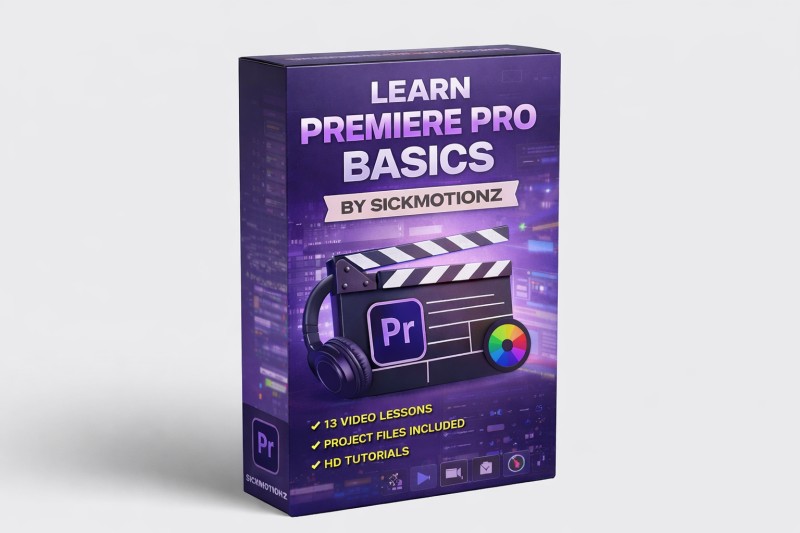
Master Premiere Pro Basics
(0 Ratings)
1
$36.87
A hands-on video course for beginners. You watch each lesson, practice along, and repeat to build real editing skills. All project files used in the class are included, so you can follow exactly and learn by doing.
What You’ll Learn in Master the Basics of Premiere Pro
Project Setup and Workflow
- Understanding the Project Panel and importing assets properly
- Organizing your projects so you don’t get lost later
- Creating sequences the right way in Premiere Pro
- How the Source Panel works and why it matters
Timeline and Editing Fundamentals
- Using timeline tools like a real editor
- Getting comfortable with the Effects Control Panel
- Cutting, trimming, and arranging clips cleanly
- Removing unwanted parts of a clip efficiently
Motion, Keyframing, and Graphics
- Basic keyframing explained clearly
- Advanced keyframing for smoother animations
- Saving and reusing keyframe animations
- Creating shapes inside Premiere Pro
- Using overlays properly
Effects, Transitions, and Presets
- Applying transitions without overdoing it
- Using presets on videos and audio correctly
- Creating clean text overlays
- Adding borders around images and videos
- Creating flicker effects without plugins
Color and Visual Polish
- Using the Lumetri Color Panel confidently
- Creating different background colors in Premiere Pro
- Making your videos look consistent and professional
Captions and Finishing Touches
- Creating captions directly inside Premiere Pro
- Speeding up and slowing down clips properly
- Using markers to edit faster and smarter
Final Practical Build
- Step-by-step creation of a simple, clean motion graphic from scratch
- Bringing together everything learned in the course into one finished graphic
Outcome
By the end of this course, you won’t just know where tools are. You’ll understand how to use Premiere Pro properly and create clean, professional edits and basic graphics with confidence.