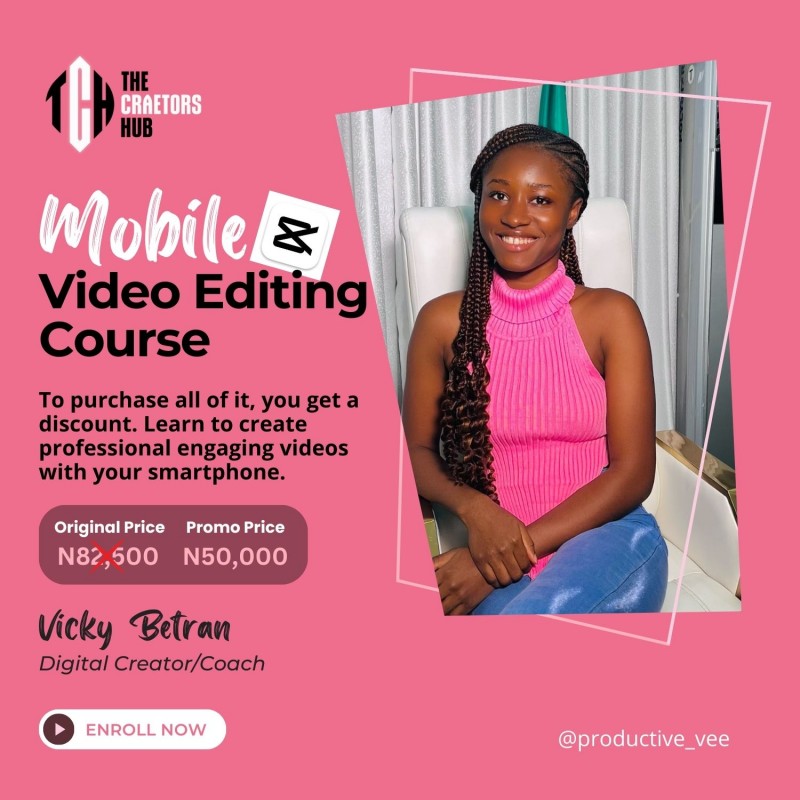
Video Editing Full Course

This Video Editing Course provides participants with the knowledge, skills, and techniques needed to create professional-quality videos whether you're a beginner or with some editing experience, this course is filled with step by step guide and it is self explanatory.
This is the beginners guide. When you have understood the basics of using the mobile app, it will be advisable to continue in the advanced session to become a pro.
- - Introduction to Smartphone Video Editing
- - Capcut Interface Tutorial for Beginners
- - High Quality Camera Settings and Proper Lighting Setup
- - Basic Edit Using the Capcut App
- - Detailed Explanation on the Importance and Accessibility of Smartphone Video Editing
What you will learn, and get in the advanced courses:
- How to Color Grade from 0 using Capcut
- How to use Text in different ways using Capcut
- How to create engaging OUTFIT Transition videos with your phone (Kick in the air Transition, Headset Transition, Umbrella Transition, Duplicate yourself transition, and many more)
- How to create engaging VLOG VIDEOS with your phone
- How to add SPECIAL EFFECT to your videos
- How to Create engaging JEWELRY product videos with your phone
- How to use the GREEN SCREEN EFFECT video with your phone
- How to make STOP MOTION videos with your phone
- How to create engaging BAGS product videos with your phone
- How to create engaging SHOES product videos with your phone
- How to create EYE CATCHY Product video with your mobile phone (Skincare products, drink products, and so on)
- How to create engaging FOOD AND DRINKS product videos with your phone
- How to create engaging SKIT VIDEOS with your phone
- How to create VODCAST VIDEOS with your phone
WHAT YOU GET(BONUS):
Lifetime Access to my Community (The Editopian Club)
Lifetime Access to Detailed Video tutorials even after this course
Telegram Channel Membership Group For Discussions
Monthly Check Up on Progress
Access to Me as your Mentor for Reviews on your edits
Content Ideas discussed in Membership Group
How To Convert Your Skills to Cash
How To Create Youtube Intro & Outro
Link to access videos will be sent to you after you payment is made, evidence of payment is sent and confirmed. See you in the inside.