Learn HTML & CSS from Scratch: A Step-by-Step Web Developer Guide
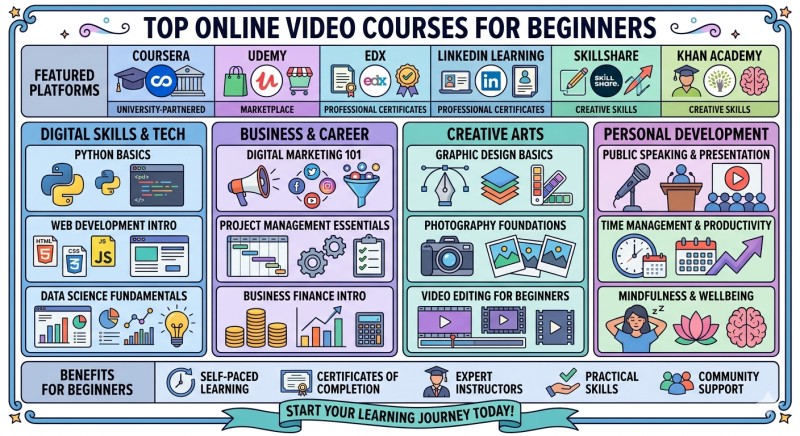
Stop Dreaming, Start Coding: Your Fast-Track to Becoming a Web Developer
Are you ready to build professional websites from scratch—without spending months watching boring tutorials?
Learn HTML & CSS from Scratch: A Step-by-Step Web Developer Guide is not just another coding tutorial; it is a complete career launchpad designed for total beginners. Whether you want to switch careers, freelance as a web designer, or build your own startup ideas, this guide cuts through the noise and teaches you exactly what you need to know to get hired in 2025.
In just a few weeks, you will go from writing your first line of code to deploying fully responsive, mobile-friendly websites that look great on any device.
What You Will Learn (The Core Skills)
We focus on the modern, high-demand skills that employers actually look for. No outdated code. No fluff.
HTML5 Mastery: Understand the architecture of the web.[1] Learn semantic HTML to structure your content for better accessibility and SEO rankings.
CSS3 Styling & Design: Transform plain text into stunning visuals. Master colors, fonts, backgrounds, and the art of the "Box Model."
Modern Layouts (Flexbox & Grid): Stop struggling with alignment. Learn the industry-standard tools for creating complex, gallery-style layouts with ease.
Responsive Web Design: Build websites that automatically adapt to iPhones, tablets, and desktops using media queries and mobile-first methodologies.
Developer Tools: Learn to debug like a pro using Chrome Developer Tools and write code faster with VS Code
Deployment: Don't just keep your code on your computer. Learn how to launch your sites live to the web using GitHub and Netlify.
💡 Why Choose This Guide?
1. Project-Based Learning (Learn by Doing)
Theory is boring. Practice is profitable. You won't just watch videos; you will build 3 Real-World Projects for your portfolio:
Project 1: A personal "Link-in-Bio" page to showcase your social media.
Project 2: A multi-page business website for a fictional agency.
Project 3: A fully responsive Landing Page with a sign-up form and modern animations.
2. Beginner-Friendly Roadmap
We strip away the confusing jargon. Every concept is explained in plain English, with visual examples and "code-along" challenges that ensure you never get left behind.
3. 2025 Industry Standards
The web changes fast. This guide is updated for the modern web ecosystem, ensuring you aren't learning outdated techniques (like "floats" for layout) that no longer work in professional settings.
📅 Your 4-Week Learning Schedule
Week 1: The Foundation. Introduction to how the web works, setting up your environment, and mastering HTML tags, forms, and tables.
Week 2: The Stylist. Diving deep into CSS. Customizing typography, understanding spacing (margins/padding), and adding backgrounds.
Week 3: The Architect. Mastering layout systems. You will learn Flexbox for one-dimensional layouts and CSS Grid for two-dimensional designs.
Week 4: The Professional. Making it responsive. Optimizing for mobile devices, adding transitions/animations, and hosting your site online for free.
Who Is This For?
Complete Beginners: You have never written a line of code before? Perfect. We start from zero.
Entrepreneurs: You want to build your own landing pages and save money on developers.
Students & Career Switchers: You are looking for a high-paying skill that allows for remote work and freelancing freedom.
Marketers: You want to tweak your company’s website or emails without waiting for the IT team.
FAQ
Do I need a powerful computer? No! Any basic laptop (Windows, Mac, or Linux) works perfectly.
Do I need to be good at math? Not at all. HTML & CSS are about logic and design, not complex equations.