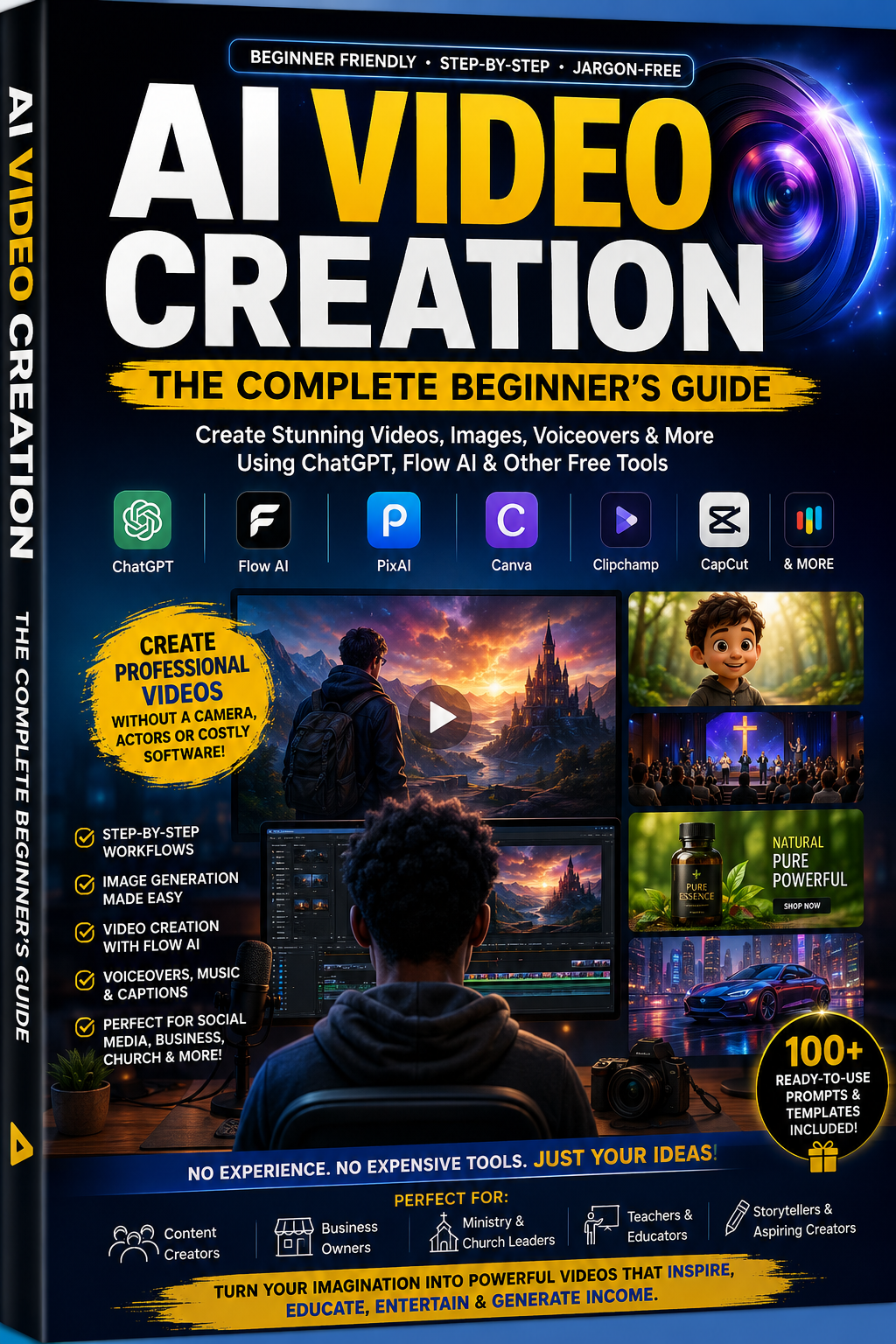
AI VIDEO CREATION The Complete Beginner-to-Professional Guide

AI VIDEO CREATION
The Complete Beginner-to-Professional Guide
Turn Any Idea Into a Professional AI Video — Without a Camera, a Crew, or a Clue
A 32-chapter, beginner-to-professional guide to writing prompts, generating footage, and publishing scroll-stopping videos with ChatGPT, Flow AI, and free tools — for business, ministry, storytelling, and children's content.
✔ 32 Chapters
✔ 100+ Ready-to-Use Prompts
✔ 12 ChatGPT Templates
✔ 10 Production Checklists
Instant digital download · PDF · Lifetime access
---
YOU DON'T NEED A STUDIO. YOU NEED A ROADMAP.
If any of this sounds familiar, this guide was written for you:
• You've tried typing into an AI tool and gotten weird, warped, inconsistent results — and given up assuming you're "not good at this."
• You need video content regularly — for your business, church, or channel — but hiring a videographer isn't realistic, and filming yourself takes hours you don't have.
• Your AI-generated character looks different in every single scene, and you have no idea how to fix it.
• You've watched a dozen scattered YouTube tutorials but still don't have one clear, repeatable process from idea to published video.
---
FROM BLANK PROMPT BOX TO PUBLISHED, POLISHED VIDEO
This isn't a tips list. It's a complete, chapter-by-chapter system — the exact prompting formulas, character-consistency methods, and editing workflow it takes to go from a one-sentence idea to a finished video ready for TikTok, Instagram, YouTube, or Facebook.
---
WHAT'S INSIDE THE GUIDE
32 chapters organized into three parts — foundations, core skills, and real-world application.
PART ONE: FOUNDATIONS
– What AI video creation actually is
– Who it's for, and why it matters now
– Exactly what you need to start (less than you think)
– Your first complete video, start to finish
PART TWO: CORE SKILLS
– Prompting formulas anyone can learn
– Character consistency, solved for good
– Camera angles, explained in plain English
– Voiceover, music, sound effects & captions
– Editing for pacing, not just length
PART THREE: REAL-WORLD APPLICATION
– Business ads that actually convert
– Church & scripture storytelling videos
– Narrative storytelling techniques
– Children's animation, done right
– Every mistake beginners make — and the fix
---
PLUS THE BONUS TOOLKIT
You'll never stare at a blank prompt box again. The final chapters hand you the exact prompts, templates, and checklists to skip the trial-and-error entirely:
→ 100+ ready-to-copy image & motion prompts, organized by category
→ 12 reusable ChatGPT templates for ideas, scripts, and prompts
→ 10 production checklists — from pre-production to platform-specific publishing
→ A full FAQ covering monetization, tools, and troubleshooting
---
BUILT FOR REAL BEGINNERS
No editing background. No design skills. No technical jargon.
• Small Business Owners — Create ads and promotions without a video budget or production team.
• Church & Ministry Teams — Produce sermon clips, scripture reels, and event promos as a lean volunteer team.
• Parents & Educators — Create children's animation and storytelling content with no illustration skills needed.
• Storytellers & Writers — Bring fiction, folklore, and personal narratives to the screen for the first time.
• Coaches & Consultants — Produce consistent educational content without appearing on camera daily.
• Everyday Creators — Turn personal stories, tributes, and passion projects into video, solo, in an afternoon.
---
WHAT YOU GET
✓ Full 32-chapter guide (71-page PDF)
✓ 100+ ready-to-use prompt library
✓ 12 ChatGPT prompt templates
✓ 10 production checklists
✓ Lifetime access, instant digital download
✓ Read on any device — no special software needed
---
COMMON QUESTIONS
Do I need any prior experience?
No. This guide was written specifically for complete beginners — no editing, design, or technical background required.
Do I need expensive software or a powerful computer?
No. Every tool covered has a genuinely usable free tier, and everything runs in a browser or mobile app — no installs, no powerful hardware needed.
Is this just about Flow AI, or does it cover other tools too?
Flow AI is covered in depth, but the guide also covers free alternative tools, so you're never locked into one platform.
What format does the guide come in?
A single, professionally formatted PDF (71 pages) that you can read on any phone, tablet, or computer — plus the full prompt library and templates included inside.
Will this work for my specific use case (church, business, kids' content)?
Yes. Part Three of the guide is dedicated entirely to applying the skills to church videos, business ads, storytelling, and children's animation.
---
YOUR FIRST VIDEO IS ONE CHAPTER AWAY
Stop watching other people's AI videos. Start making your own.
Get the Complete Guide today — instant download, lifetime access.