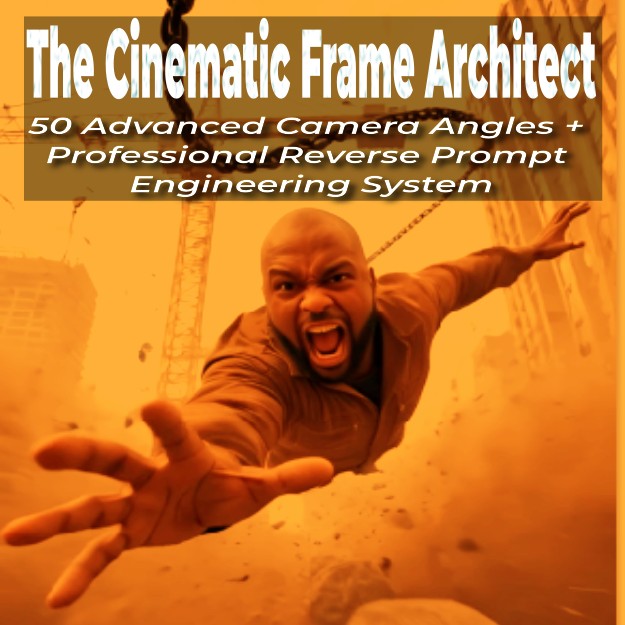
The Cinematic Frame Architect_Camera Angles+Reverse Prompt

🎬 The Cinematic Frame Architect™
50 Advanced Camera Angles + Professional Reverse Prompt Engineering System
Turn ordinary AI images into studio-grade cinematic visuals and animated films even if you’ve never touched a real camera.
This is not another random prompt bundle.
This is a structured cinematic system designed for creators who want their AI visuals to look like they came from a Hollywood production set.
If you create:
- YouTube videos
- AI art
- Short films
- Advertisements
- Social media content
- Digital products
Then this system gives you something most creators don’t have:
Cinematic control.
🚨 Why Most AI Images Look “AI-Generated”
Because creators don’t control:
• Camera physics
• Movement psychology
• Depth layering
• Lens behavior
• Lighting geometry
• Perspective distortion
They just type “cinematic” and hope for the best.
The Cinematic Frame Architect™ changes that.
🎥 What You’re Getting
MODULE 1 - 50 Advanced Cinematic Camera Angles
Professionally structured and technically detailed.
Not vague descriptions.
Each angle includes:
✔ Motion behavior
✔ Spatial compression logic
✔ Parallax dynamics
✔ Lens simulation behavior
✔ Psychological impact
Organized into 8 Strategic Categories:
Category 1 - Movement & Spatial Control
Dolly pushes, dolly zoom (Vertigo effect), hyper zoom transitions, macro compression effects.
Category 2 - Framing & Perspective Control
Over-the-shoulder, fisheye distortion, rack focus transitions, fly-through aperture reveals.
Category 3 - Tilt & Vertical Motion
Crane lifts, pedestal motion, authority tilts, cinematic vertical transitions.
Category 4 - Tracking & Side Movement
Lateral truck shots, parallel tracking, leading shots, follow shots.
Category 5 - Orbit & Rotational Motion
180° arcs, 360° high-speed rotations, emotional circular reveals.
Category 6 - Aerial & Drone Cinematics
High-altitude sweeps, FPV dives, epic reveal ascents.
Category 7 - Psychological & Stylized Angles
Dutch angles, worm’s-eye dominance shots, whip pans, extreme surveillance views.
Category 8 - Static & Power Composition Shots
Top-down symmetry, split diopter focus, reflection framing, time-lapse lock-offs.
You don’t just get angles.
You get precision cinematic instructions AI understands.
🧠 MODULE 2 - Cinematic Reverse Prompt Engine™
This is where creators unlock unfair advantage.
Instead of guessing how an image was made…
You’ll reverse engineer it.
Step 1 - Upload Any Reference Image
Could be a movie still, ad, AI art, or viral post.
Step 2 - Paste the Reverse Engineer System Prompt
It automatically extracts:
• Subject action & mood
• Scene geometry
• Light physics
• Film emulation style
• Camera metadata (mm, aperture, ISO, shutter)
• Rendering engine simulation
• Prompt weighting
• Negative prompts
Step 3 - Copy the Final Reconstructed Prompt
Paste into your generator.
Now you can recreate the same cinematic quality but with your own subject.
This alone separates beginners from advanced creators.
🎬 MODULE 3 - Turn Your Image Into a Cinematic Animated Movie
Static images are good.
Moving cinematic images are powerful.
Here’s the workflow:
Step 1 - Upload Your Image
Into your preferred AI tool.
Step 2 - Generate 5 Professional Animation Prompts
Using the 50 camera angles system.
Each animation prompt integrates:
• Movement direction
• Depth behavior
• Emotional tone
• Cinematic pacing
Step 3 - Generate Your Video
Refine angle combinations until you get studio-level motion.
You’ll be able to create:
- Dramatic push-ins
- Orbit reveals
- Psychological tension shots
- Epic drone-style reveals
- Documentary handheld realism
From one single image.
🔥 Bonus Pro Secrets Included
✔ How to combine lighting + angles for maximum cinematic depth
✔ How to layer compression + shallow depth for dramatic impact
✔ Recommended AI tools & optimal settings
✔ How to avoid “flat AI look”
✔ How to simulate real lens physics
💡 Who This Is For
- AI content creators
- Digital marketers
- Filmmakers
- YouTubers
- Short film creators
- Social media storytellers
- Digital product sellers
- Anyone who wants their visuals to look expensive
🏆 What Makes This Different?
Most prompt packs give you words.
This gives you a cinematic framework.
You’re not copying prompts.
You’re learning a repeatable system.
After using this, you won’t think in “prompts.”
You’ll think in:
Camera movement
Lens behavior
Light physics
Spatial control
That’s how professionals think.
🎯 What Happens After You Buy?
You’ll be able to:
✔ Transform flat images into layered cinematic frames
✔ Replicate high-end movie aesthetics
✔ Animate still images into dramatic short films
✔ Create premium-looking content faster
✔ Build digital products using cinematic AI workflows
💰 Why This Is a High-Leverage Skill
Cinematic visuals increase:
• Watch time
• Perceived quality
• Authority
• Engagement
• Sales
The difference between average and premium content is rarely the subject.
It’s the framing.
🚀 The Cinematic Frame Architect™ Is For Creators Who Want Control
If you’re tired of:
❌ Generic AI outputs
❌ Weak composition
❌ Flat lighting
❌ Random camera instructions
And you want:
✅ Precision
✅ Control
✅ Cinematic depth
✅ Studio-level realism
Then this system was built for you.
🎬 Final Result
With this package, you can:
Turn any idea into a cinematic image.
Turn any image into a cinematic scene.
Turn any scene into a cinematic animated movie.
All using structured camera science.
Ready to Build Like a Director Instead of Prompting Like a Beginner?
Get The Cinematic Frame Architect™ now and start creating visuals that look like they came from a production studio — not a random AI generator.
Your next image shouldn’t look AI-generated.
It should look directed.