External Access
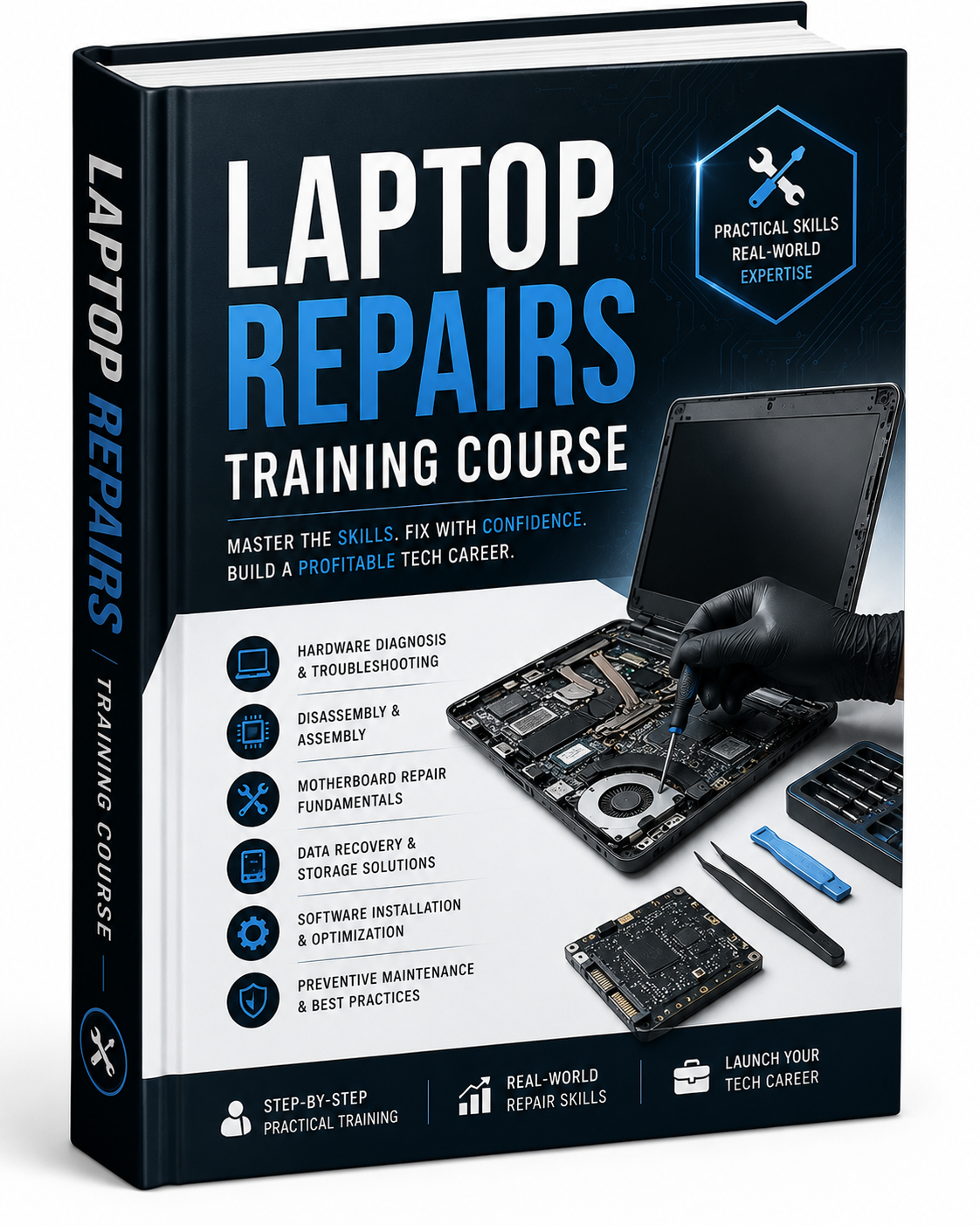
Laptop Repairs Tutorials

(0 Ratings)
1
$8.06
💻 Laptop Repairs Tutorials – Complete Step-by-Step Guide for Beginners and Aspiring Technicians
Welcome to the Laptop Repairs Tutorial Series – your ultimate guide to diagnosing and fixing common laptop problems with confidence. Whether you're a total beginner, a tech enthusiast, or someone aiming to start a profitable repair business, this series is designed to give you the practical skills and knowledge needed to repair laptops like a pro.
🔧 What You’ll Learn:
🛠️ Laptop Hardware Basics:
- Understanding laptop components: motherboard, CPU, RAM, HDD/SSD, cooling system, etc.
- Laptop teardown and assembly techniques
- Safety measures before opening and working on a laptop
⚡ Diagnosing Common Issues:
- Laptop won’t power on
- Black screen, freezing, or random shutdowns
- No display or distorted screen
- Faulty keyboard, touchpad, or USB ports
- Battery not charging or draining quickly
- Overheating and fan issues
🧰 Hands-On Repairs:
- Replacing hard drives, RAM, screens, batteries, and keyboards
- Fixing charging port, hinge damage, and broken casing
- Reapplying thermal paste and cleaning internal dust
- Repairing or replacing DC jack and cooling fan
- BIOS reset and firmware updates
💻 Software Troubleshooting:
- Reinstalling and repairing Windows OS
- Resolving driver and device issues
- Virus and malware removal
- Speed optimization and performance tuning
📶 Connectivity Fixes:
- Troubleshooting Wi-Fi and Bluetooth issues
- Solving audio and camera problems
📈 Business Tips (Optional Module):
- Tools and equipment you need to start a laptop repair business
- How to charge clients and build customer trust
- Creating an efficient workspace
- Sourcing spare parts and managing inventory
👤 Who These Tutorials Are For:
- Beginners with no prior experience
- Students and aspiring computer technicians
- Small business owners and freelancers
- DIY enthusiasts interested in tech repairs
- Anyone looking to save money by fixing their own devices
💡 Why Follow This Series?
- Easy-to-follow, beginner-friendly instructions
- Real-world repair demonstrations with clear visuals
- Step-by-step solutions to common laptop problems
- Industry tips and tricks from experienced technicians
- Learn at your own pace with replayable video lessons
🔋 By the end of this series, you'll be able to confidently repair most laptop issues and even consider offering your services professionally.