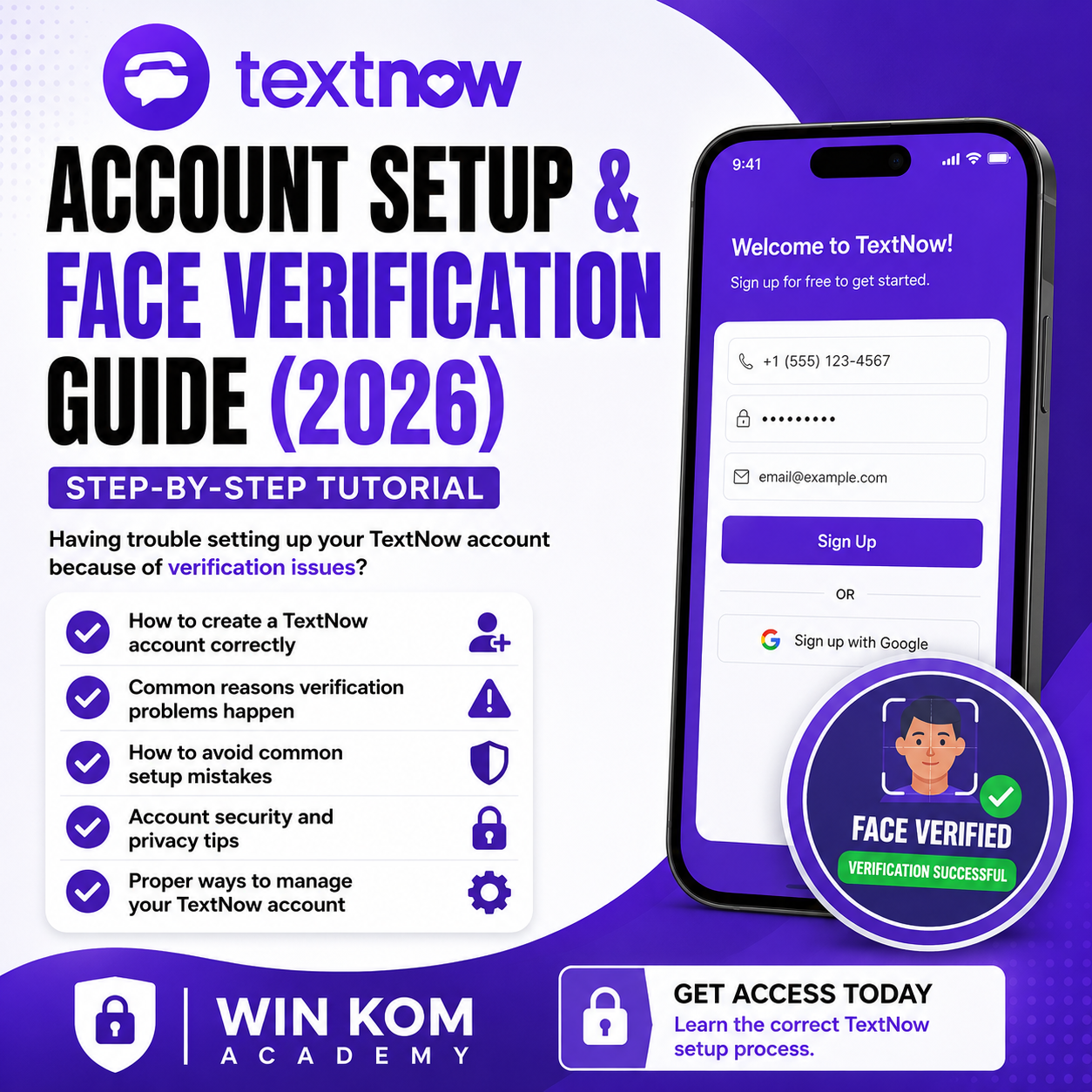
TEXTNOW ACCOUNT SETUP & FACE VERIFICATION GUIDE (2026)

TEXTNOW ACCOUNT SETUP & FACE VERIFICATION GUIDE (2026)
Having trouble setting up your TextNow account because of verification issues?
This step-by-step tutorial helps you understand the account setup process, common verification problems, and how to properly prepare your account for a smoother experience.
In this tutorial, you will learn:
✅ How to create a TextNow account correctly
✅ Common reasons verification problems happen
✅ How to avoid common setup mistakes
✅ Account security and privacy tips
✅ Proper ways to manage your TextNow account
Get access today and learn the correct TextNow setup process.
WIN KOM Academy
HOW TO USE THE FILE
1. Download the Passepartout app.
2. Share the file to the Passepartout app to import it as a VPN configuration.
3. Tap the file, then select Share.
4. Choose Passepartout from the Share menu.
5. When prompted, tap Add.
6. Connect the VPN and you're ready to use it.