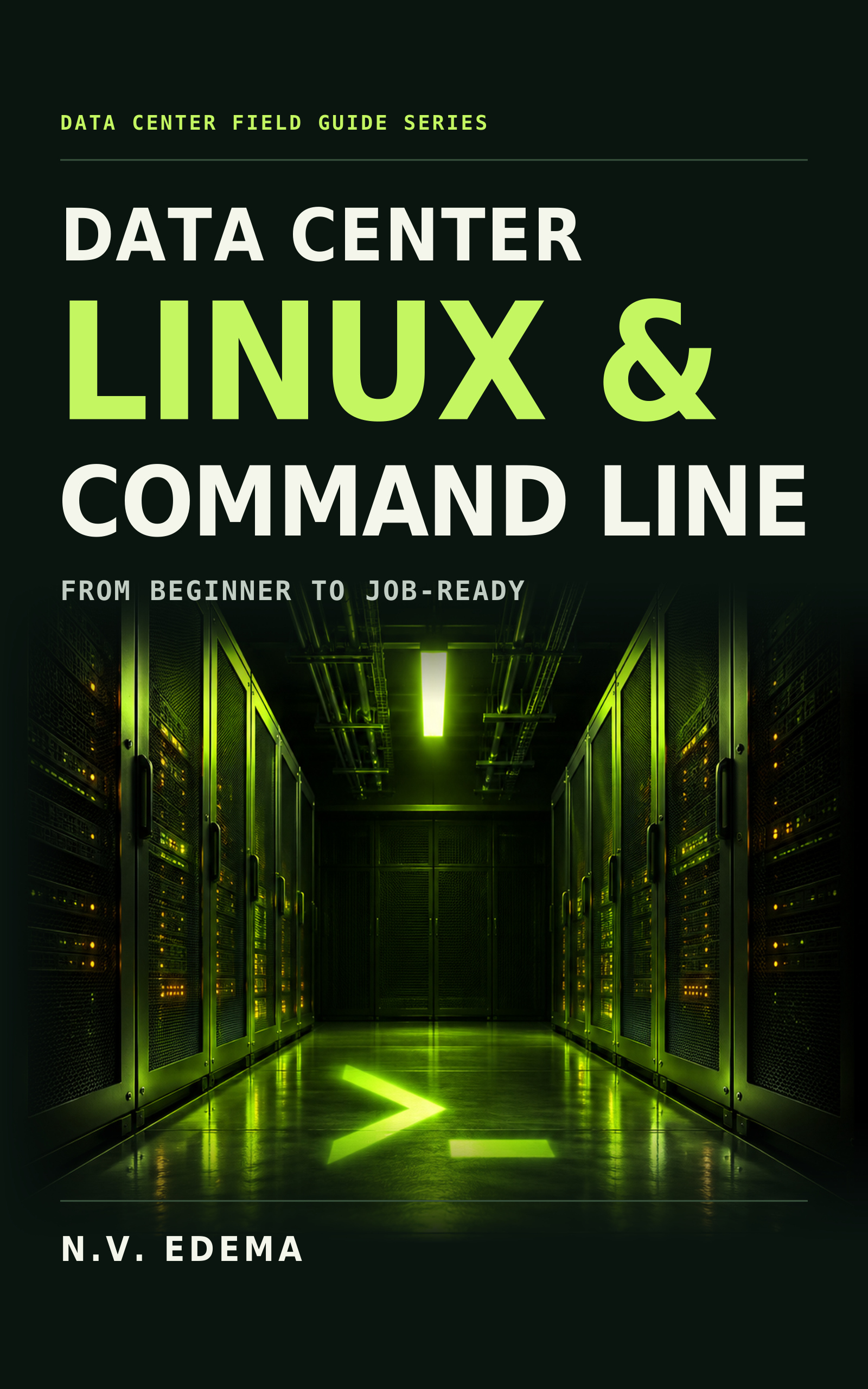
Data Center Linux & Command Line
Data Center Linux & Command Line — From Beginner to Job Ready
Stop being a pair of hands. Become the technician they ask.
Almost every server, switch and storage array in the data center runs Linux. When a ticket says 'check the node', the answer is at the command line, and the technician who can read it is the one who gets trusted with the harder work. This field guide teaches the commands a data center technician actually uses, in the order the job demands them, with the reasoning explained in plain language.
Inside you will learn: the three doors into any server (SSH, the BMC and the crash cart); how to move around the filesystem and read files without changing them; users, groups, permission strings, octal values and sudo; processes, load average, signals, services and systemd; disk names, LVM, full filesystems, inodes, SMART health and matching a drive to its bay; network checks with ip, ping, dig and ss, plus netcat port tests, path tests and file transfers with topology diagrams; logs, journalctl, kernel messages, dmidecode, sensors and the BMC event log; ten real-world tickets worked from symptom to cause; pipes, redirection, simple scripts, and the Linux certifications that grow your career.
Packed with diagrams, network topologies, terminal screen examples, checklists, a glossary, quick-reference tables and 100 essential Linux commands, this is the command-line handbook every data center technician should read before their first shift, and keep for every shift after.
Includes the complete book as a PDF and an EPUB (156 pages). By N. V. Edema, author of the Data Center Field Guide Series.