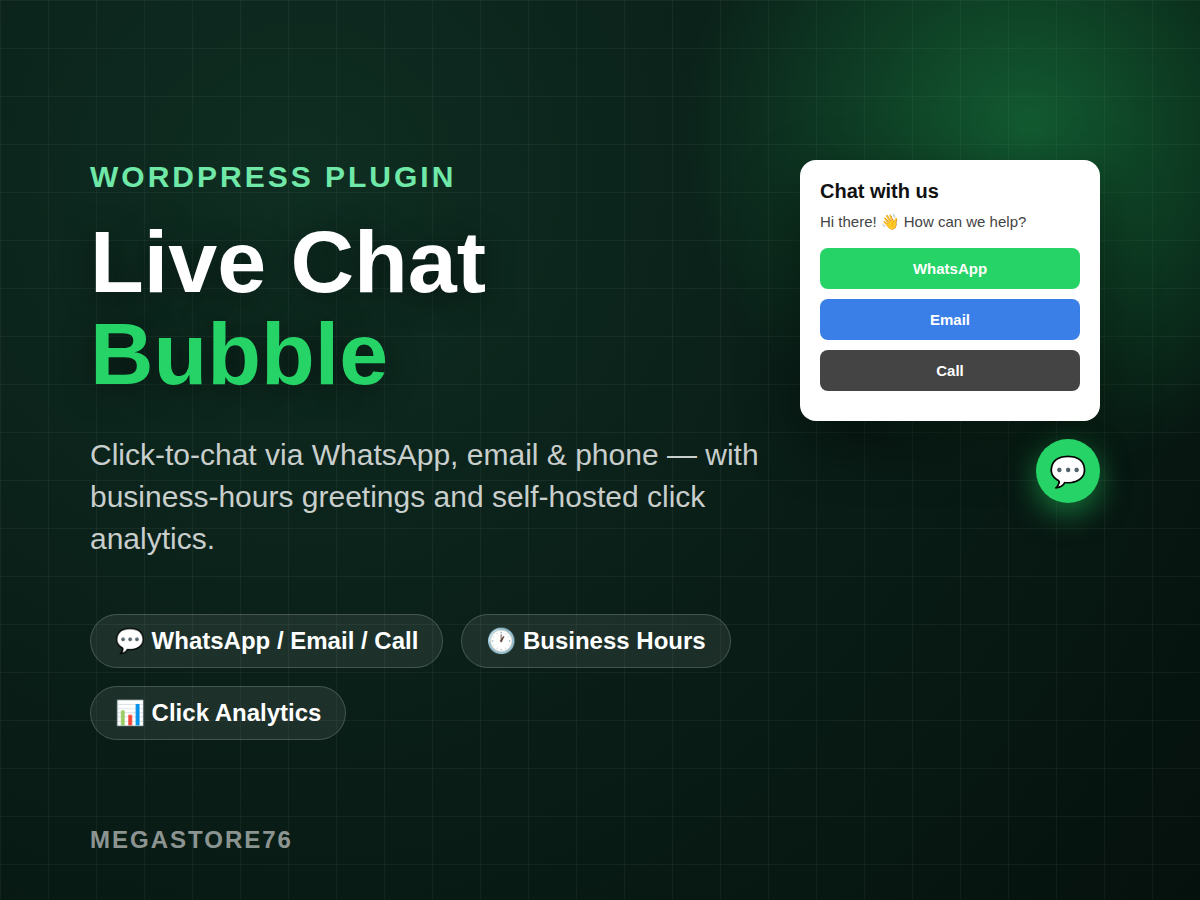
Live Chat / Click-to-Chat Bubble (WordPress Plugin)
Most visitors who have a quick question won’t fill out a contact form — but they will tap a button if it’s this easy. Live Chat / Click-to-Chat Bubble adds a floating chat bubble to every page of your site that opens straight into WhatsApp, email, or a phone call, with zero third-party chat widgets, zero monthly fees, and zero data leaving your own server.
What’s included
- 💬 Multi-channel bubble — WhatsApp, email, and phone, each optional, each shown only when you’ve filled in that channel. WhatsApp opens straight into a chat with your pre-written default message already typed in.
- 🕐 Business-hours awareness — set your timezone, working days, and opening/closing hours (including overnight windows). During hours it shows your greeting; outside hours it automatically swaps to your away message, so visitors always know what to expect.
- 🎨 Full styling control — bubble position (bottom-left or bottom-right), accent color, greeting text, and away message, all from a clean Settings page. Toggle it off on mobile if you’d rather keep small screens uncluttered.
- 📊 Self-hosted click analytics — every channel click is logged to your own database via a lightweight REST endpoint, so you can see whether people are reaching for WhatsApp, email, or the phone — no external analytics account required.
Setup takes minutes: add your WhatsApp number, email, or phone, set your hours, and the bubble appears site-wide automatically.
How it compares
- Monthly cost: Typical live-chat plugins — Often a recurring SaaS subscription; Live Chat / Click-to-Chat Bubble — One-time price, yours to keep
- Third-party accounts: Typical live-chat plugins — Usually required (chat platform sign-up); Live Chat / Click-to-Chat Bubble — None — connects directly to your own WhatsApp, email, phone
- Business-hours logic: Typical live-chat plugins — Sometimes a premium add-on; Live Chat / Click-to-Chat Bubble — Included, with timezone and overnight-hours support
- Click analytics: Typical live-chat plugins — Often locked behind a paid tier; Live Chat / Click-to-Chat Bubble — Included, self-hosted in your own database
- Data privacy: Typical live-chat plugins — Chats and clicks routed through a vendor’s servers; Live Chat / Click-to-Chat Bubble — Fully self-contained on your own WordPress install
- Page-speed impact: Typical live-chat plugins — Varies — some embed heavy third-party scripts; Live Chat / Click-to-Chat Bubble — One small stylesheet and script, no external requests
Frequently asked questions
Do I need a WhatsApp Business account?
No — any WhatsApp number works, since the bubble simply opens the standard “click to chat” WhatsApp link.
What happens outside business hours?
The bubble stays visible but shows your away message instead of your greeting, so visitors aren’t left thinking no one is there.
Can I use just one channel, like WhatsApp only?
Yes — email and phone are both optional. Fill in only the channels you want to offer.
Will this slow my site down?
No. It loads one small CSS file and one small JS file, and makes no external network requests.
Honesty note
This plugin does not currently check for or install updates automatically — you’ll receive the plugin files directly. It’s a click-to-chat bubble, not a live human-agent chat window: it routes visitors to real conversations on WhatsApp, email, or phone rather than hosting chat inside your site.