Downloadable
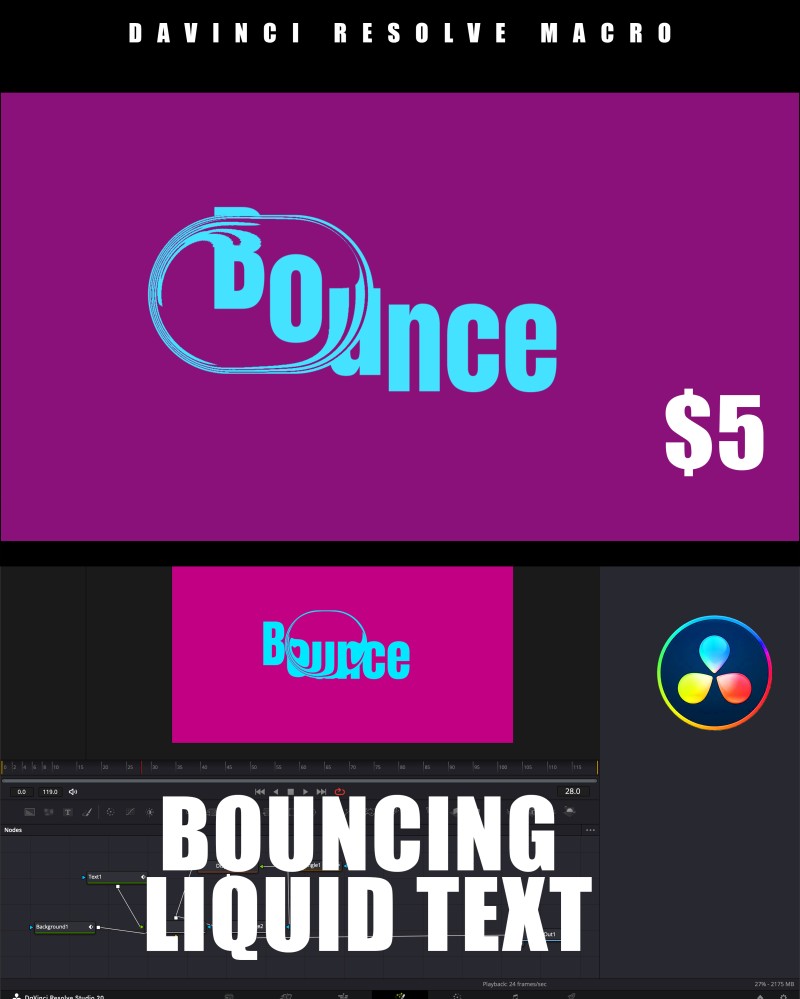
LIQUID BOUNCING TEXT | DaVinci Resolve Macro (Fusion & Edit Page)

(0 Ratings)
1
$5.53
dd energy and style to your videos with this Liquid Bouncing Text Macro for DaVinci Resolve!
This preset creates a fun, dynamic liquid-like text bounce effect that’s perfect for intros, titles, and motion graphics.
No need for complex Fusion setups — just drag, drop, and customize in seconds.
✨ Features
✅ Works on both Fusion & Edit Pages
✅ Fully Customizable – change text, colors, bounce strength and animation speed
✅ Liquid Motion Effect – smooth elastic movement with fluid transitions
✅ Lightweight – optimized for both Free and Studio versions of DaVinci Resolve
✅ Drag & Drop Ready – easy to use, perfect for beginners and pros alike
⚙️ How to Install
- Copy the downloaded
.settingfile. - Paste it into your DaVinci Resolve Titles Folder:
- Windows:
C:\ProgramData\Blackmagic Design\DaVinci Resolve\Fusion\Templates\Edit\Titles- macOS:
/Library/Application Support/Blackmagic Design/DaVinci Resolve/Fusion/Templates/Edit/Titles
- Restart DaVinci Resolve.
- Find it under Titles → Liquid Bouncing Text on both the Edit and Fusion pages.
🎨 Perfect For
- YouTube intros
- Fun title animations
- Social media videos
- Motion graphics & promos
SCAN TO PURCHASE