THE ULTIMATE EASY GLOW PACK
Choose a Bundle
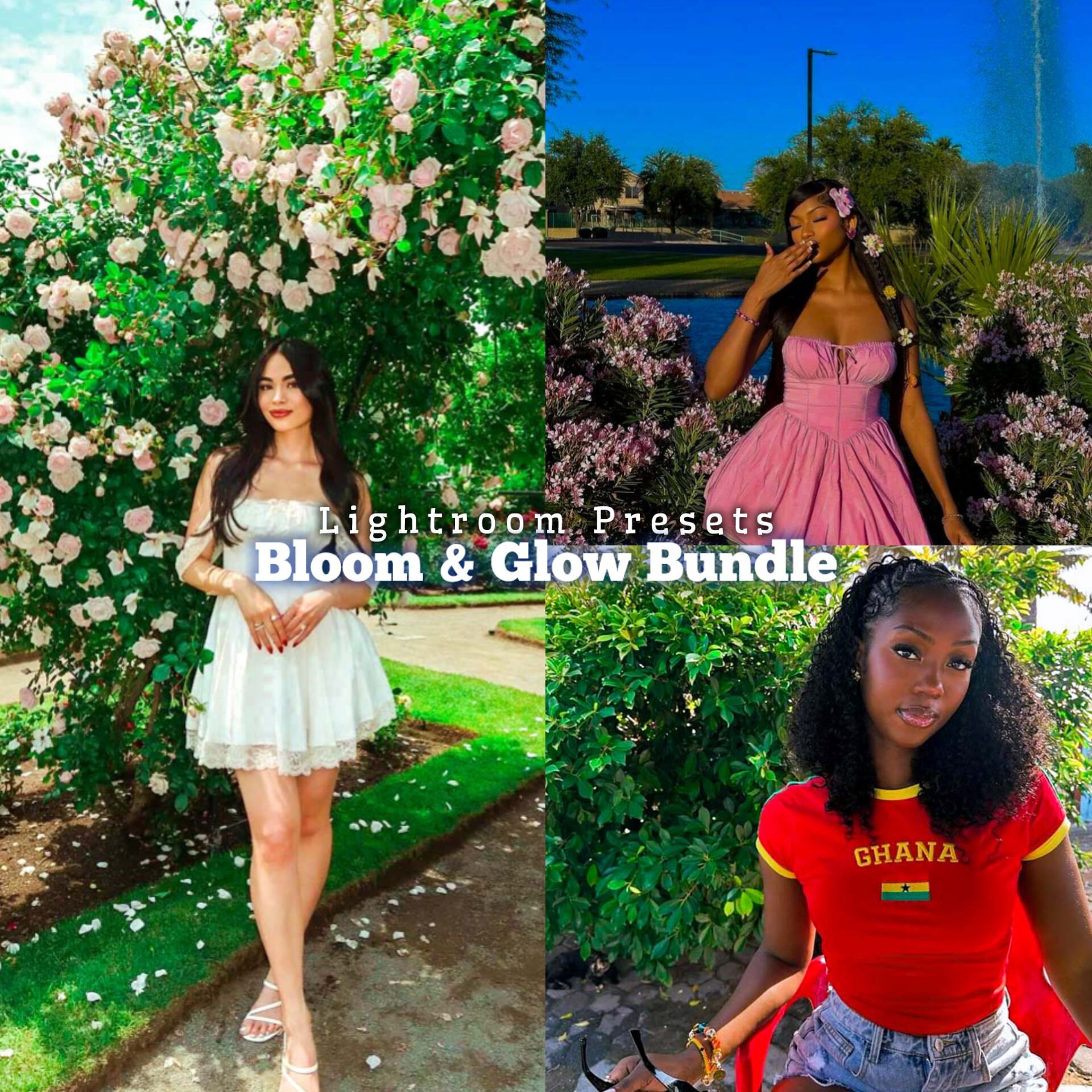
Bloom & Glow Perfect for outdoor photos, picnics, garden shoots, proposals, and girls' hangouts. These presets enhance greenery, brighten natural light, and create a fresh, dreamy glow.
Made for selfies and close-up portraits. These presets enhance skin tones, boost colors, and give your photos a vibrant, confident, camera-ready finish.
Inspired by golden hour and warm sunlight. These presets add rich golden tones, warmth, and a luxurious glow that makes every photo feel radiant.
A curated collection of Lightroom presets designed to elevate your photos with beautiful tones, effortless edits, and aesthetic vibes. Whether you're capturing selfies, outdoor adventures, cozy rainy moments, or Pinterest-worthy content, this collection helps you achieve a polished look in just a few taps.
How to Use My Lightroom Preset (Mobile)
Accurate Lightroom Mobile DNG Preset Setup Guide (No Paid Plan Needed)
1. Download Adobe Lightroom Mobile (Free)
Available on both iOS and Android. No need for a paid plan to use DNG presets.
2. Sign Up or Log In
You need an Adobe account (free).
3. Import the DNG File
- Open Lightroom.
- Tap the "+" to add a photo.
- Select the DNG preset file (it may look like a blank photo - this is normal).
4. Open the DNG Preset File in Lightroom
- Tap the image.
- Tap the three-dot menu (top right).
- Select "Copy Settings."
5. Apply the Preset to Your Own Photo
- Import your own image.
- Open it.
- Tap the same three-dot menu.
- Choose "Paste Settings."
Optional:
How to Use Lightroom Preset (Mobile)
You can also create a preset from the DNG file:
- After opening the DNG file, tap the three-dot menu.
- Tap "Create Preset."
- Name it, categorize it, and save.
- Next time, just apply it like a normal preset