External Access
BEST 3-PAID AFTER FX PLUGINS

(0 Ratings)
1
$10.00$138.99
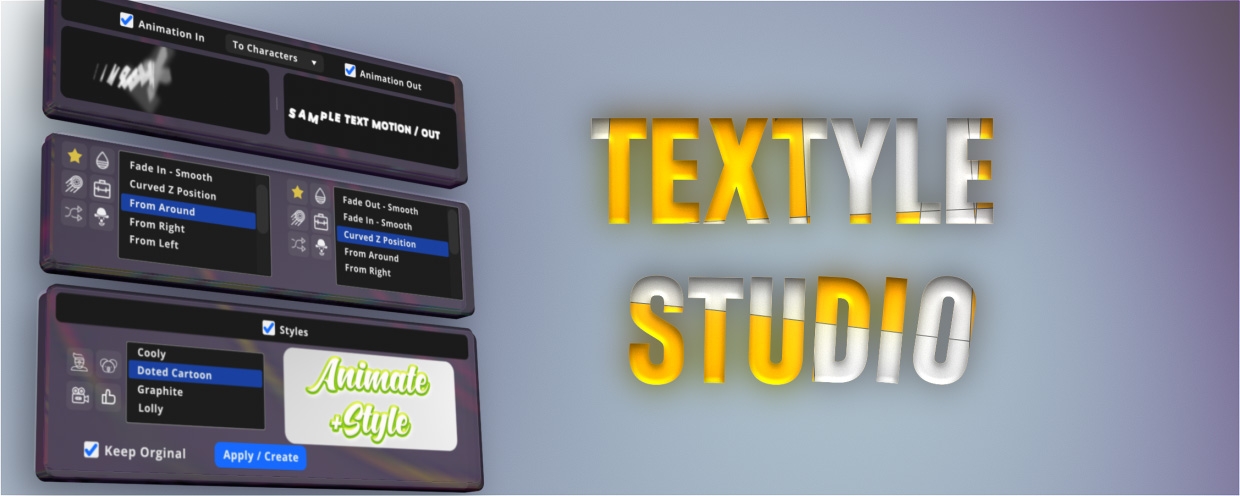
If you’ve ever wasted hours styling text inside After Effects, then Textyle Studio is the plugin you’ve been waiting for. Designed specifically for motion designers, Textyle Studio takes the hassle out of animating and styling text by giving you instant control over colors, gradients, outlines, textures, shadows, and so much more—all inside a sleek, easy-to-use panel.

Instead of building everything manually with multiple layers and effects, you can create stunning typography looks in just a few clicks. Whether you want clean modern titles, glossy cinematic text, or bold experimental styles, Textyle Studio saves you time and keeps your workflow efficient.

For motion designers who work on client projects, YouTube intros, explainer videos, or even personal experiments—this plugin means less setup, faster iteration, and more focus on creativity. It’s not just a plugin; it’s your shortcut to professional-looking text animation that actually gets noticed.

If text animation is a big part of your workflow, Textyle Studio will pay for itself after just one project.
WATCH THE VIDEO USAGE HERE
🎯 KeyFast – Animate Smarter, Not Harder
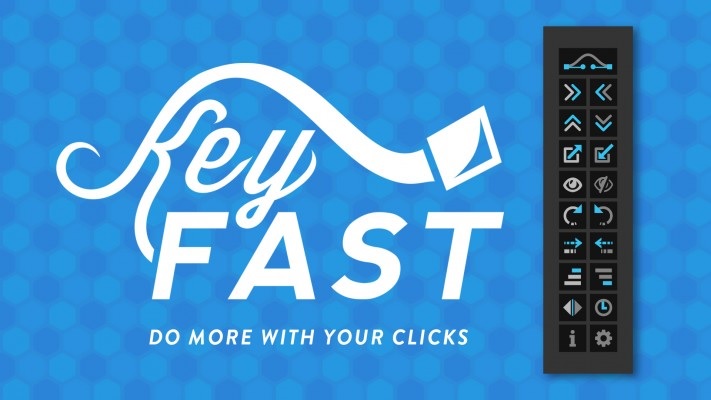
If you’ve ever felt stuck doing the same boring steps in After Effects instead of actually animating, KeyFast is built for you.
This script is packed with customizable one-click animations and smart shortcuts that do the heavy lifting—so you can focus on creativity, not repetition.

Here’s how KeyFast speeds up your workflow:
⚡ One-Click Animations
Instantly add smooth trim paths, slides, scales, rotations, and fades—all with easing applied by default.
📑 Animate Many Layers at Once
Select multiple layers, click once, and boom—keyframes placed, easing done.
⏱ Effortless Staggering
Stagger layers or keyframes in seconds for clean, pro-looking motion.
🎛 Keyframe Alignment
Select keyframes across layers and align them perfectly to your playhead with a single click.
🚀 Overshoot Animations
Quickly add natural overshoot to your rotation, position, or scale without fiddling for hours.

Instead of wasting time on the tedious steps, KeyFast keeps you in flow—helping you spend more time animating the fun stuff.

Overlord v1.27 by Battle Axe isn’t just another plugin—it’s the missing bridge between Adobe Illustrator and After Effects. Forget about constantly exporting SVGs, re-importing files, or rebuilding your shapes from scratch. With Overlord, you can send vector artwork back and forth between Illustrator and After Effects instantly, with one click.

Version 1.27 makes the workflow even smoother, letting you push paths, strokes, fills, and groups directly from Illustrator to After Effects (and back again) without breaking a sweat. It’s like having Illustrator living inside After Effects.
