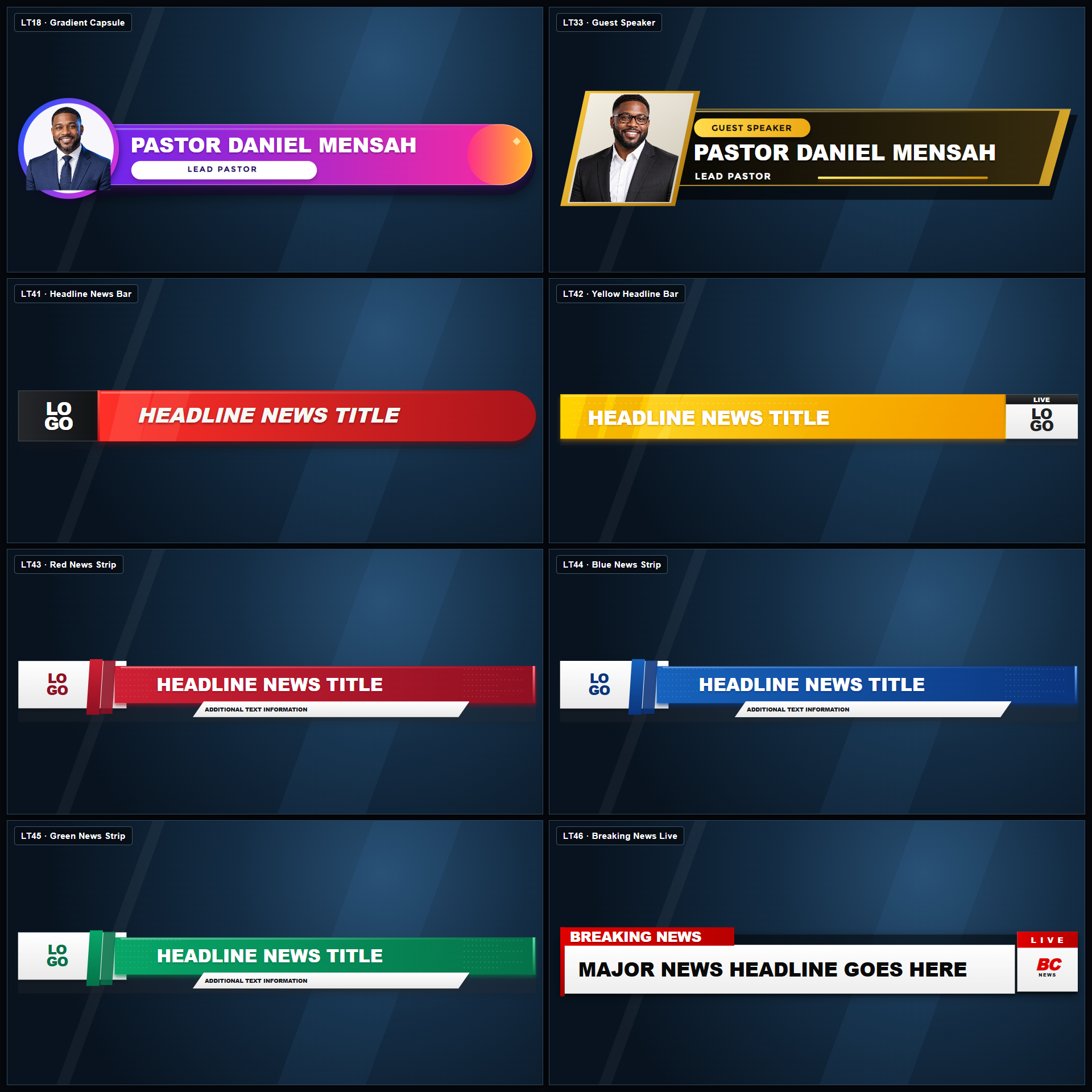
8 Professional Lower Third Templates for VMix and OBS Studio

What You’ll Receive
- 8 editable lower-third templates
- Gradient presenter lower third
- Guest-speaker lower third
- Headline news bar
- Yellow headline bar
- Red news strip
- Blue news strip
- Green news strip
- Breaking news lower third
- Ready-to-import
.bcpackfile - Customizable text, names, titles, colors, logos, and images
- Clean layouts designed for 16:9 broadcasts
Compatibility
These templates are designed for use with:
- BC Studio Version 1.5 or newer
- OBS Studio
- vMix version 26 or newer
- Windows computers
- Standard 16:9 livestream and broadcast projects
BC Studio is required to import, edit, and control the templates. The completed graphics can then be displayed in your OBS Studio or vMix production.
Download BC Studio here: www.bcstudiosoftware.com
Key Features
- Fully editable inside BC Studio
- Compatible with OBS Studio and vMix 26+
- Quick and simple customization
- Professional broadcast-quality appearance
- Multiple styles for different programs
- Presenter and guest-photo support
- Customizable logos and branding
- Clear and readable typography
- Suitable for live and recorded productions
- No need to rebuild the graphics from scratch
Perfect For
- Churches and ministries
- Livestream productions
- News and media channels
- Conferences and special events
- Interviews and podcasts
- YouTube and social-media broadcasts
- OBS Studio productions
- vMix productions
- Corporate presentations
How to Install BC Studio
New to BC Studio? Watch this step-by-step video showing how to install and set up the software:
Website: www.bcstudiosoftware.com
▶️ Watch: How to Install and Set Up BC Studio
You can also access the complete BC Studio Tutorial Playlist.
How to Install the Lower-Third Pack
- Download the
.bcpackfile after purchasing. - Open BC Studio.
- Go to Settings.
- Find BC Studio Creative Packs.
- Select Import another .bcpack.
- Choose the downloaded lower-thirds pack.
- The templates will become available inside BC Studio.
- Connect BC Studio to OBS Studio or vMix 26+ and add the graphics to your production.
Delivery Format
You will receive one downloadable .bcpack file containing all eight lower-third templates.
This is a digital product. No physical item will be shipped.
Important Notice
BC Studio and a supported broadcast application—OBS Studio or vMix 26+—must be installed separately. They are not included with this template pack.
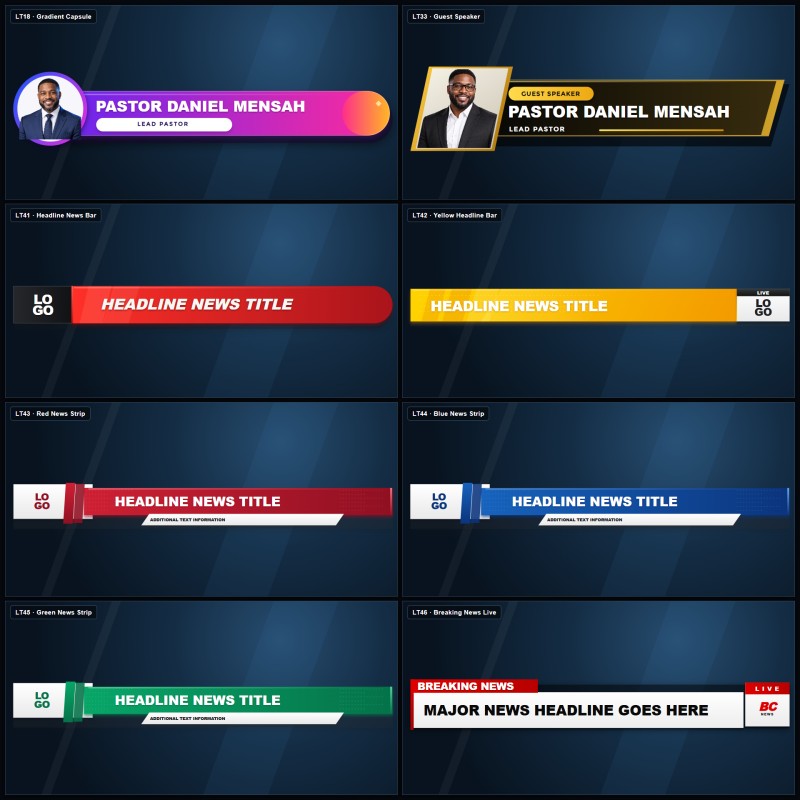
The square product image is for marketplace presentation. The actual lower-third templates are designed for standard widescreen broadcasts.
Due to the nature of digital downloads, purchases are generally non-refundable after the files have been accessed.