Downloadable
Automated Debit Alert & Spending Categorizer (with Weekly Expense Digest)

(0 Ratings)
1
Free
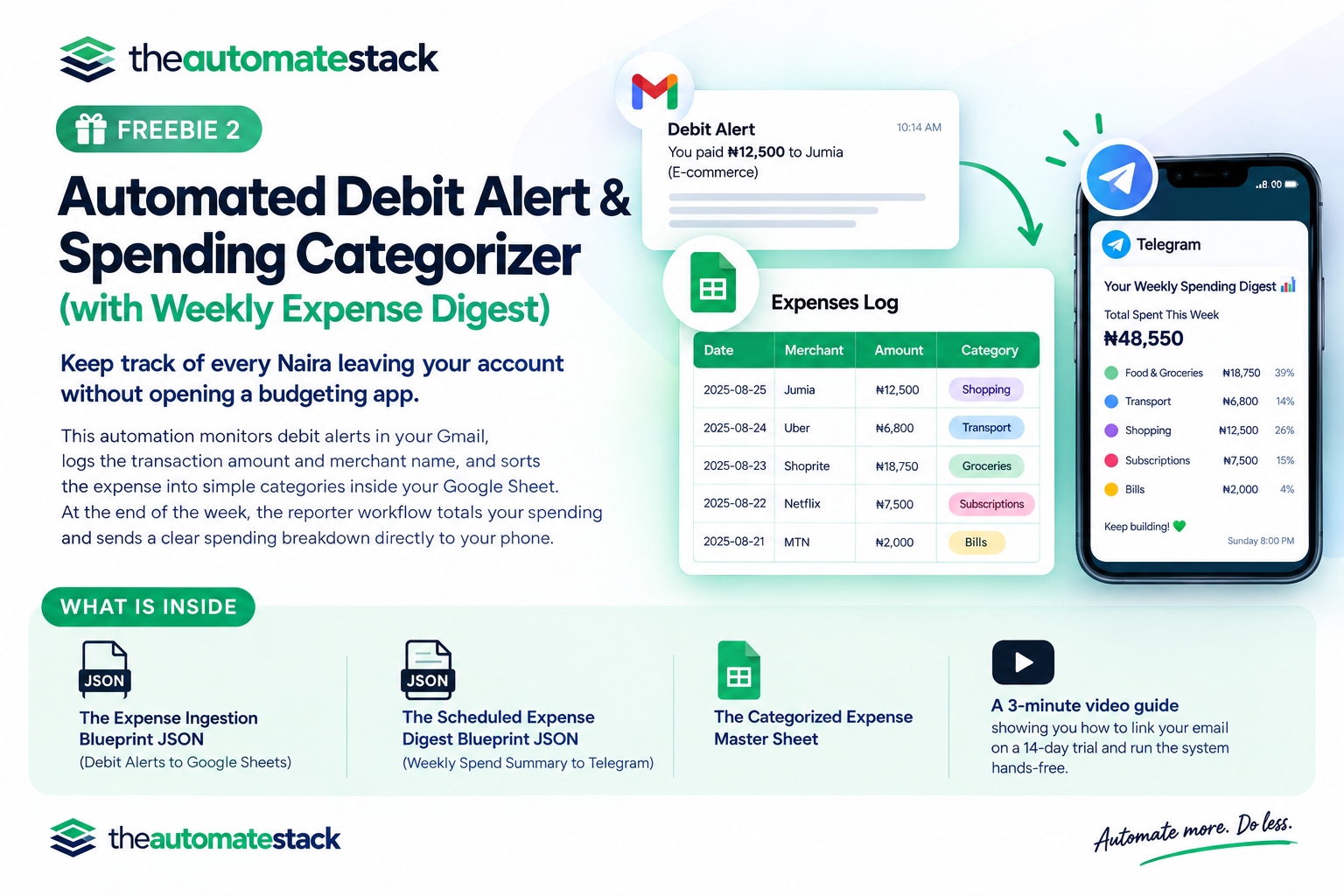
Stop wondering where your daily operational expenses went at the end of the month.
This automation captures incoming debit alert emails in Gmail, logs the transaction amount and vendor details, and sorts the expense into simple categories (such as Logistics, Utilities, Inventory, Food, and Miscellaneous) inside your Google Sheet. Every Sunday night, the scheduled reporter tallies your spending by category and sends an itemized budget digest straight to your Telegram.
Step 1: Make a copy of the tracking sheet
Click here to create your personal copy of the sheet in your Google Drive:
👉 CLICK HERE TO COPY THE GOOGLE SHEET TEMPLATE
What is inside your download:
- The Debit Reader Workflow JSON: Ingests debit alerts from your inbox and assigns spending categories automatically.
- The Expense Digest Workflow JSON: Calculates weekly category totals and sends a clear financial overview to your phone.
- The Categorized Budget Master Sheet: Complete with built-in status markers so transactions are never double-counted.
Frequently Asked Questions:
- Can I customize the spending categories?
- Yes. The video points directly to the simple keyword list in the workflow where you can add, change, or remove categories (like "Raw Materials" or "Office Internet") in seconds.
- Does this work if I use multiple bank cards?
- Yes. As long as the debit notifications land in the same Gmail inbox, the system captures them all and logs them in sequence inside your central Google Sheet.
- Is my banking information and password safe?
- Yes. You never enter your bank password, PIN, or login credentials anywhere. The automation only reads the standard notification text that your bank already emails to you.
- What software do I need to install on my laptop?
- Nothing. The entire system runs inside an online cloud dashboard. Your computer does not need to stay on or connected to the internet for the automations to run. You can test it out on a free trial