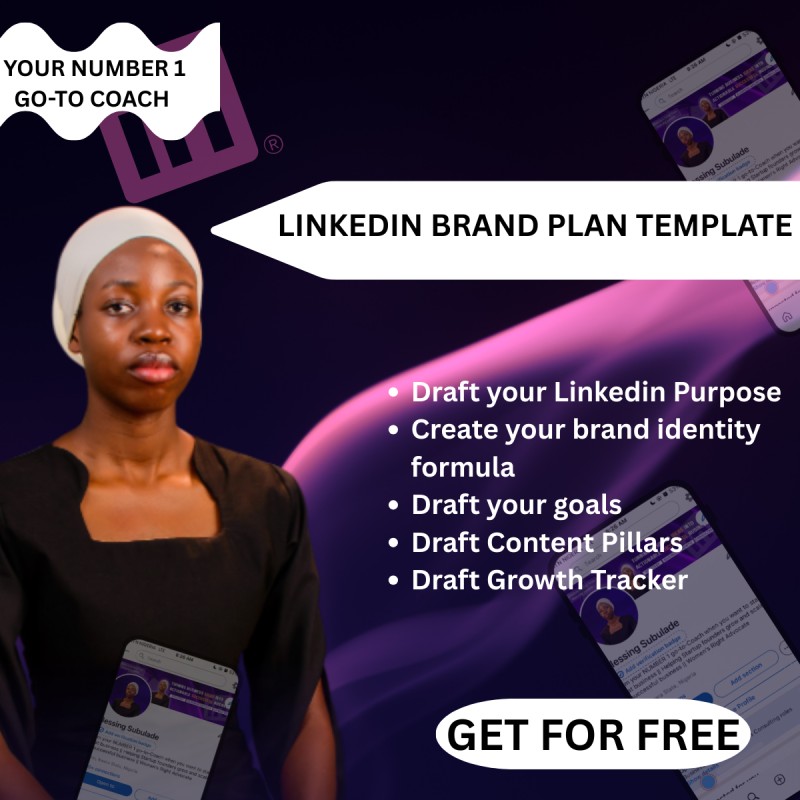
LINKEDIN BRAND PLAN TEMPLATE

SOMEONE ONCE SAID, “TAKE YOUR LINKEDIN BRAND AS YOUR BUSINESS, SHOP AND YOUR STORE.”
And they have never been more correct.
Most beginners show up thinking linkedin is just a profile.
But in reality?
The moment you hit “Create Account” you become a brand owner, whether you like it or not.
Sounds dramatic, but think about it:
You have a product (your expertise).
You have a market (your network + the audience you attract).
You have marketing (your content).
You create leads (opportunities, connections, offers).
But you don’t have sales happening silently in your DMs.
Why???
Because nobody ever taught us to treat our profiles like a company.
But the people winning on this platform?
They absolutely do.
They treat Linkedin like their business.
While others treat it like a social media account.
That’s why I created a simple LinkedIn Brand Business Plan Template.
It’s not corporate.
It’s not complicated.
It won’t take you days to fill out.
It’s a practical, clarity-boosting template that helps you answer:
- What exactly is your “brand offer”?
- Who are you creating content for?
- What transformation do people expect from following you?
- What content pillars support your brand mission?
- What does success look like for your LinkedIn presence in 3, 6, 12 months?
- What systems do you need to stay consistent?
Imagine running your LinkedIn presence with the same intentionality as a business owner.
The difference? Visibility becomes predictable. Opportunities increase. Growth isn’t accidental anymore.
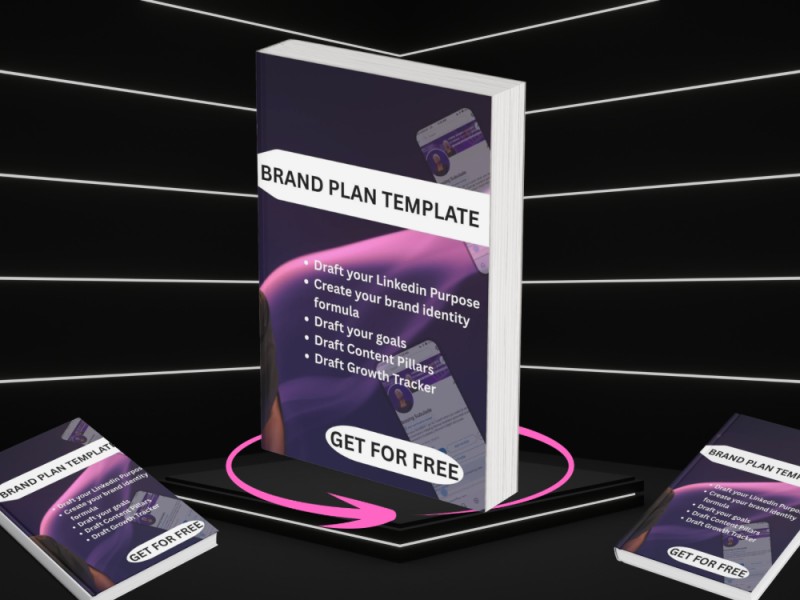
WHAT’S INCLUDED:
PPTX file (editable in PowerPoint)
PDF version (perfect for viewing on all devices)
Google Slides version (via secure “Make a Copy” link) (Link inserted in a Word document).
DOWNLOAD GUIDE:
iPhone Users
PowerPoint files may not display correctly on iPhone.
For best results, please use:
- PDF version (for clear viewing), or
- Google Slides link (for editing) (Link inserted in a Word document).
Android Users
Most Android devices open PowerPoint accurately.
You can use:
- PPTX
- Google Slides (Link inserted in a Word document).
Laptop / Desktop Users
You can use all versions with no issues:
- PPTX (fully editable)
- PDF (clean preview)
- Google Slides (web-based editing) (Link inserted in a Word document)
NOTE: PLEASE KINDLY LEAVE A REVIEW IF YOU FOUND THE TEMPLATE USEFUL. SINCE THE PRODUCT IS FREE, A REVIEW WILL BE APPRECIATED. THANK YOU.