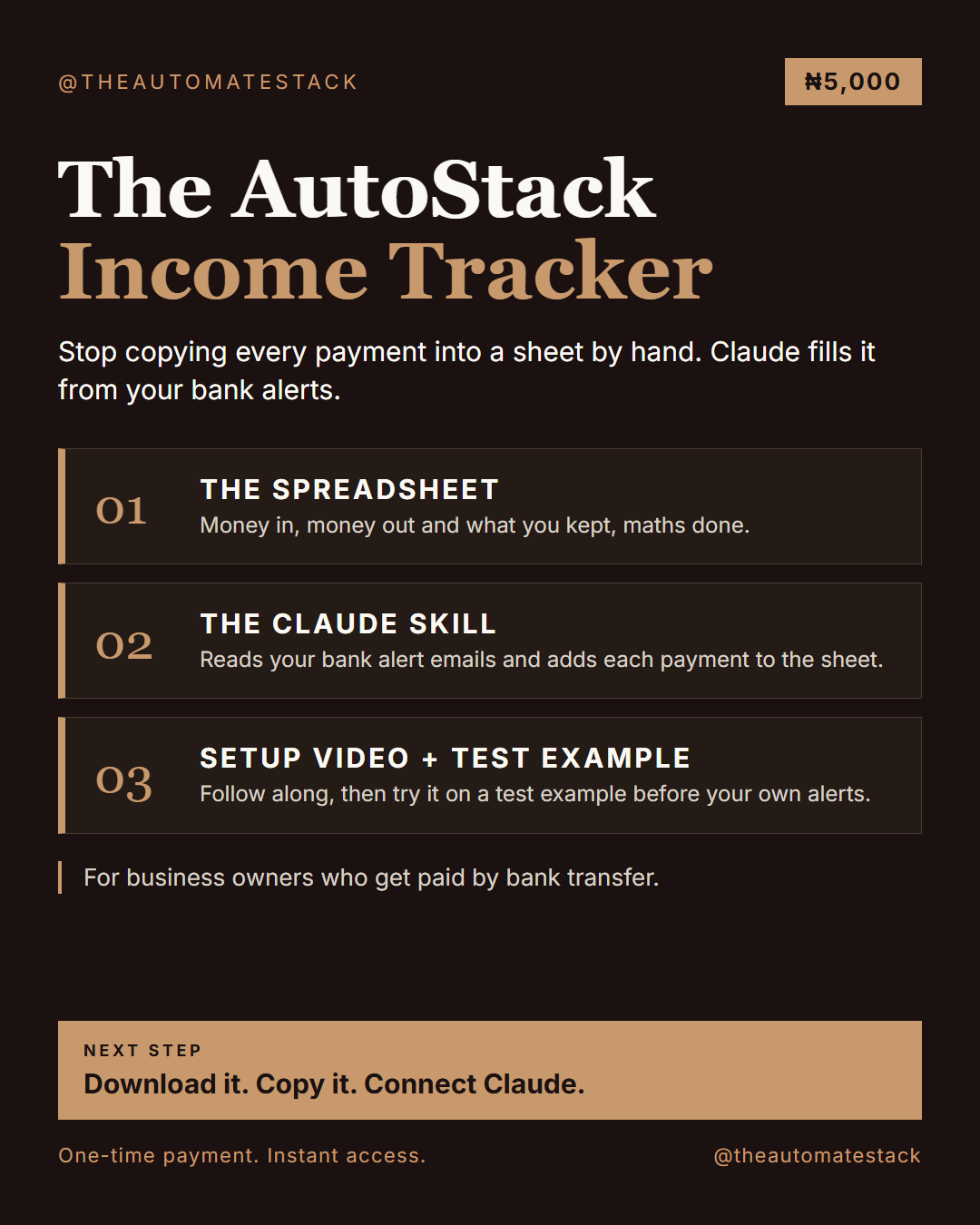
AutoStack Income Tracker. A Google Sheet that shows what you made, spent and kept. Claude fills it from your bank alert emails.

Every payment you receive has to be written down somewhere. The writing down is the stressful part.
A payment comes in and you tell yourself you will write it down later. Later becomes a pile: alerts in your email, screenshots in your gallery, a few numbers in your Notes app. So on a free evening you copy them over, one by one. You miss one. You type another twice. A week later you are behind again.
The AutoStack Income Tracker ends the copying and takes that stress from you.
It is a Google Sheet with the maths already done, plus a Claude skill that reads your bank alert emails and adds each payment to the sheet. You ask Claude what you made and what you spent. It fills the rows. The sheet shows the rest.
What you get
- The Income Tracker spreadsheet. Make your own copy in Google Drive. Four tabs: Start Here, Transactions, Summary (pick a month and see money in, money out, what you kept, your biggest payment and where the money went) and By Month.
- The Income Tracker skill, which tells Claude how to read your alerts and fill the sheet correctly.
- A setup video, start to finish.
- A test example, so you can see it work before you use your own alerts.
BEFORE
AFTER.
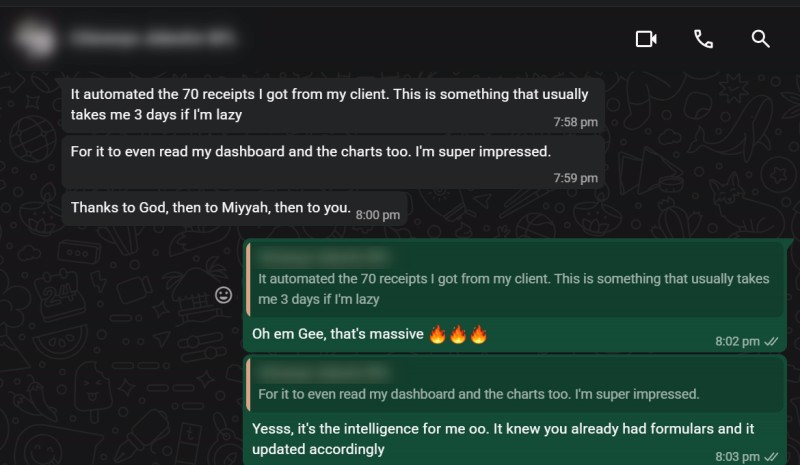
She connected the spreadsheet she had been updating by hand, and the AI filled in the records.
How it works
1. Make a copy of the spreadsheet.
2. Add the skill to Claude and connect Gmail and Google Drive.
3. Ask Claude to read your bank alerts for the week.
4. Open the Summary tab.
What you need
- A Gmail account that receives your bank alerts
- A Google account for the spreadsheet
- A Claude account
What it does not do
- It never sends, replies to, deletes or moves any email.
- It never asks for your bank login, card number, PIN or one-time code.
- It never overwrites your rows. It only adds new ones.
Good to know
- It only sees what arrives in Gmail, or what you paste into the chat. Cash and payments with no alert are missing unless you tell Claude.
- Bank narrations can be messy, so spot-check large amounts. Compare the Summary with your bank statement for three weeks before you trust it.
- This is a quick check. It does not replace your bank statement or your accountant.
After you pay, you are sent to a page with your walkthrough, your documents and the setup video.
If you get stuck, reply to your delivery email with a screenshot.