
MEGA SMARTPHONE & CORELDRAW GRAPHICS DESIGN



When you’re considering all of the factors that go into building a business, creating a logo might not seem like a top priority.
“Maybe I don’t even need a logo at all,” a little voice is whispering in the back of your mind.
Don’t listen to that voice; he couldn’t be more wrong. Having a logo is an integral part of making your brand a successful one – right up there with having high-quality products and positive referrals.
So, why is a logo important? Because it grabs attention, makes a strong first impression, is the foundation of your brand identity, is memorable, separates you from competition, fosters brand
you can learn how to create a logo for your business today with just your smart phone or your PC (Laptop, Palmtop or Desktop) and also create for others and get paid.






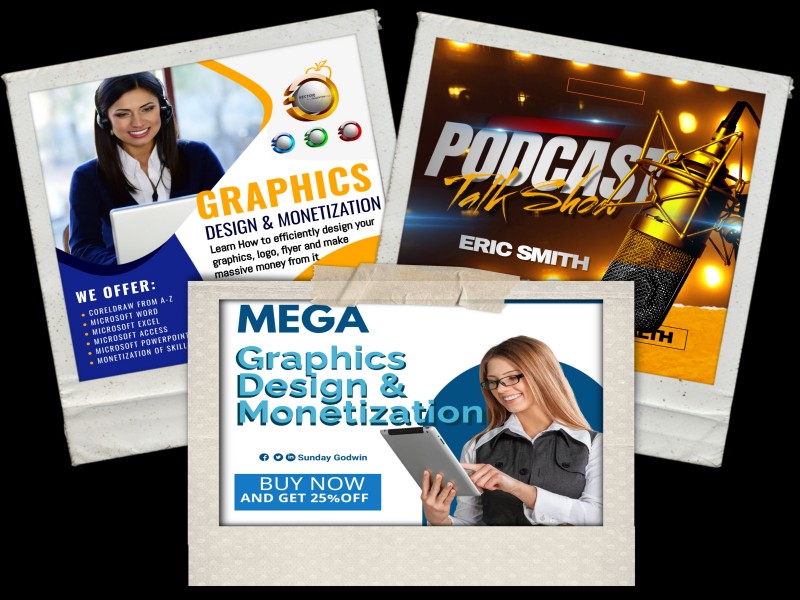







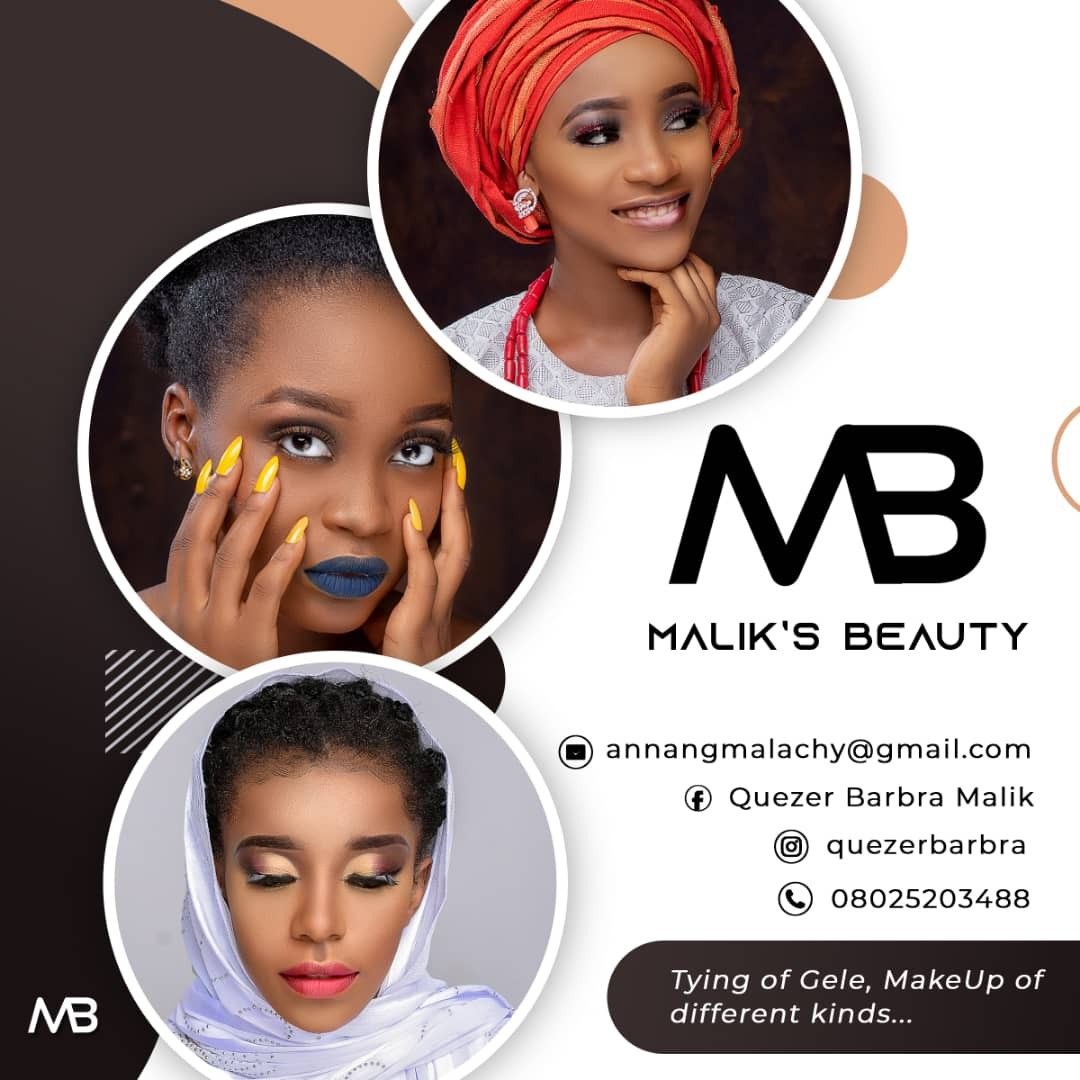
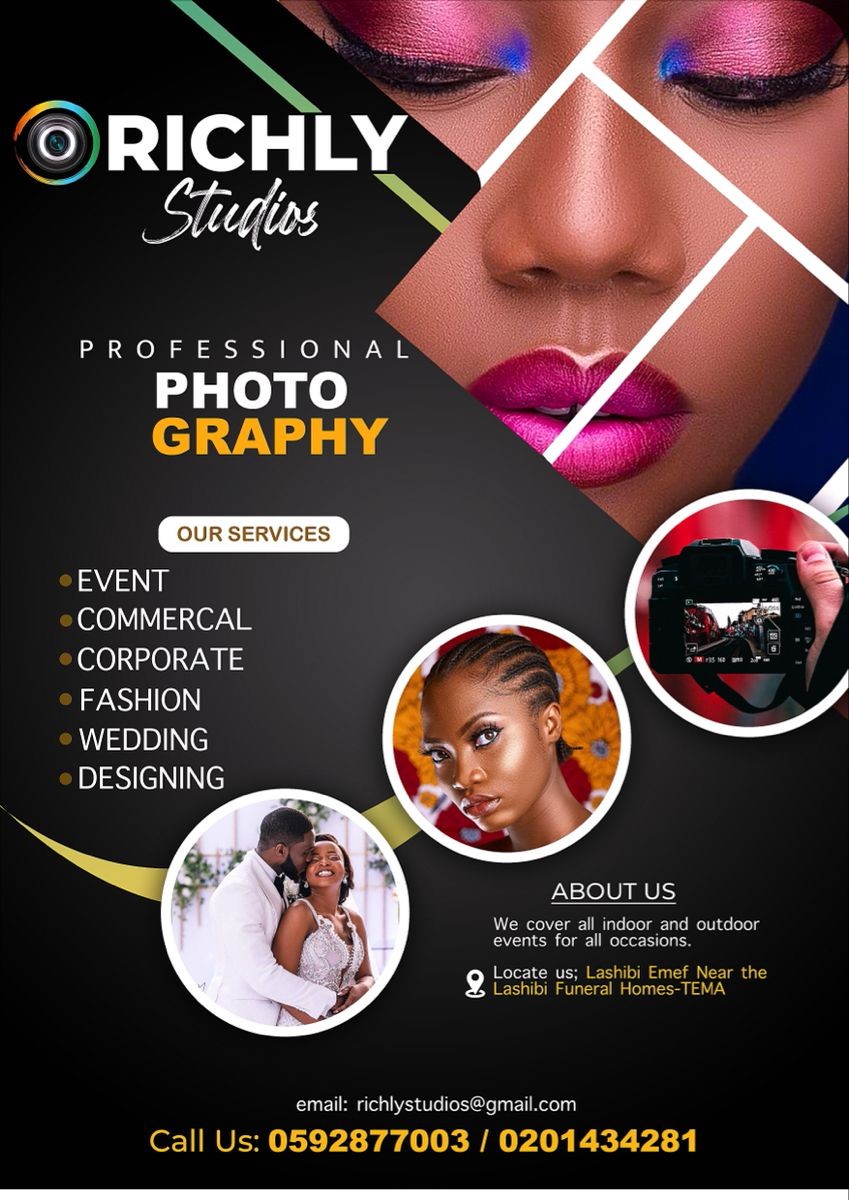




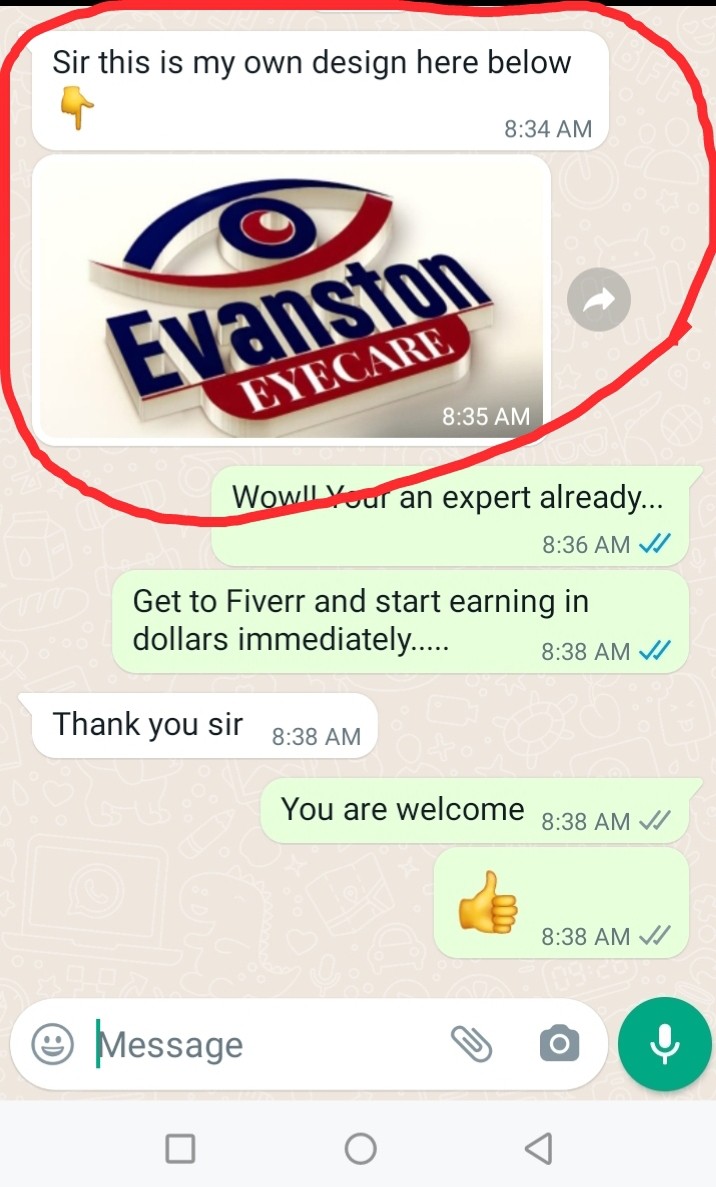


CORELDRAW (GRAPHICS DESIGN SMARTPHONE AND PC) COURSE
1. CorelDraw Software installation & Activation
2. Introduction to CorelDraw (Welcome Screen)
3. Understanding the tools and the software environment
4. Creating your first design.
5. Setting up of page for design
6. Mastering the tools and Command
7. Designing like a pro Tutorials
8. Designing Poster
9. Designing Flyer
10. Designing Invitation Card
11. Designing Wedding Programme/Calendar
12. AMANAC Design
13. Getting Canva Pro for free for life
14. Learning the basis of Smartphone graphics design
15. Designing advance graphics with your phone
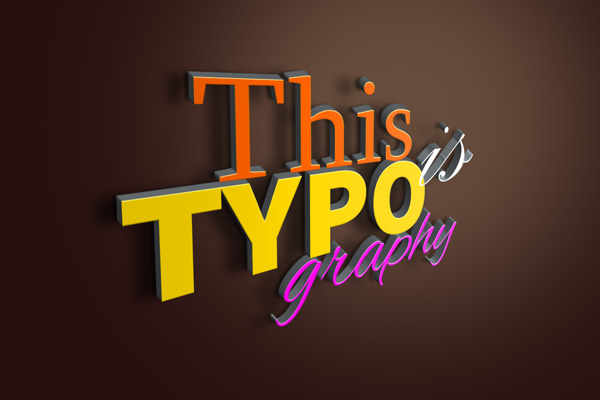
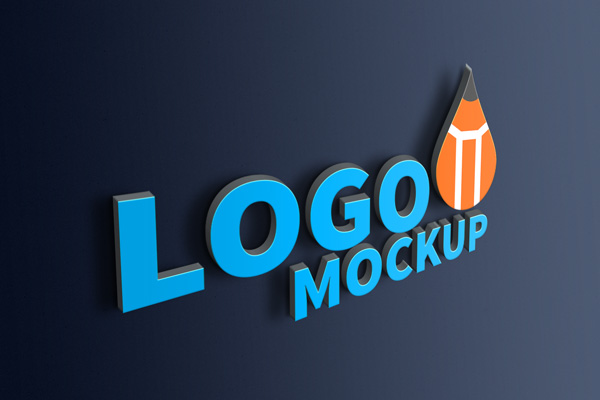
16. Logo Design, Mockup Design
17. Premium Template Designs
18. Premium Mock up File
19. Making Money online with skills at ease
20 Bonus and more
3D LOGO DESIGN
1. 3D logo Software/app installation
2. Setting up everything
3. Creating your first 3d logo
4. Saving it to your System/Phone
BONUSES
1. How to use this skills for freelancing
2. How to use Microsoft word
3. How to use Microsoft Excel
4. How to use Microsoft PowerPoint
5. YouTube Video Blogging