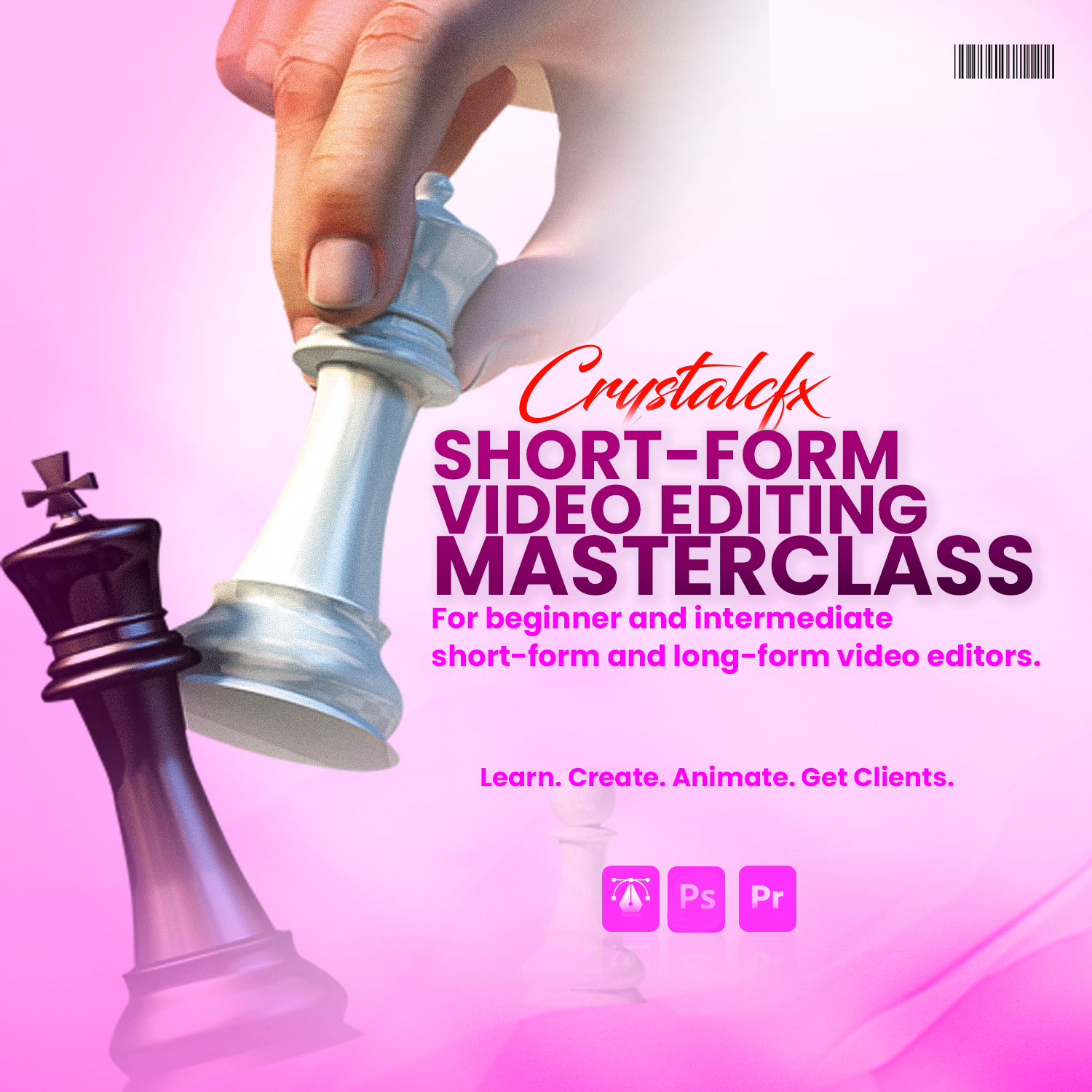
CRYSTALCFX SHORT-FORM VIDEO EDITING MASTERCLASS | 19th–24th October 2026
Learn. Create. Animate. Get Clients.
Do you already edit videos but feel like your work still lacks that professional touch?
Or are you a beginner who wants to learn short-form video editing properly from the ground up?
This Short-Form Video Editing Masterclass is a practical training designed for beginner and intermediate video editors who want to improve their skills, create more engaging videos, and confidently work with clients.
Throughout the class, we will use Adobe Premiere Pro and Adobe Photoshop to create professional short-form videos for platforms such as Instagram Reels, TikTok, and YouTube Shorts.
This is not just a class where you watch someone edit. You will learn the process behind every creative decision, from developing an editing idea to designing frames, animating elements, and producing a complete video.
WHAT YOU WILL LEARN
1. Short-Form Editing Fundamentals
- Understanding the short-form editing workflow
- Setting up and organizing your projects
- Choosing the right aspect ratio and sequence settings
- Cutting and arranging footage
- Improving pacing and viewer retention
- Using B-roll, sound effects, music, transitions, and zooms effectively
2. Text and Typography
- Understanding the fundamentals of typography
- Choosing the right fonts for different projects
- Creating a clear text hierarchy
- Designing clean and engaging captions
- Highlighting important words and information
- Avoiding common text-design mistakes
3. Color Fundamentals
- Understanding how colors work together
- Choosing suitable color combinations
- Using color to create emphasis
- Applying brand colors correctly
- Improving the overall visual appearance of your videos
4. Frame Design in Adobe Photoshop
- Planning your video visually before animating
- Designing professional frames from scratch
- Creating backgrounds and graphic elements
- Selecting and arranging images, icons, and text
- Using composition, spacing, balance, and visual hierarchy
- Preparing Photoshop designs for animation in Premiere Pro
5. Animation in Adobe Premiere Pro
- Understanding keyframes
- Animating text, images, shapes, and other elements
- Creating smooth movements
- Using position, scale, rotation, and opacity
- Applying easing for more professional animations
- Creating engaging text and caption animations
- Building seamless transitions between frames
6. Creative Direction and Editing Ideas
- How to generate ideas for your edits
- Turning a script into engaging visuals
- Finding suitable B-roll, images, icons, and references
- Studying references without directly copying them
- Developing your own editing style
- Knowing when to keep an edit simple and when to add more creativity
7. Creating Complete Short-Form Videos
You will learn how to combine storytelling, pacing, text, color, frame design, animation, sound design, and visual effects to create complete short-form videos that are both engaging and professional.
BUSINESS BONUSES
Beyond teaching you how to edit, I will also show you how to turn your skills into real opportunities.
You will learn:
- How to position yourself as a professional video editor
- How to present your skills online
- How to build a strong portfolio, even without many clients
- Where and how to find video-editing gigs
- How to approach potential clients
- How to attract clients through your content
- How to communicate professionally with clients
- How to price your services and negotiate confidently
- How to manage revisions and avoid unnecessary misunderstandings
- How to turn one-time projects into long-term working relationships
- Free websites where you can find high-quality assets for your editing projects
FREE CINEMATIC ASSET PACK
Every student will receive my personal cinematic editing pack, containing valuable assets to make your editing process faster and improve the quality of your videos.
The pack includes:
- Sound effects
- Icons
- PNG assets
- Video overlays
- Other useful creative resources for short-form video editing
You will also be introduced to free websites where you can legally download quality music, sound effects, stock footage, images, icons, fonts, PNGs, and other creative assets for your projects.
WHO THIS CLASS IS FOR
This class is suitable for:
- Complete beginners who want to learn short-form video editing
- Intermediate editors who want to sharpen their skills
- Editors who struggle with text, color, animation, or visual design
- Editors who find it difficult to come up with creative ideas
- Content creators who want to edit their own videos professionally
- Editors who want to build a strong portfolio and attract paying clients
CLASS REQUIREMENTS
To participate effectively, you must have:
- A functional laptop capable of running Adobe Premiere Pro and Adobe Photoshop
- At least 16GB of RAM
- At least 256GB of storage, although 512GB is recommended
- Adobe Premiere Pro and Adobe Photoshop installed. If you do not already have the software installed, it will be provided, and you will be guided through the installation process.
- A willingness to learn, practice, and complete class exercises
Previous professional editing experience is not required.
CLASS DETAILS
Date: 19th–24th October 2026
Duration: 2-3 hours daily
Class Format: Online
Registration Fee: ₦80,000
Registration Deadline: 17th of October, 2026
WHAT YOU WILL GAIN
By the end of this masterclass, you should be able to confidently plan, design, edit, and animate professional short-form videos using Adobe Premiere Pro and Adobe Photoshop.
You will also understand how to position yourself, find opportunities, communicate with clients, negotiate your rates, and build a sustainable video-editing career.
Assignments will be given at the end of each class to help you practice what you have learned and strengthen your skills.
At the end of the training, you will also work on practical short-form video projects where you will apply everything you have learned, including developing creative ideas, designing frames, editing and animation.
You will also receive one month of free mentorship and follow-up support after the class. During this period, you will receive guidance, feedback on your work and support as you continue practicing and improving your editing skills.
READY TO SHARPEN YOUR VIDEO-EDITING SKILLS?
Join the Crystalcfx Short-Form Video Editing Masterclass this October and take your editing skills from basic cuts to creative, professional, and client-ready videos.
Spaces are limited.
Register now to secure your spot.