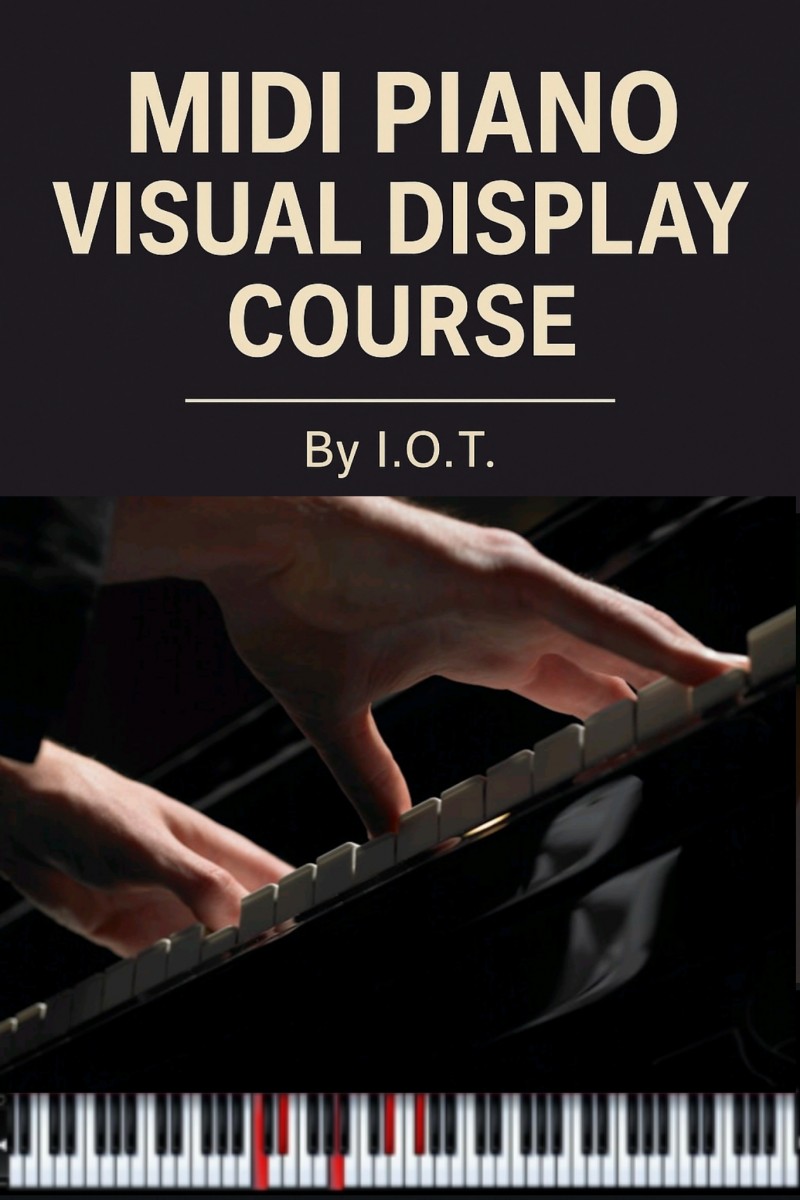
Midi Piano Visual Display

Do you want to create clean, professional-looking piano videos with MIDI visuals showing what you played — just like you see on YouTube and Instagram?
This course shows you exactly how I do it — step by step.
No falling notes. No overhyped plugins. Just a sharp, elegant visual display that highlights every note you play.
I’ll walk you through my full workflow using just:
Your DAW
My secret VST setup
A standalone visual tool
Mobile editing (CapCut)
And the best part? You don’t need expensive gear or software. I’ll even give you a bonus link to access the tools for free.
📚 What You’ll Learn:
✅ How to export your MIDI from your DAW
✅ How to get a visual display of what you played (my exact method)
✅ How to screen record and extract the visuals
✅ How to combine it with your piano performance video
✅ How to edit it cleanly using a mobile phone
This is exactly how I make the MIDI piano display videos people ask me about — and now I’m revealing it in full.
🎁 Bonus:
Free access links to the tools I use
One-on-one DM support if you get stuck
Early access discount to my next course (the “falling keys” version)
💼 Who this is for:
Pianists, producers, and beatmakers
Content creators trying to stand out
Beginners who want pro visuals without a complicated setup
Anyone who’s asked: “How did you do that MIDI display?”
💸 Price: ₦10,000
Once you know it, you can make unlimited content with it.
This is your shortcut to clean, engaging piano videos that get noticed.