The Danny El Films Color Science
THE DANNY EL FILMS COLOR GRADING SYSTEM
========================================
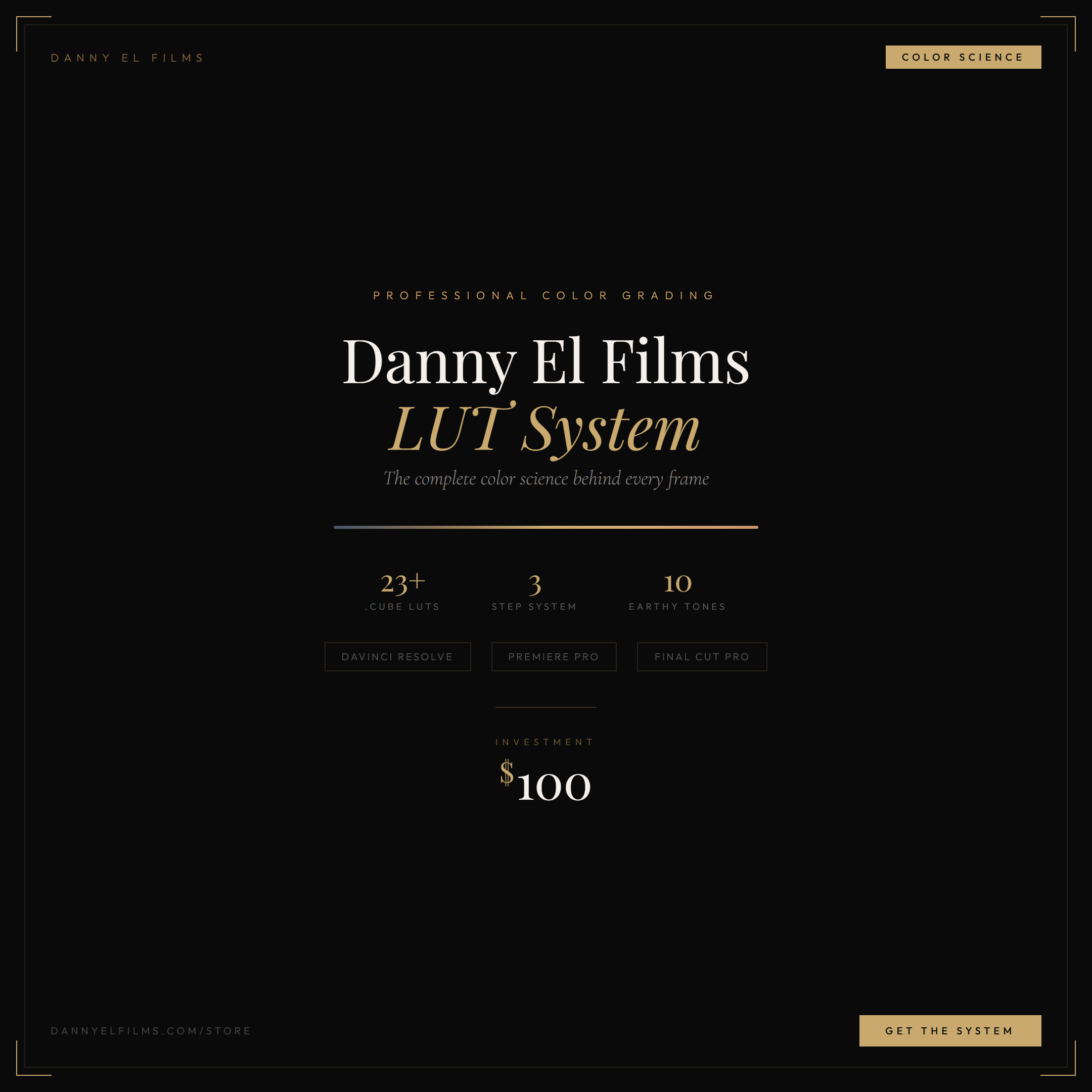
The exact 3-step LUT stacking process behind every Danny El Films cinematic wedding film. This is not just a set of LUTs — it's a complete color grading system.
---
WHAT'S INSIDE:
Step 1 — Conversion LUTs
Alister V-Look LUTs for Sony S-Log2 and S-Log3 cameras. Converts your flat log footage into a beautiful, workable image. Includes Standard, G1, and G2 variants with 13 exposure levels each (-3 to +3 stops). Camera, grading, and monitor versions included.
Step 2 — Daniel LUTs Collection
13 handpicked vintage creative grades that add warmth, character, and a film-like quality to your footage. Plus an adjust-fade option for lifted blacks. This is the artistic backbone of the Danny El Films look.
Step 3 — Earthy Tones (Danny El Films Signature)
10 custom finishing LUTs that deliver the signature DEF warmth and color science. Each named after a place in Imo State, Nigeria:
- Owerri — Balanced warmth, versatile all-rounder
- Orlu — Deep, moody warmth for dramatic moments
- Oguta — Soft, open feel for outdoor scenes
- Okigwe — Rich skin tone warmth for portraits
- Mbaise — Golden push, perfect for traditional weddings
- Mbaitoli — Subtle, refined warmth
- Nkwerre — Cooler earthy tone for editorial looks
- Ngor Okpala — Vibrant reds and oranges for receptions
- Ideato — Clean, natural warmth that stays true to life
- Isu — The most cinematic, ideal for trailer hero shots
---
WHAT YOU GET:
- 23+ premium .cube LUT files
- Complete 3-step grading workflow
- Support for Sony S-Log2 & S-Log3
- Compatible with DaVinci Resolve, Premiere Pro, and Final Cut Pro X
- Detailed PDF installation & grading guide included
- Works with all Sony cameras (A7 series, FX3, FX6, FX30, A1, etc.)
- Instant digital download
- Rec709 output
---
WHO IS THIS FOR?
- Wedding filmmakers who want a rich, cinematic, earthy grade
- Videographers shooting on Sony cameras in S-Log
- Content creators who love warm, skin-tone-friendly color science
- Anyone who wants the exact Danny El Films look in their work
Non-Sony users: Skip Step 1, convert your footage to Rec709 with your camera's own LUT, then apply Steps 2 and 3 at 60-80% intensity. The creative and finishing grades are not camera-specific.
---
HOW TO USE:
1. Apply a Conversion LUT (Step 1) to bring your S-Log footage to life
2. Stack a Daniel LUT (Step 2) on top for vintage character
3. Finish with an Earthy Tone (Step 3) for the signature DEF warmth
4. That's it. Three layers. One legendary look.
Full PDF guide with step-by-step instructions for DaVinci Resolve, Premiere Pro, and FCPX included in your download.
---
SUPPORT:
Questions? Reach out at [email protected] or DM @danny_el_films on Instagram.
Tag your graded work with #DannyElFilmsLUTs — we love seeing what you create.
© 2026 Danny El Films. All rights reserved.