Downloadable
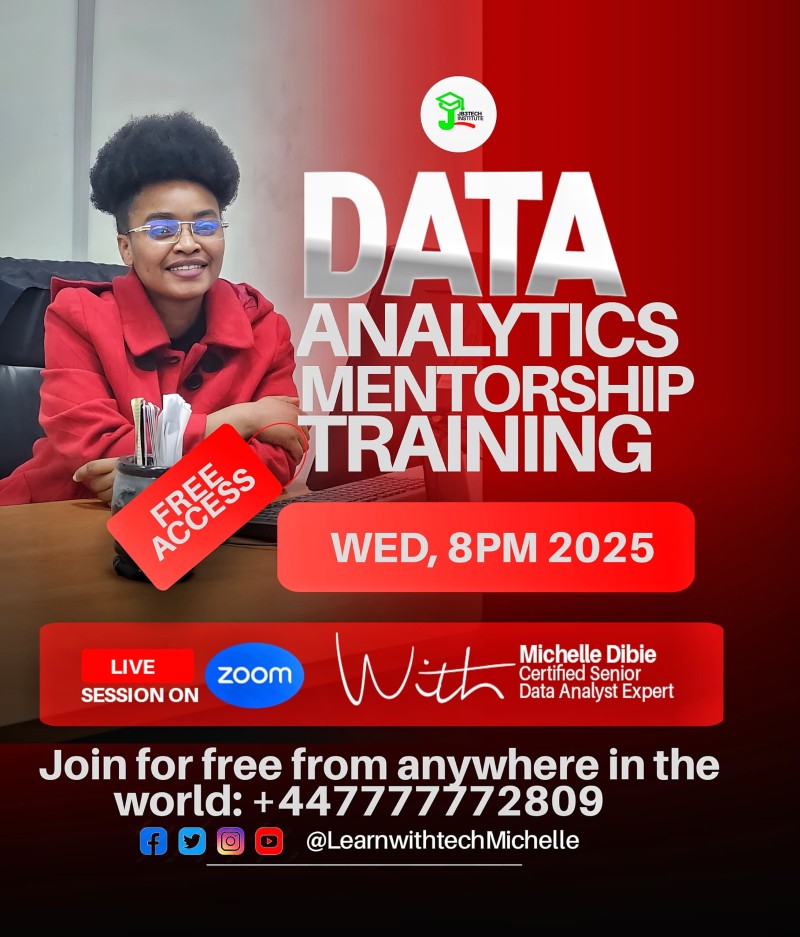
FREE MENTORSHIP CLASS_2025- (1ST CLASS)

(0 Ratings)
1
$20.00
Class Outline – Free Data Analytics (Session 1)
- Understanding the Power Query Editor with Excel Formulas – Learn how to combine Excel’s formula capabilities with the Power Query Editor for advanced data manipulation.
- ETL Process & Automation in Power Query – Explore the Extract, Transform, and Load (ETL) process, and see how to automate repetitive data tasks for efficiency.
- Navigating the Power Query Interface & Data Import Options – Get familiar with the Power Query workspace and learn different methods for bringing in your data.
- Folder vs. File Loading Strategies – Understand when to connect to an entire folder and when to work with individual files for optimal performance.
- Applied Steps & Query Settings – Learn how to track, manage, and edit transformation steps to maintain clean and consistent workflows.
- Column Profiling & Data Quality Analysis – Use built-in profiling tools to assess, clean, and enhance the quality of your datasets.
DOWNLOAD SESSION BELOW