
Scholarship Prep Centre & Tracker

Find it. Plan it. Win it. Every scholarship, deadline and step in one place.
Applying for scholarships means juggling deadlines, documents, reference letters and interviews. Miss one date and the whole application can fall apart. The Scholarship Prep Centre & Tracker keeps it all in one place, so you always know what to do next.
What you get
- A scholarship library. Browse by level and country. See what each one covers, who can apply and how to apply.
- A tracker with dated steps. Add a scholarship and it becomes a to-do list with dates. A board and a list show where each application stands.
- Deadline reminders. Get an email before a deadline or a step is due. Switch them off any time.
- Weekly tasks. A new set of preparation tasks each week, so you don't have to guess what to do.
- Prepare to win guides. Help with your personal statement, CV and reference letters, plus updates and free resources.
- Interview practice. Hear real interview questions spoken to you. Record your answer, play it back and get a score with tips to improve.
- Writing reviewer. Paste your draft and get feedback. It never writes your application for you.
- Toolkit. A deadline calendar file, document checklist with expiry dates, a side-by-side scholarship compare, and a tracker for the costs of getting ready.
- Referees and funding. Track who has sent a reference letter, and see how much of your funding is covered.
- Share your progress. Give your parents or sponsor a private link to follow along.
How it works
1. Pay for your plan on Selar.
2.You will be redirected to payment confirmation page
3. Enter the same email you paid with. We send you a sign-in link. No password.
4. Tap the link and start. You are granted access automatically once your payment is confirmed.
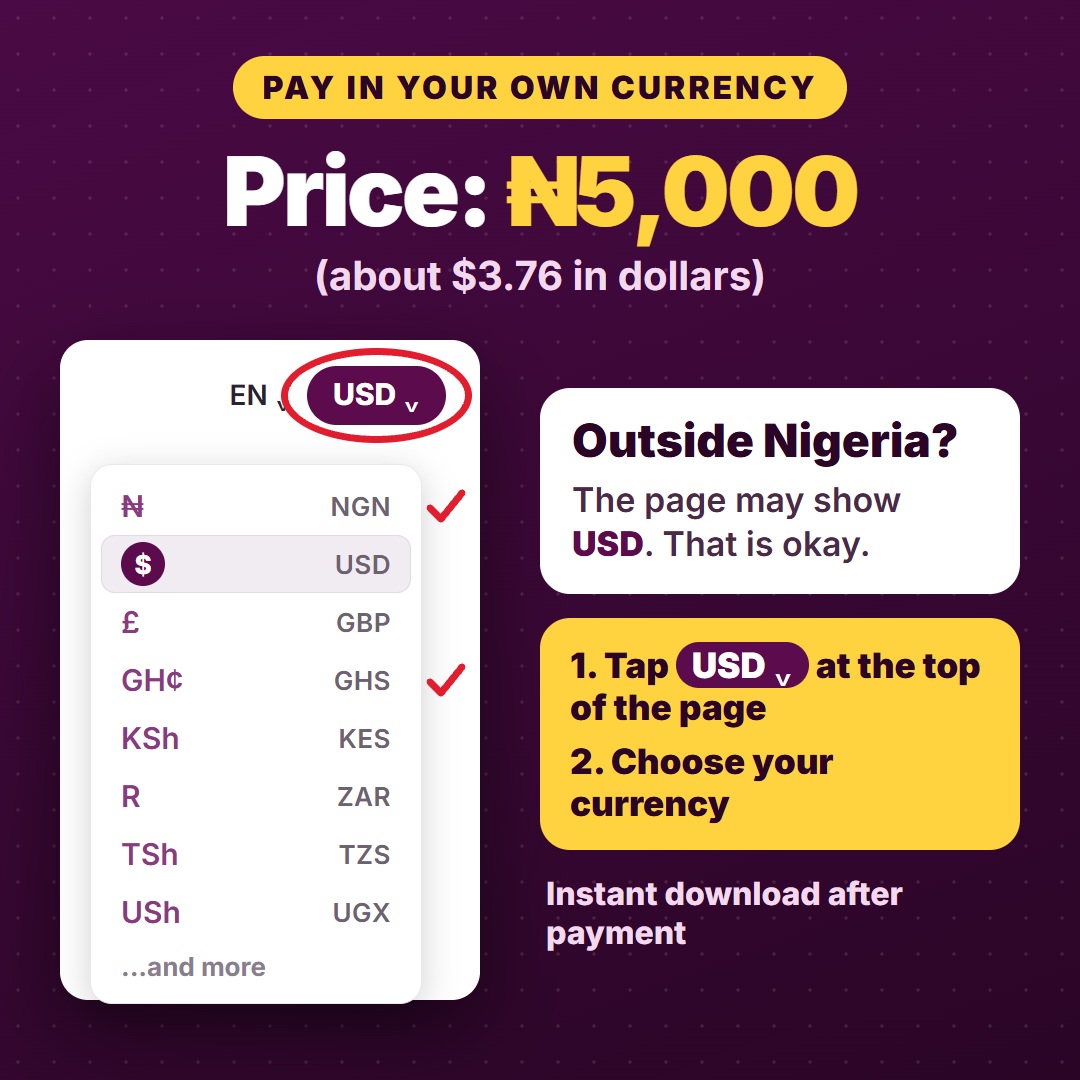
Price: ₦5,000 a month. Renews subscription each month if you choose to keep using the tool. Cancel any time.
Good to know
- Scholarship details change. Always confirm dates and rules on the scholarship's official website.
- We don't guarantee that you will win a scholarship.
- Interview scores are an AI estimate to help you practice, not a prediction.
Questions
- Do I need a password? No. You sign in with a link sent to your email.
- Which email should I use? The same one you used to pay on selar
- Does it work on my phone? Yes, and you can add it to your home screen.
- What happens if I stop paying? Your account becomes view-only. You can still see and export what you saved.