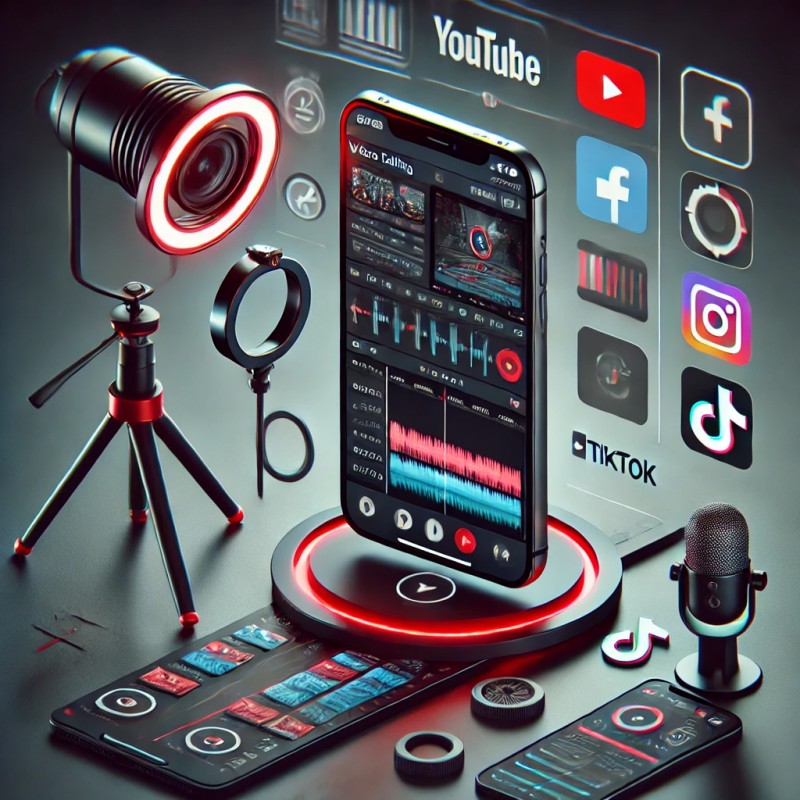
VIDEO EDITING PRO

SMARTPHONE VIDEO EDITING PRO
In today’s digital world, video content is king. Whether you're a content creator, entrepreneur, or social media enthusiast, mastering video editing can take your content to the next level. With the right techniques and tools, you can create professional-quality videos directly from your device.
VIDEO EDITING IS A GAME-CHANGER
Smartphones have become powerful enough to handle video editing with ease. With advanced camera technology and high-performance editing apps, you no longer need expensive software or heavy equipment to produce stunning videos.
ESSENTIAL TOOLS FOR VIDEO EDITING
1. High-Quality Video Editing Apps
Some of the best video editing apps include:
- Kinemaster – Offers professional editing tools, layers, and effects.
- Adobe Premiere Rush – Provides a streamlined interface with powerful features.
- CapCut – Free and easy to use with built-in transitions and effects.
- LumaFusion (iOS) – A premium app with advanced video editing capabilities.
2. External Microphones for Better Audio
Audio quality is just as important as video quality. Invest in an external microphone like:
- Rode SmartLav+ – A high-quality lapel mic for clear audio.
- BOYA BY-M1 – Affordable and great for recording voices.
3. Tripod and Stabilizers
For stable shots and smooth movements, use:
- DJI Osmo Mobile – A premium stabilizer for cinematic footage.
- Ulanzi Tripod – A budget-friendly option for steady videos.
PRO TIPS FORll VIDEO EDITING
1. Shoot in High Resolution
Always record in 4K or 1080p for the best video quality. This ensures clarity and gives you more flexibility in post-production.
2. Use Proper Lighting
Natural lighting is the best, but for indoor shoots, use ring lights or LED panels to eliminate shadows and enhance visual quality.
3. Apply Smooth Transitions and Effects
Avoid overusing transitions. Stick to clean cuts and subtle effects for a professional look. Use speed ramping for dynamic impact.
4. Add Text and Graphics
Use tools like Canva or VN Editor to overlay text, add captions, and include call-to-action graphics.
5. Color Correction and Filters
Adjust brightness, contrast, and saturation to enhance video appeal. Apps like InShot and VN Editor provide easy-to-use color grading tools.
6. Optimize for Social Media
Different platforms require different video formats:
- Instagram Reels/TikTok – 9:16 vertical format.
- YouTube – 16:9 horizontal format.
- Facebook/LinkedIn – Square (1:1) or vertical (4:5) for better engagement.
CONCLUSION
Video editing is no longer just for beginners – it’s a powerful tool that, when mastered, can create high-quality, engaging content. With the right apps, equipment, and techniques, you can edit like a pro and make stunning videos that stand out. Start experimenting today and take your video content to the next level!