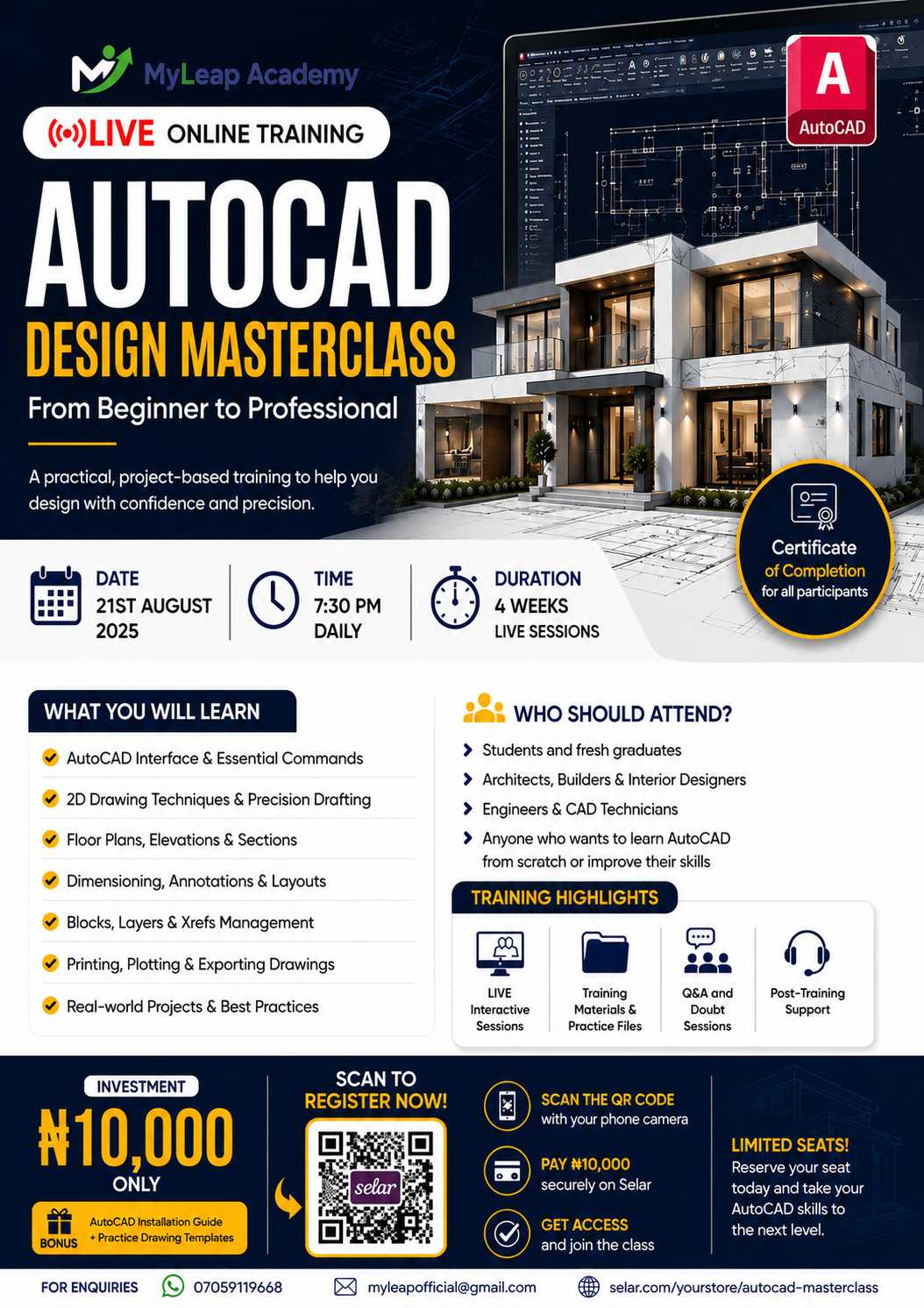
AutoCAD Design Masterclass (Beginner to Professional)
Get Tickets
Total Admissions: 0Live AutoCAD training Practice files Certificate of participation WhatsApp support Session recording
AutoCAD Design Masterclass – Beginner to Professional
Master AutoCAD and Start Creating Professional Architectural Drawings from Scratch!
Whether you're a student, graduate, architect, engineer, builder, or complete beginner, this intensive live online masterclass is designed to take you from zero knowledge to confidently producing professional architectural drawings using AutoCAD.
In this practical, project-based training, you'll learn the exact techniques used by professionals to create accurate floor plans, elevations, sections, roof plans, and presentation drawings.
No prior AutoCAD experience is required.
📅 Training Details
Start Date: 21st August 2025
Time: 7:30 PM (WAT) Daily
Training Mode: Live Online (Zoom)
Duration: 30 Days Intensive Training
Access: Live classes + Training materials + Recordings
Investment: ₦10,000 Only
🎯 What You Will Learn
Module 1 – Introduction
- Introduction to Building Architecture
- Understanding the Construction Drawing Process
- AutoCAD Installation and Setup
- AutoCAD Interface Overview
Module 2 – AutoCAD Fundamentals
- Essential AutoCAD Commands
- Drawing and Modification Tools
- Object Snaps & Tracking
- Precision Drawing Techniques
- Layers and Layer Management
Module 3 – Annotation
- Text Styles
- Dimensions
- Leaders
- Hatching
- Annotation Best Practices
Module 4 – Architectural Design
- Architectural Design Principles
- Floor Plan Development
- Interior & Exterior Furnishing
- Roof Plan Design
- Elevations
- Sections
Module 5 – Practical Project
Design a complete One-Bedroom Apartment from start to finish, including:
- Floor Plan
- Roof Plan
- Dimensions
- Texts
- Furniture Layout
- Plotting
Module 6 – Printing & Presentation
- Creating Professional Title Blocks
- Plotting to A3 & A4 Sheets
- Printing Drawings
- Preparing Drawings for Clients
🎁 Bonuses Included
✅ AutoCAD Installation Guide
✅ AutoCAD 2025 Software Access Guide
✅ Practice Drawings
✅ AutoCAD Templates
✅ Title Block Templates
✅ Sample Architectural Projects
✅ Class Recordings
✅ Lifetime Access to Course Resources
✅ Access to the MyLeap Academy Students' Community
🏆 Certificate of Completion
Participants who successfully complete the training will receive a Certificate of Completion from MyLeap Academy, demonstrating proficiency in AutoCAD Architectural Design.
💻 Laptop Requirements
To participate effectively, you should have:
- Windows 10 or Windows 11 (64-bit recommended)
- Intel Core i3 or higher (or AMD equivalent)
- Minimum 4 GB RAM (8 GB recommended)
- At least 10 GB of free storage
- Stable internet connection
- Mouse (strongly recommended for CAD work)
👨🎓 Who Should Attend?
This training is perfect for:
- Students
- Graduates
- Architects
- Civil Engineers
- Builders
- Construction Professionals
- Anyone interested in learning AutoCAD from scratch
Why Join This Masterclass?
✔ Learn through live practical demonstrations
✔ Build real architectural projects
✔ Ask questions during every session
✔ Gain industry-relevant drafting skills
✔ Receive recordings so you never miss a lesson
✔ Join a growing network of aspiring design professionals
📌 Important Information
- Training will be conducted live via Zoom.
- A stable internet connection is required.
- Participants will receive access to training materials and recordings.
- Seats are limited to ensure an interactive learning experience.
🎯 Register Now!
Secure your seat today for ₦10,000 and begin your journey toward becoming a confident AutoCAD designer with MyLeap Academy.
Learn. Practice. Design. Grow.